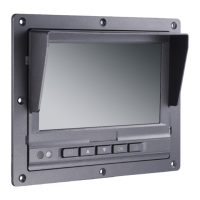
DS-MP1302 LCD Mobile Monitor
9
Chapter 3 Connecting Cables
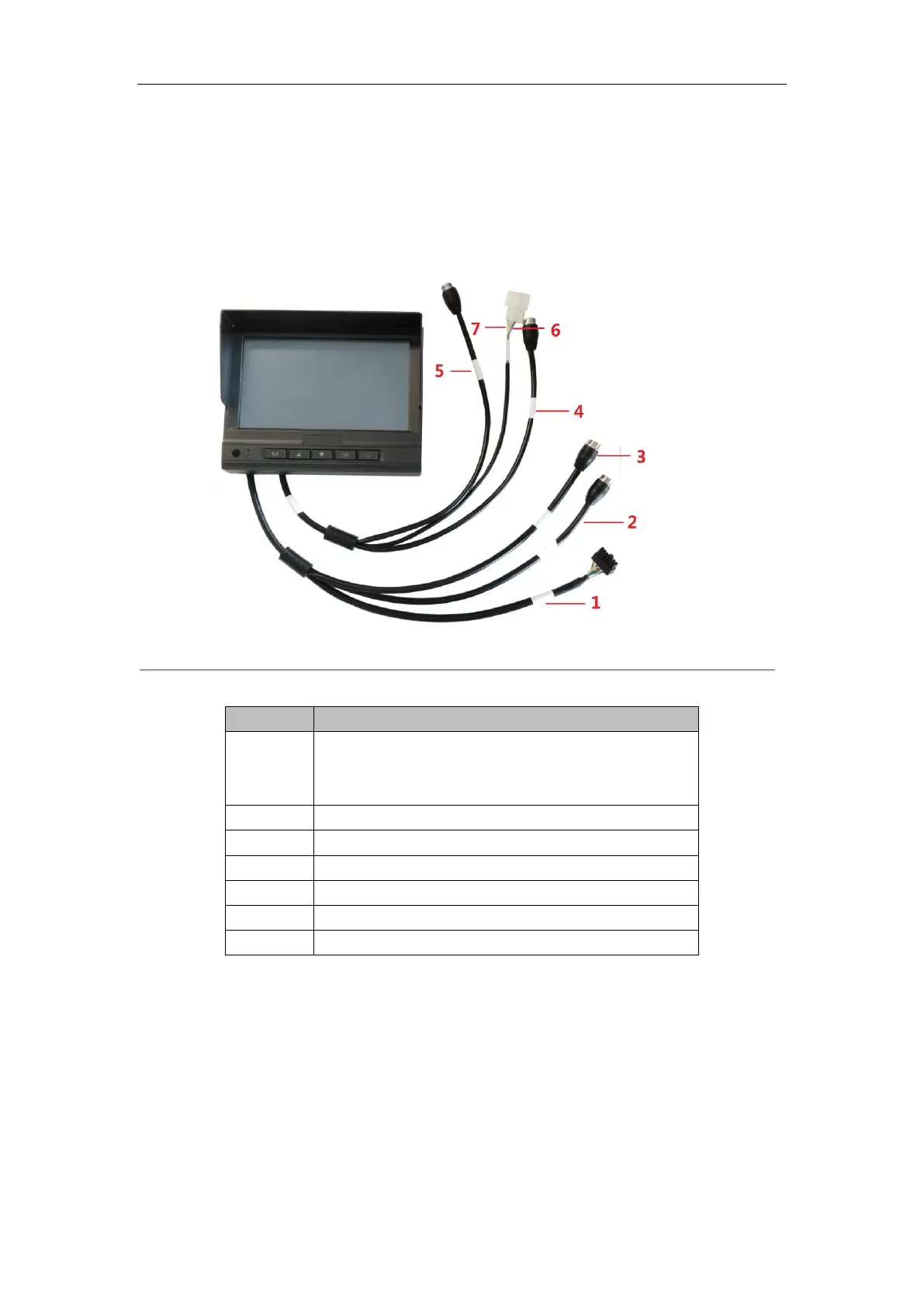
DS-MP1302 LCD Mobile Monitor can be connected to the mobile DVR, rear-view camera and the other camera.
Refer to Figure 3.1 and Table 3.1 for the cable connections.
Figure 3. 1 Cable Connections
Table 3. 1 Cable Connections Description
2*7 plug for connecting to the EXT.DEV interface of the mobile
DVR which is used to power the monitor and is integrated with
the touching input signal.
RS-485 interface (reserved).
For connecting to the mobile voice intercom.
For connecting to the other camera.
For connecting to the rear-view camera.
For switching to the other camera.
For switching to the rear-view camera.


 To Next Page
 Loading...