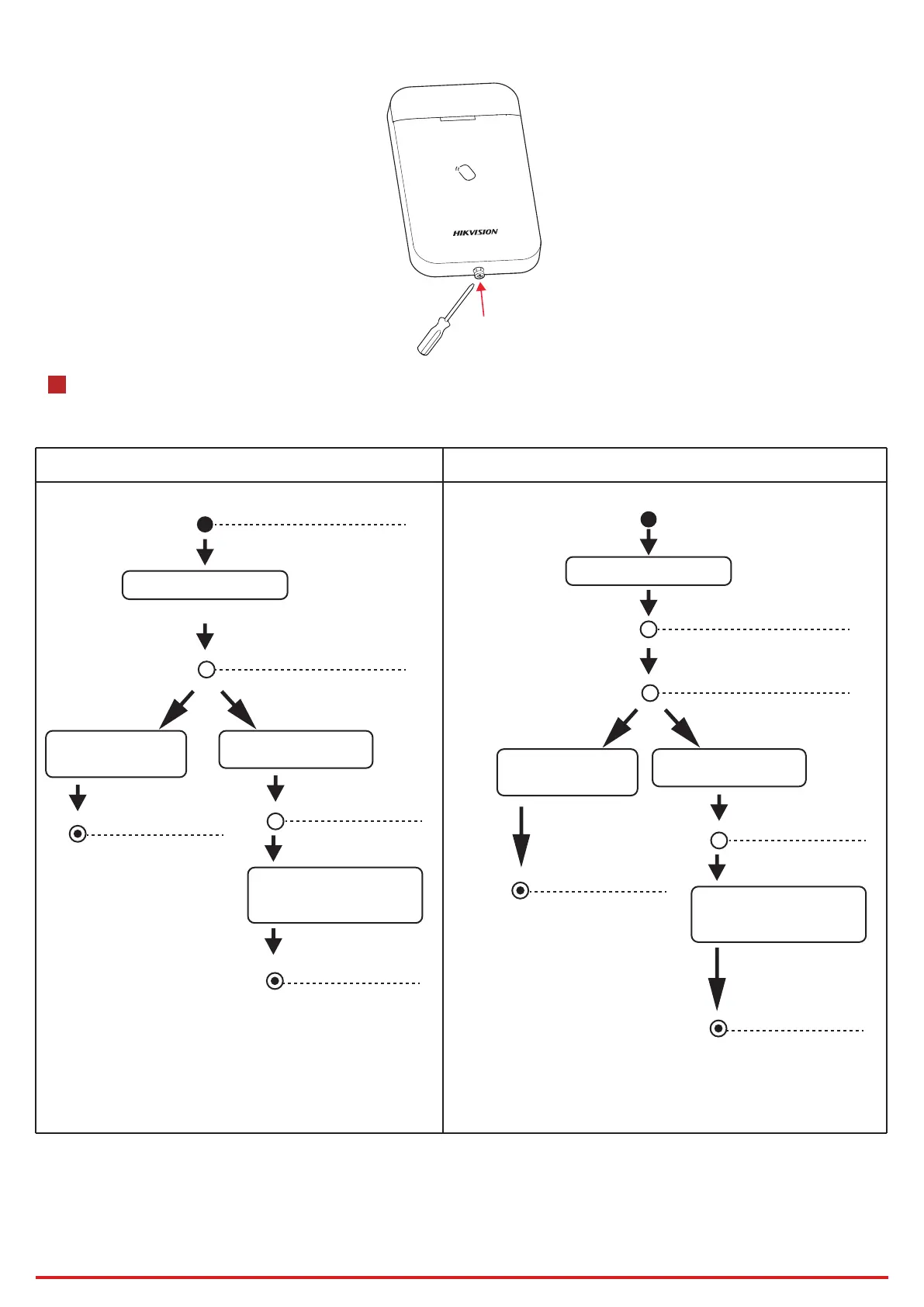
b. Tighten the set screw on the boom of the device.
The areas are disarmed
Present the tag once
Present the card
once again
The area indicators
flashes together.
4
Operaon
Arming
Arming/Disarming
Formang
Hold the tamper switch for 8 s and power the device on at the same me. The red LED flashes 3 mes when the formang operaon is completed.
Hangzhou Hikvision Digital Technology CO.,Ltd. No.555 Qianmo Road, Binjiang District, Hangzhou 310052, China
3
Wait for indicator
change
Present the card when
the indicator of the
specified area is flashed
The area indictaors
flashes alternately.
Armed: Area indicator
turns solid blue.
Armed: Area indicator
turns solid blue.
Failed:
Status indicator turns
flashing amber.
Buzzer beeps three
mes.
Failed:
Status indicator turns
flashing amber.
Buzzer beeps three
mes.
Arm all areas Arm the specified area
Present the tag twice
Present the card
once again
Disarming
Wait for indicator
change
Present the card when
the indicator of the
specified area is flashed
The indicators of armed area
turns solid blue for 3 s.
The indicators of armed
area flashes together.
The area indicators
flashes alternately.
Disarmed:
Area indicator turns off.
Status indicator flashes
green twice.
Failed:
Status indicator turns
flashing amber.
Buzzer beeps three
mes.
Failed:
Status indicator turns
flashing amber.
Buzzer beeps three
mes.
Disarm all areas Disarm the specified area
Disarmed:
Area indicator turns off.
Status indicator flashes
green twice.


 To Next Page
 Loading...