Press and hold the switch button for 5 seconds to switch
the video output. Four kinds of video outputs are
available: TVI, AHD, CVI, and CVBS.
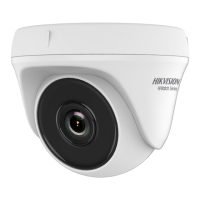
1.2.3 Overview of Type III Camera
Figure 1-3 Overview of Type III Camera
Note:
Press and hold the switch button for 5 seconds to switch
the video output. Four kinds of video outputs are
available: TVI, AHD, CVI, and CVBS.
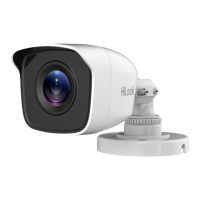
1.2.4 Overview of Type IV Camera
Figure 1-4 Overview of Type IV Camera
Note:
Press and hold the switch button for 5 seconds to switch
the video output. Four kinds of video outputs are
available: TVI, AHD, CVI, and CVBS.
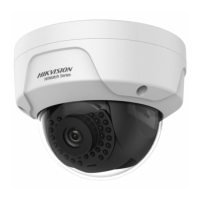
1.2.5 Overview of Type V Camera
Figure 1-5 Overview of Type V Camera
Note:
Press and hold the switch button for 5 seconds to switch
the video output. Four kinds of video outputs are
available: TVI, AHD, CVI, and CVBS.
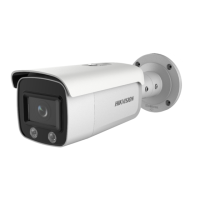
1.2.6 Overview of Type VI Camera
批注 [KL3]: 金属海螺 17 H0T 里是有的 3
批注 [KL4]: 金属海螺 13 5
批注 [KL5]: 筒机 22 6
批注 [KL6]: 筒机 32 7


 To Next Page
 Loading...