Digital Video Recorder User Manual
58
2) Select events to hint. Choose from:
● Click of Event Hint Configuration to select events.
● Click in the upper-right corner of local menu to enter alarm center to select events.
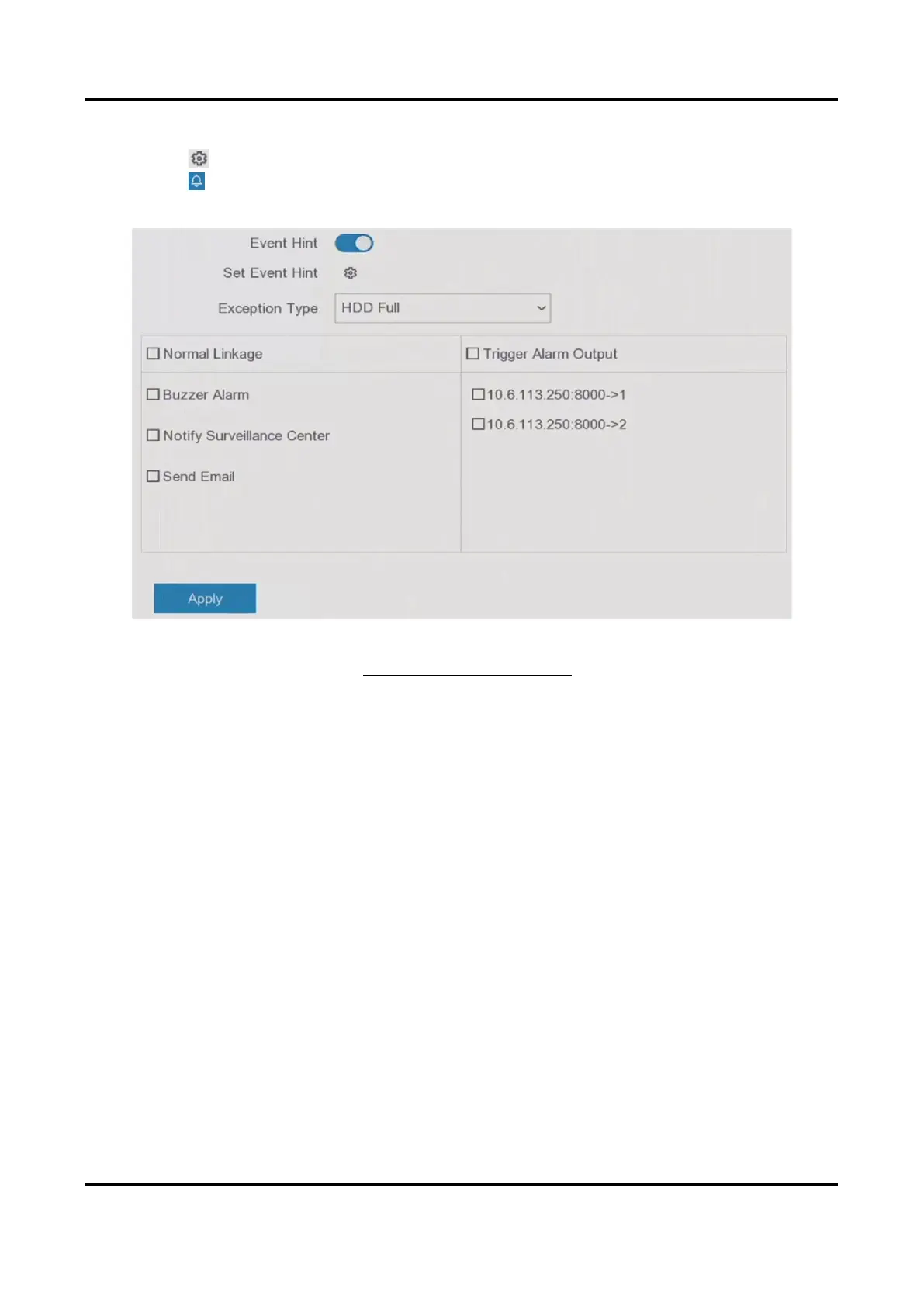
3. Select Exception Type to set its linkage actions.
Figure 6-20 Exceptions
4. Set the arming schedule. Refer to Configure Arming Schedule for details.
5. Click Apply.
6.4.2 Perimeter Protection
Line Crossing Detection
Line crossing detection detects people, vehicles, and objects crossing a set virtual line. The
detection direction can be set as bidirectional, from left to right or from right to left.
Steps
1. Go to Configuration → Event → Perimeter Protection → Line Crossing.
2. Set Camera.
3. Turn on Enable.
4. Set the detection rules and detection areas.
1) Set Arming Area.
2) Set Direction as A<->B, A->B, or A<-B.
A<->B
Only the arrow on the B side shows. An object crossing a configured line in both directions



 To Next Page