8. Power on the camera, and set the network configuration (for
details, refer to 3 Set the Network Camera over the LAN and 4
Access via Web Browser) to check whether the image is gotten
from the optimum angle. If not, adjust the surveillance angle.
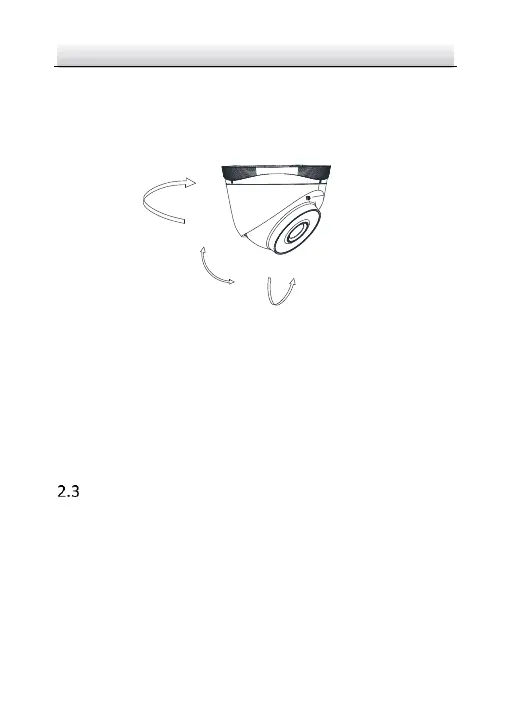
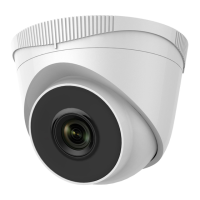
Figure 2-6 Adjust Surveillance Angle
1). Hold the camera body and rotate the enclosure to adjust the
pan angle [0° to 360°].
2). Move the camera body up and down to adjust the tilt angle [0°
to 75°].
3). Rotate the camera body to adjust the rotation angle [0° to
360°].
Mounting with Junction Box
Before you start:
● You need to purchase a junction box separately if you adopt the
mounting with a junction box.
● Both wall mounting and ceiling mounting are suitable for the
turret camera. Wall mounting will be taken as an example in


 To Next Page