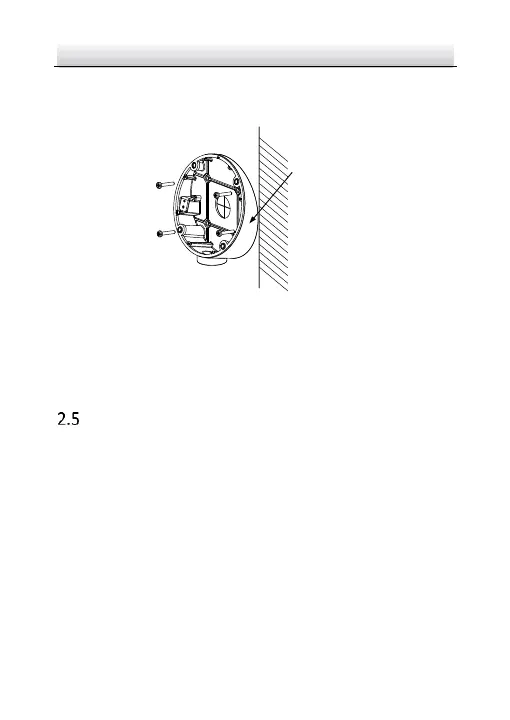
Figure 2-12 Fix the Inclined Base's boy on Ceiling/Wall
6. Combine inclined base's cover with its body with supplied screws.
7. Repeat steps 5 to 8 of 2.2 Ceiling Mounting to complete the
installation.
Wall Mounting
Note:
You need to purchase a wall mounting bracket separately.
Steps:
1. Drill four screw holes in the wall according to the holes of the
bracket.
2. Install the bracket to the wall by aligning the four screw holes of
the bracket with expansion screws on the wall.
3. Secure the bracket with four hex nuts and washers.



 To Next Page