(APPENDIX II) CONTROL UNIT SCREENS | PAGE 84
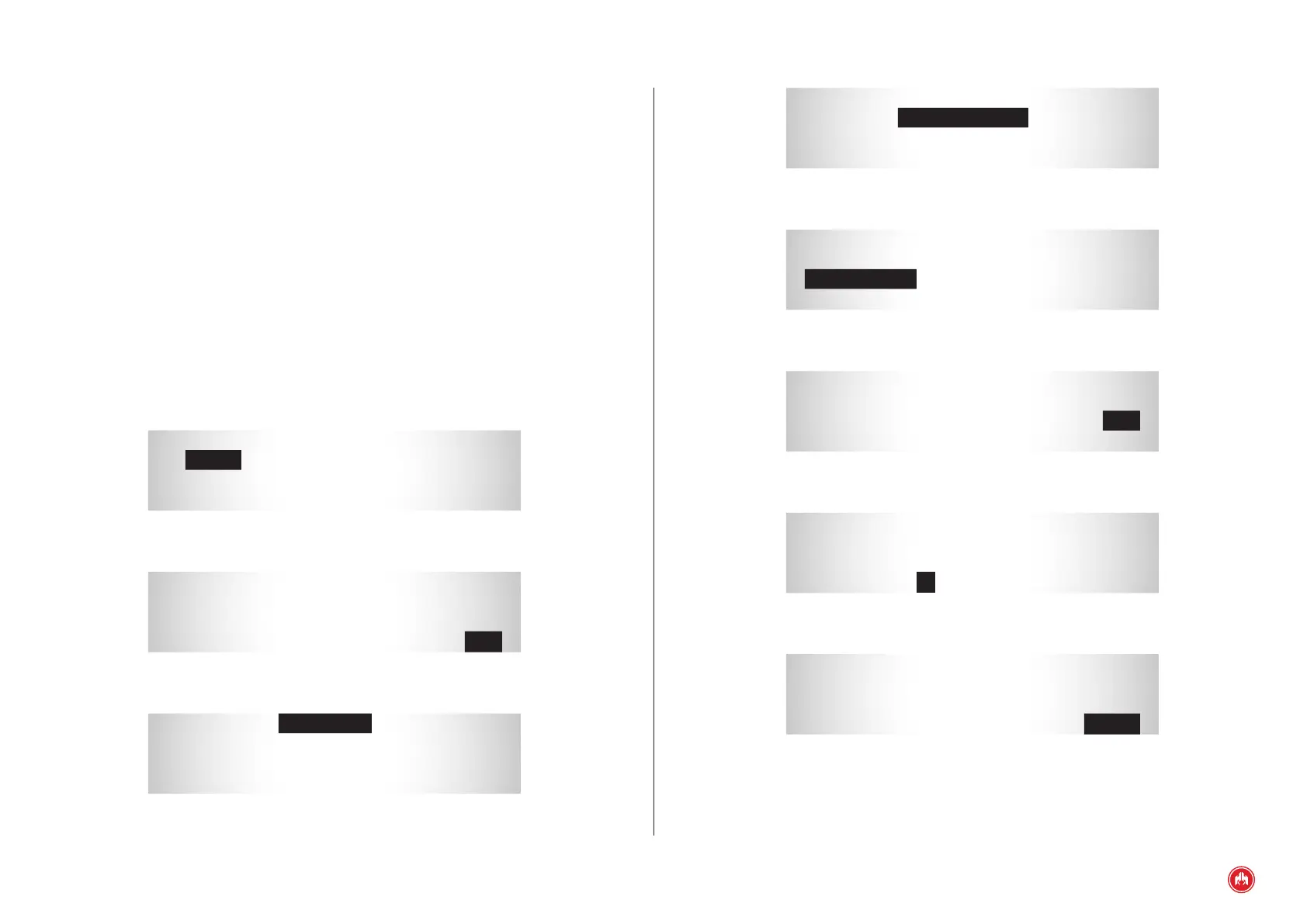
* 2 0 0 . 3 *
1 6 7 8 : 2 5
C P : 3 . 5 O N
C O U N T : 5 1 / 4
Fig.4
Engine hours
* 2 0 0 . 3 *
1 6 7 8 : 2 5
C P : 3 . 5 O N
C O U N T : 5 1 / 4
Fig.5
Flashing code
* 2 0 0 . 3 *
1 6 7 8 : 2 5
C P : 3 . 5 O N
C O U N T : 5 1 / 4
Fig.6
Error status
* 2 0 0 . 3 *
1 6 7 8 : 2 5
C P : 3 . 5 O N
C O U N T : 5 1 / 4
Fig.7
Error counter
* 2 0 0 . 3 *
1 6 7 8 : 2 5
C P : 3 . 5 O N
C O U N T : 5 1 / 4
Fig.8
List of errors
If you want to nish programming the curve, hold down the key for 5 seconds
after entering the value for the physical units of the point; if you want to program
a new point on the curve, press the key .
Once programming the curve has been completed, the system automatically
returns to the sensors menu.
10.3.5 SCREEN
From the screen parameters menu it is possible to set the display operation of
the generator set's control unit.
The congurable parameters refer to the Screen table.
10.3.6 LIST OF ERRORS J1939
From the J1939 option it is possible to display the active and passive past errors
stored in the engine's electronic conguration.
* ENGINE HISTORY *
P 0 1 . . . . . . . . . . . 2 0 0
P 0 2 . . . . . . . . . . . 1 0 5
P 0 3 . . . . . . . . . . . . 3 0
Fig.1
Parameter No.
* ENGINE HISTORY *
P 0 1 . . . . . . . . . . . 2 0 0
P 0 2 . . . . . . . . . . . 1 0 5
P 0 3 . . . . . . . . . . . . 3 0
Fig.2
Error code
* 2 0 0 . 3 *
1 6 7 8 : 2 5
C P : 3 . 5 O N
C O U N T : 5 1 / 4
Fig.3
Error code



 To Next Page