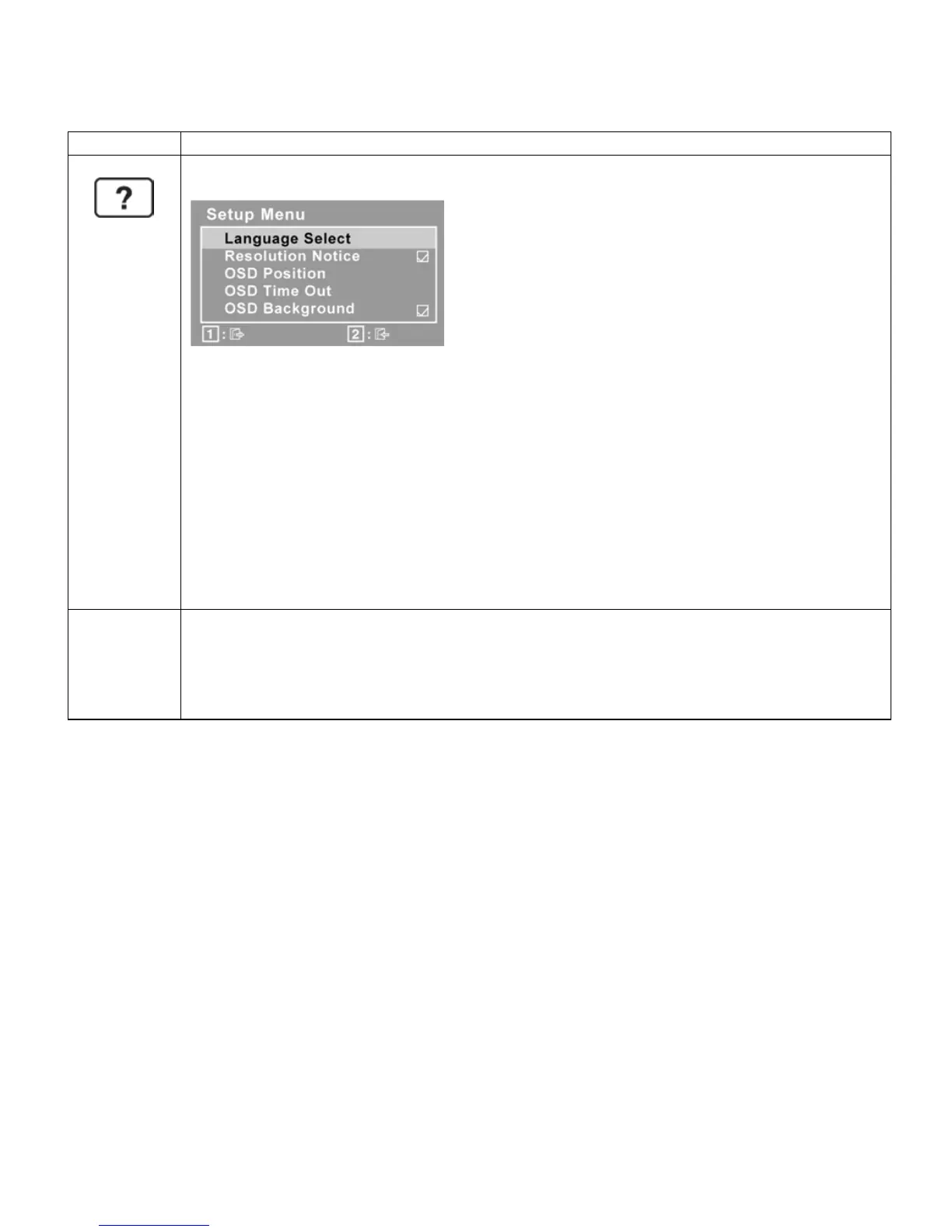
o Language Select allows you to choose the language used in the menus and
control screens.
o Resolution Notice advises of the optimal resolution to use.
o OSD Position allows you to move the on-screen display menus and control
screens
o OSD Timeout sets the length of time an on-screen display screen is dis-
played. For example, with a “15 second” setting, if a control is not pushed
within 15 seconds, the display screen disappears.
o OSD Background allows you to turn the On-Screen-Display background on
or off.
Memory Recall returns the adjustments back to factory settings if the display is
operating in a factory Preset Timing Mode listed in the Specifications of this ma-
nual. Note: This control does not affect changes made with the User Color control,
Language Select or Power Lock setting.


 To Next Page