13
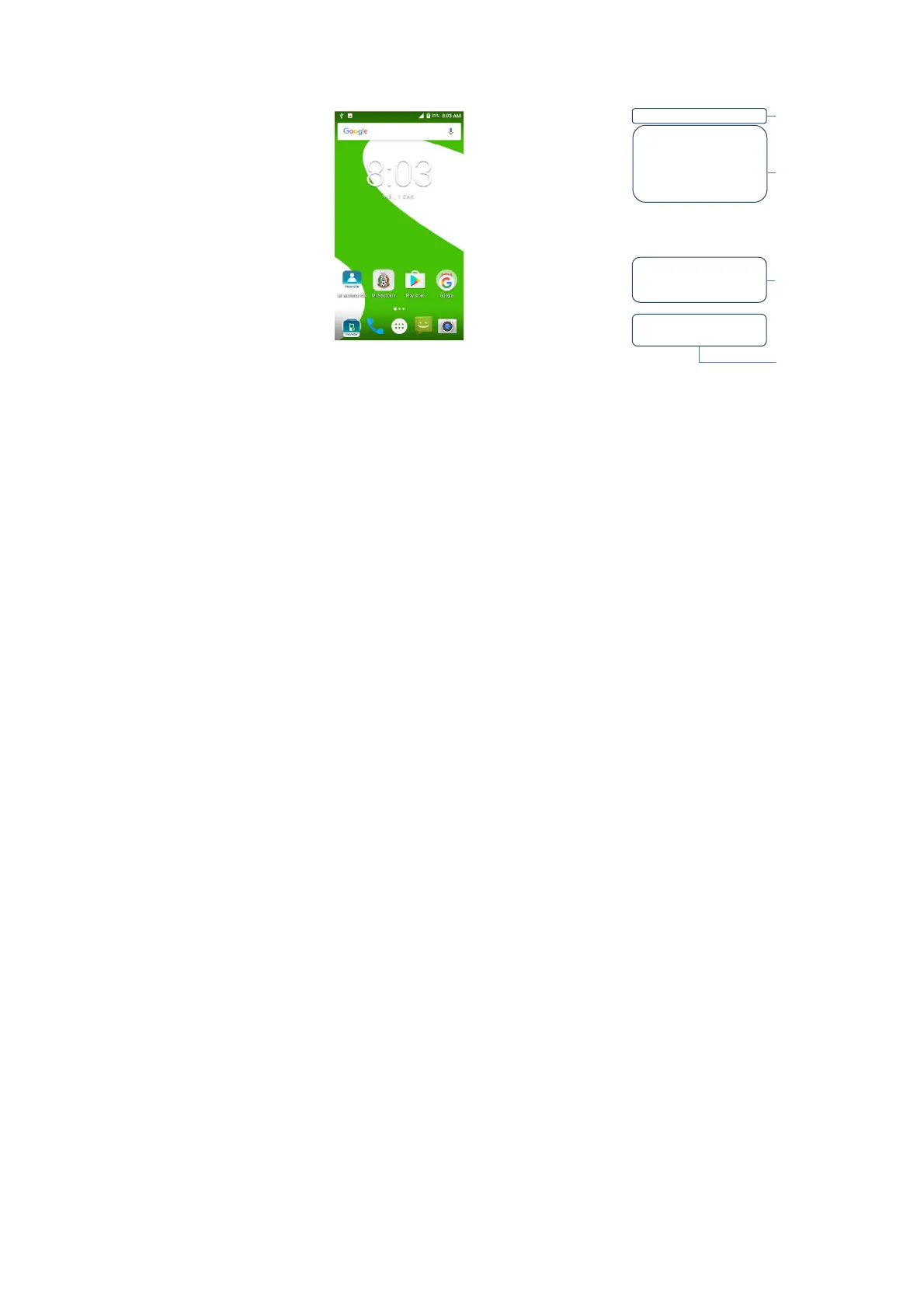
Home screen
The Home screen is the starting point for many
applications and functions, and it allows you to add items
like application shortcutsto give you instant access to
information and applications.
NotificationsPanel
Notifications alert you the arrival of new
messages,calendar events, and alarms, as well as
ongoing events, such as when you are on a call.
When a notification arrives, its icon appears at the top of
the screen. Icons for pending notifications appear on the
left side, while system icons such as Wi-Fi or battery
strength show on the right.
information including the time,
signal strength, battery status, and
notification icons.
self-contained applications that
can be accessed on the Home
screen or an extended home
screen. Unlike a shortcut, the
Widget appears as an on-screen
application.
(application, folder, etc.) to
open and use it.
one-touch access to the
function in any home screen
canvas.



 To Next Page