16
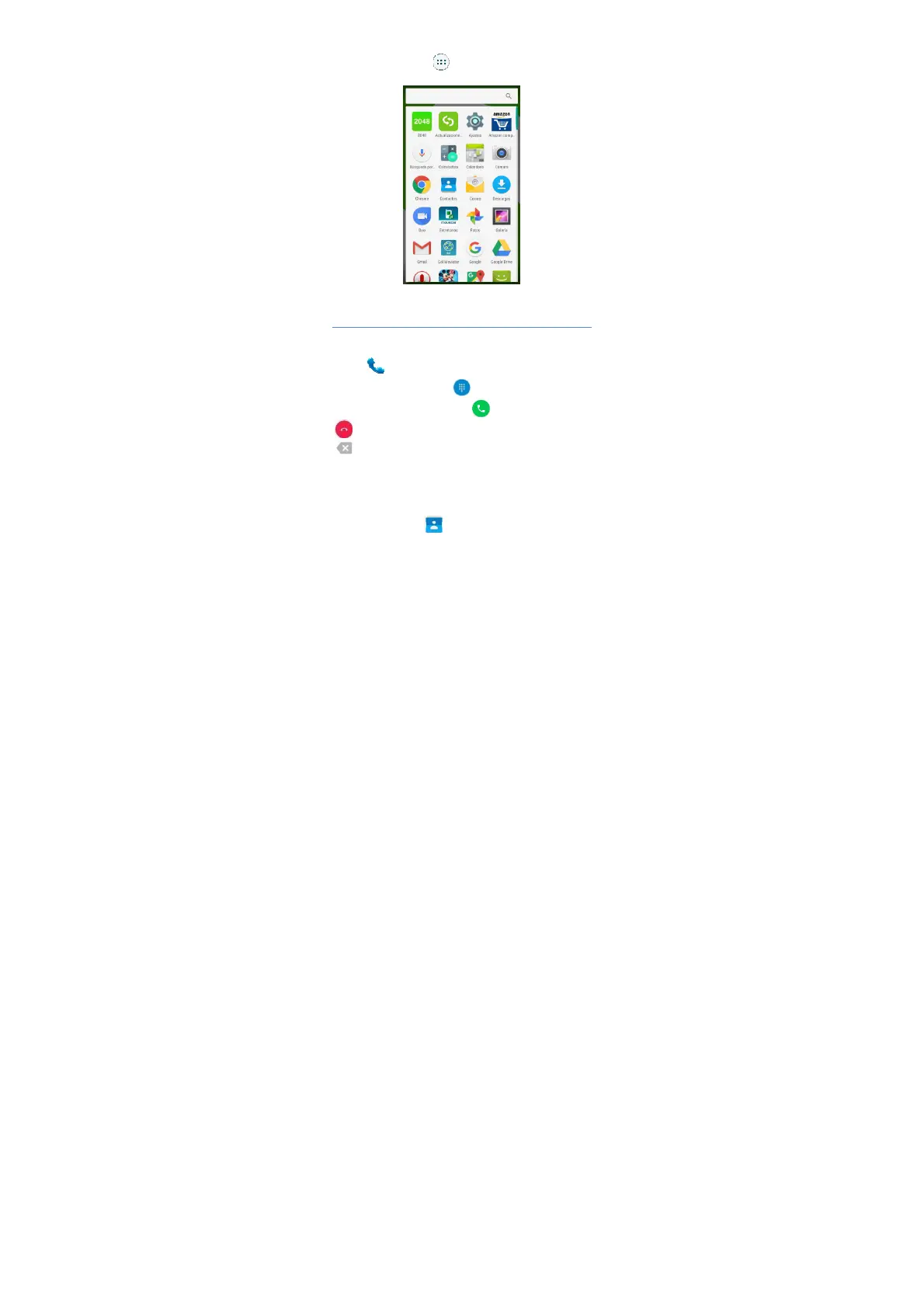
Access to Applications
You can click the icon to the applications list, click the
applications icon to start the application.
Main Function
Making and Receiving a Call
Touch to enter dialer interface on idle screen or
main menu screen, touch to open the dial pad,
input phone number and click to make a call, click
toend the call. If you make a mistake, you can click
to delete the number or hold it to delete all numbers
before the cursor.
Adding Contacts
Tap the contact icon .



 To Next Page