14
Tapittogobacktothepreviousscreen.
Volume up/down button (physical)
Pressittoadjustthedevicevolume.
Installing Nano
SIM card / SD card
Beforeyoustartusingyournewphone,youneedtosetitup.
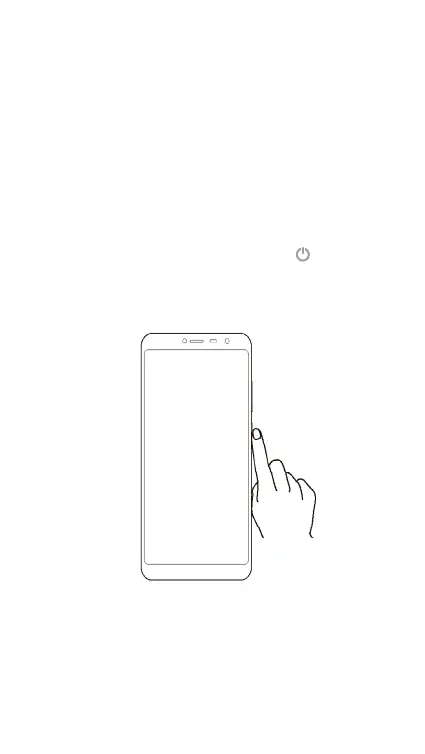
Pressandholdthepowerbutton.Select
Power off to
turnoffyourphone.Removethecardtrayfromthephone
withthetoolsupplied.InsertNanoSIMcardandMicroSD
card.
1
InsertNano-SIMcardandMicro-SDcard.



 To Next Page