- 24 -
Note: The factory menu data varies according to different sources. Incase changing the factory
data by error, you can choose to “Clear All”, by which you can resume the default value.
a. Select the item “Clear all”.
b. Close the OSD menu after 5 seconds.
c. Restart the TV.
d. TV restart,better enter TV factory OSD Menu to ensure the new software Version information.
Also the Keys information must been checked, if appear “NG”, then must rewrite key code.
4. Software Upgrading
4.1 USB Upgrading with Remote control in User Menu.
4.1 USB Upgrade main software with Remote control in User Menu.
The main software can be upgraded by USB Disk. take _HE39AXXXX for example.
Ensure there are no any “*.pkg” files in USB root directory. copy the usb_HE39AXXXX.pkg file
to the USB Disk then rename to “upgrade_loader.pkg”
Insert USB Disk to TV USB port, and then AC power on the TV. at the same time press one time
standby button “ ” on the remote control then tightly press the standby button “ ” for
about 5-10s,until pop the update interface.
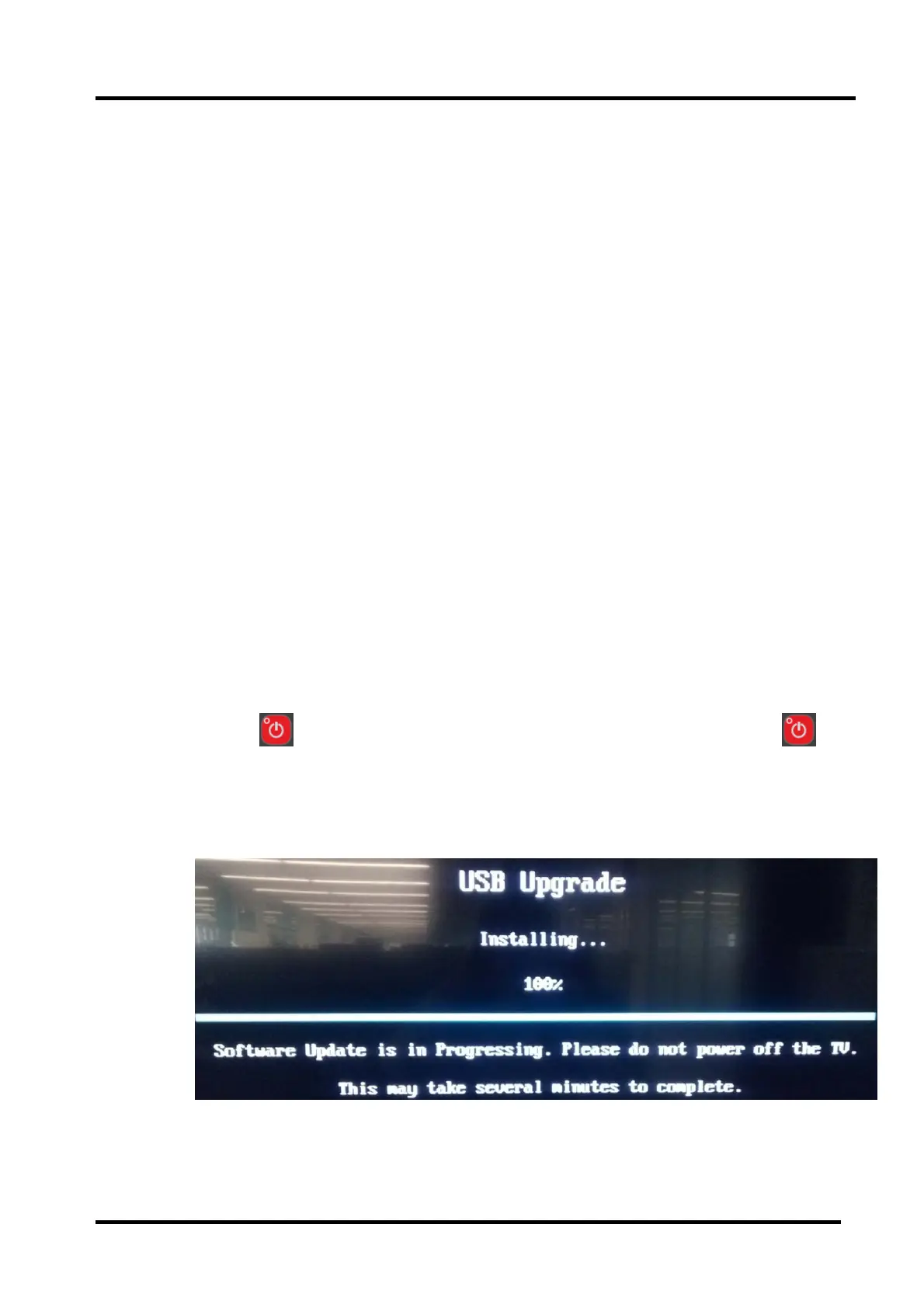
TV will identify automatically: USB Upgrade loading USB Upgrade CheckingUSB
Upgrading Installing.
After “USB Upgrade Installing” process bar is 100%, It indicates the Upgrading complete.
Update success, TV can automatically restart.



 To Next Page