- 26 -
4.2 USB upgrade failing
If USB upgrade failing. At last we can burn the emmc flash program file“ *.bin ”to the flash IC then
USB disk to upgrade the upgrade_loader.pkg file.
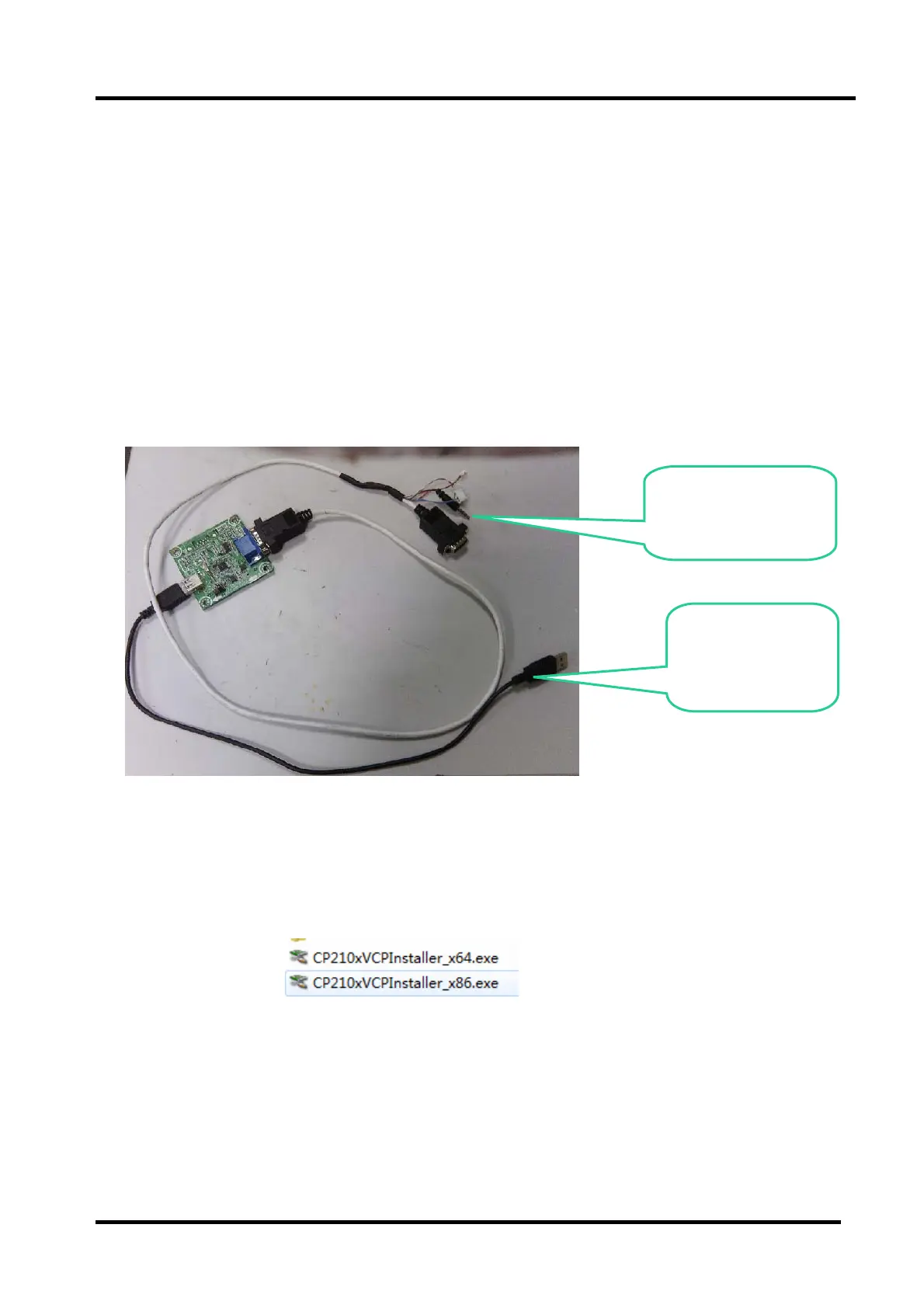
Hardware connecting
Connect the unit to your pc with a USB-to-serial port cable. USB port connects to your PC and
serial port to the TV’s debug port. As following
4.2.1 Install the driver
4.2.1 Install the bebug board driver for first use MTK
FlashTool.
Double click the icon , install the driver.
Note:
X64.exe is fit for 64bit system configure of the computer.
X86.exe is fit for 32bit system configure of the computer.
Earphone Connect to
the TV Service port.
USB Connect to
the PC



 To Next Page