rp or hard objects.
lean the screen with a soft cloth moistened with warm water and dry with a second soft cloth. If it is not
gent. Do not use harsh or abrasive cleaners.
ne detergents, alcoholic detergents, abrasive cleaners, powder soaps, OA cleaners, car
and so on. They will cause discoloration, scratches or cracks.
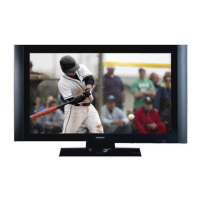
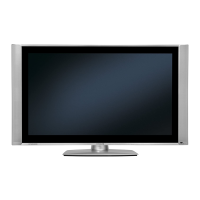
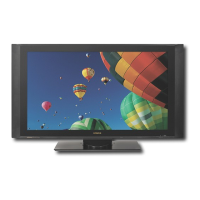
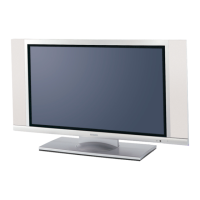
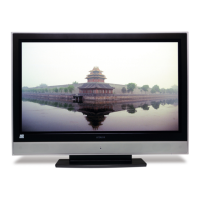
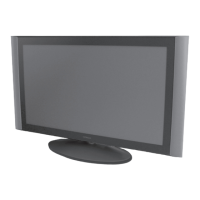
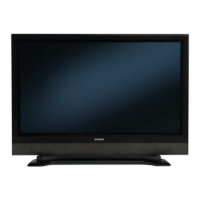
he 42-inch color plasma display panel, with a resolution of 1024 (H) x 1024(V) pixels, creates a widescreen
and can be hung on a wall with an optional wall mounting kit.
his panel displays a wide range of personal computer signals from 640 x 400 VESA, 640 x 480 VGA to 1024
ystem
he included remote control operates all Monitor functions. Futhermore, the on-screen display system shows
gs in an easy-to-view fashion.
Power saving system
When connected to a VESA DPMS-compliant PC, the monitor cuts its power consumption while idle.
PRECAUTIONS
Cleaning the monitor's plasma screen panel
Before cleaning the monitor, turn it off and disconnect the power plug from the power outlet. To prevent
cratching or damaging of the plasma screen face, do not knock or rub the surface with shas
C
enough, then use a cloth with mild deter
Cleaning the
monitor's cabinet
Use a soft cloth to clean the monitor's cabinet and control pan
el. When excessively soiled, dilute a neutral
detergent in water, wet and wring out the soft cloth in it, gently clean the cabinet, and then wipe it down with a
ry soft cloth. d
Never use acid/alkali
wax, glass cl
eaners,
1. Features
High definition Plasma display panel
T
picture. This panel features a thin form factor
High Perfo
rmance Digital Processor
T
x 768, 1280 x 1024 XGA.(RGB Analog input).
Eas
y-to-use remote control and on-screen display s
T
the status of the control settin





 To Next Page