INSTALLATION
i’
+
Install the monitor in the following way, taking care to maintain safety.
4
4
1. Installation
install the monitor on a horizontal base,
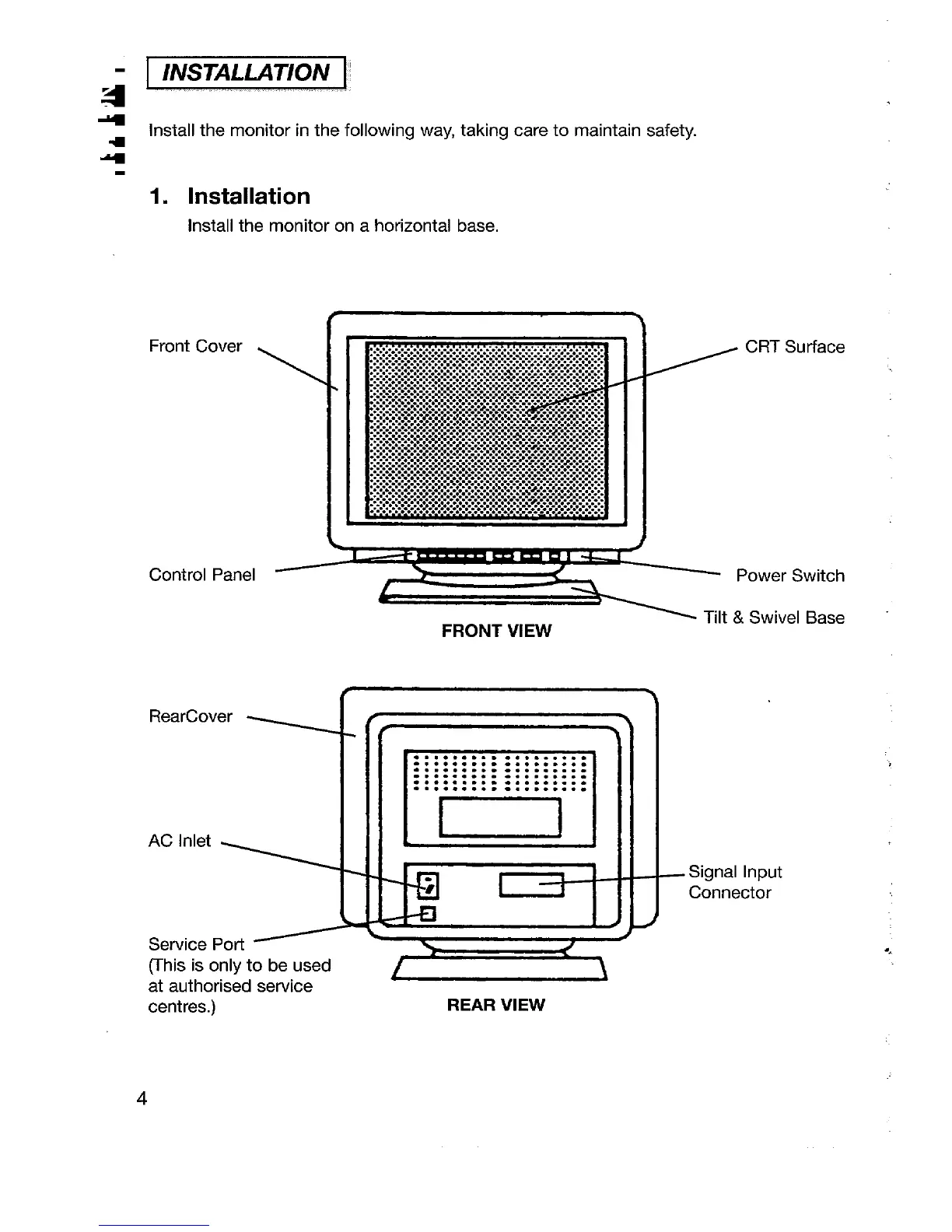
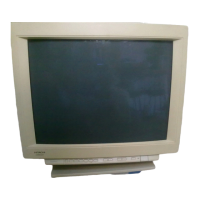
Front Cover
CRT Surface
\
Control Panel
Power Switch
FRONT VIEW
Tilt & Swivel Base
AC Inlet
4
.
Signal Input
Connector
RearCover
{
. . . . . . . . . . . . . . . . . .
. . . . . . . . . . . . . . . . . .
. . . . . . . . . . . . . . . . . .
. . . . . . . ..- . . . . . . . .
. . . . . . . . . . . . . . . . . .
. . . . . . . . . . . . . . . . . .
Service Port
(This is only to be used
4
at authorised service
1
centres.)
REAR VIEW
4







 To Next Page