EasyManua.ls Logo

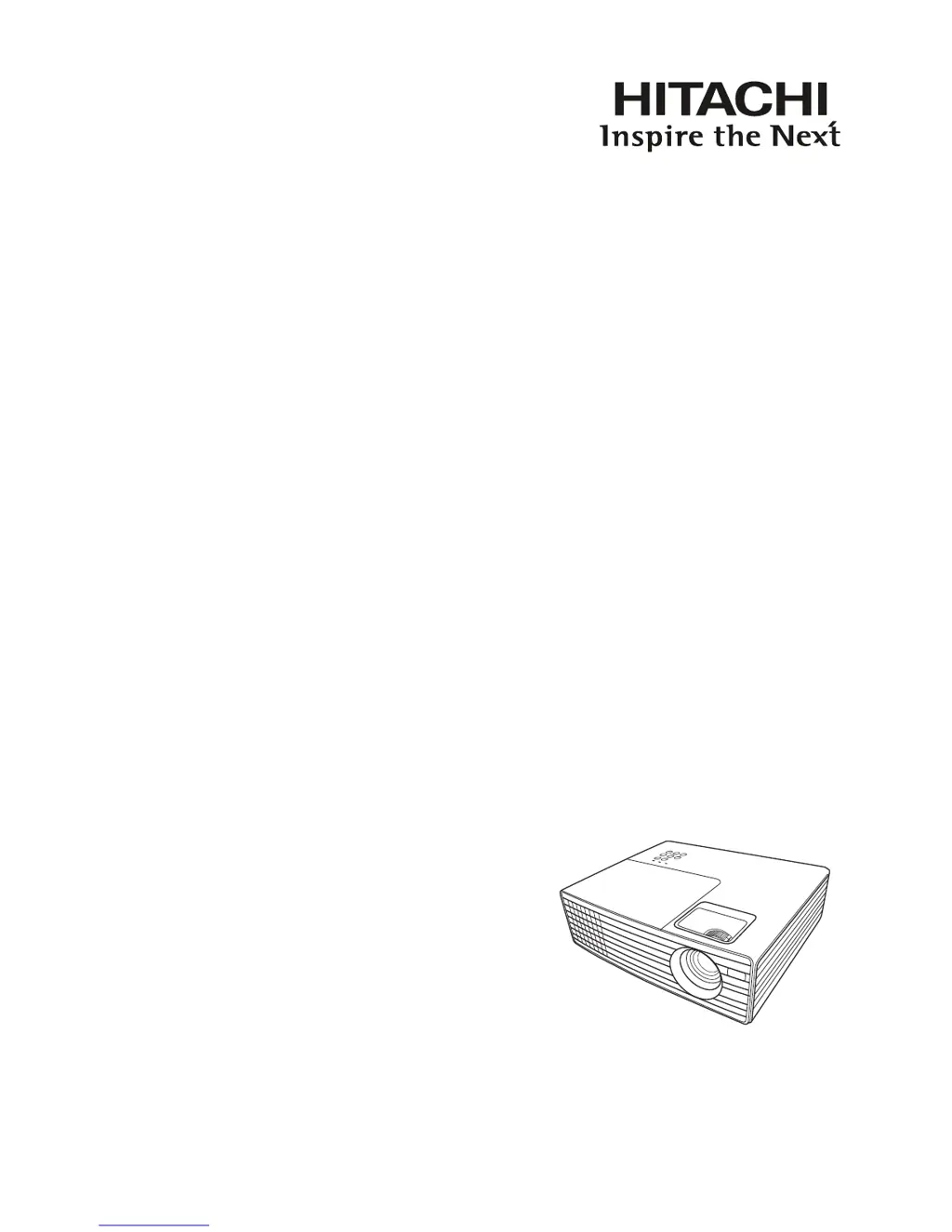
Hitachi CP-DX250 - User Manual

Hitachi CP-DX250
60 pages
Print Icon
To Next Page IconTo Next Page
Loading...
Projector
CP-DX250/CP-DX300
User Manual
Thank you for purchasing this product. Please
read this manual before you operate your
projector. Save it for future reference.

Table of Contents

Other manuals for Hitachi CP-DX250

Questions and Answers

  • L
    Leslie MccoyAug 1, 2025
    How to fix a Hitachi Projector that does not turn on?
    • R
      Robert SanchezAug 1, 2025
      If your Hitachi Projector does not turn on, ensure the power cord is securely plugged into both the AC inlet on the projector and a functioning power outlet, and that the power outlet switch is on. Also, if the projector is cooling down, wait until the process is complete before attempting to turn it on again.
  • M
    Mary OwensAug 8, 2025
    What to do if my Hitachi CP-DX250 has no picture?
    • M
      Maria AvilaAug 8, 2025
      If your Hitachi Projector displays no picture, first ensure that the video source is turned on and correctly connected. Then, verify the projector is correctly connected to the input signal device. Finally, select the correct input signal using the SOURCE key on the projector or remote control.
  • J
    Jennifer SalazarAug 15, 2025
    How to fix a blurred image on my Hitachi Projector?
    • C
      Cindy DavisAug 15, 2025
      If the image on your Hitachi Projector is blurred, adjust the focus of the lens using the focus ring. If the issue persists, adjust the projection angle, direction, and height of the projector to properly align it with the screen.
  • T
    Tracy OrtegaAug 22, 2025
    Why does my Hitachi Projector remote control not work?
    • M
      Martin MckeeAug 22, 2025
      If your Hitachi Projector remote control isn't working, start by replacing the battery with a new one. If that doesn't solve the issue, check for any obstructions between the remote and the projector and remove them. Also, make sure you are within 4 meters (approximately 13 feet) of the projector.

Summary

Important Safety Instructions

General Safety Precautions

Essential safety guidelines for operating the projector to prevent injury or damage.

Environmental and Operational Restrictions

Specifies environments and conditions to avoid for safe projector operation.

Introduction to the Projector

Key Projector Features

Lists the primary features and capabilities of the Hitachi projector.

Shipping Contents and Accessories

Lists standard and optional accessories included with the projector package.

Projector Exterior View and Controls

Details physical components, ports, and control panel buttons of the projector.

Remote Control Operation and Range

Explains remote control functions, battery replacement, and operating range.

Projector Positioning and Setup

Choosing an Installation Location

Guides on selecting an appropriate location for projector installation based on room layout.

Projection Dimensions and Setup Guidelines

Provides a chart detailing projection sizes based on distance for optimal setup.

Connection Guide

General Connection Procedures

Outlines the general steps for connecting various devices to the projector.

Connecting Computers and Video Sources

Details connecting computers, monitors, and various video sources like HDMI, Component, S-Video, Composite.

Operation and Settings

Starting Up and Initializing the Projector

Step-by-step guide on powering on and initializing the projector.

Navigating and Using OSD Menus

Explains how to navigate and use the projector's On-Screen Display (OSD) menus.

Password Protection and Security Settings

Details how to set, change, and use the projector's password security feature.

Input Signal Selection and Management

Guide on selecting and switching between different connected input sources.

Image Adjustment and Optimization

Guides on adjusting projection angle, auto-adjusting, keystone correction, magnification, and aspect ratio.

Picture Quality Fine-Tuning

Selecting preset modes, user modes, and adjusting brightness, contrast, color, tint, sharpness, and color temperature.

Color Management and Presentation Timer

Fine-tuning color reproduction and configuring the presentation timer.

Screen Blanking, Key Lock, and Altitude Operation

Controls for screen blanking, key lock, and operating in high altitudes.

Projector Shutdown and High Altitude Mode

Proper projector shutdown procedures and high altitude mode settings.

Menu System Details

OSD Menu Structure and Options

Overview of the projector's On-Screen Display (OSD) menu structure and available options.

Display Menu Function Descriptions

Detailed explanation of functions within the Display menu.

Picture Menu Function Descriptions

Detailed explanation of functions within the Picture menu.

Source and System Settings Descriptions

Explanation of Source menu functions and basic System Settings.

Advanced System Settings and Information

Explanation of advanced System Settings and the Information menu.

Maintenance and Care

Projector Cleaning and Storage Procedures

Guidelines for cleaning the lens, case, and storing the projector.

Lamp Information, Replacement, and Timer Reset

Details on lamp usage, extending life, replacement, and resetting the timer.

Troubleshooting and Indicators

Indicator Lights and Error Status Interpretation

Explains projector indicator lights and their corresponding error statuses.

Common Troubleshooting Scenarios and Solutions

Addresses common problems like no power, no picture, blurred image, and remote control issues.

Specifications and Compliance

Projector Technical Specifications

Detailed technical specifications including general, optical, electrical, mechanical, and environmental.

Input;Output Terminals and Signal Timings

Lists terminals and specifies supported timings for various input signals.

Physical Dimensions and Environmental Requirements

Provides the physical dimensions and operating environmental requirements of the projector.

Regulation Statements and Warranty

Regulatory Compliance and Disposal Information

Compliance statements (FCC, ICES-003, WEEE) and disposal information.

Copyright, Disclaimer, and Warranty

Legal copyright notice, disclaimer, and warranty and after-service information.

Hitachi CP-DX250 Specifications

General IconGeneral
ResolutionXGA (1024 x 768)
Contrast Ratio2000:1
Throw Ratio1.5 - 1.8:1
Zoom Ratio1.2x
Projection System3LCD
Screen Size30 - 300 inches
InputsVGA, S-Video, Composite Video
OutputsVGA, Audio

Related product manuals