17
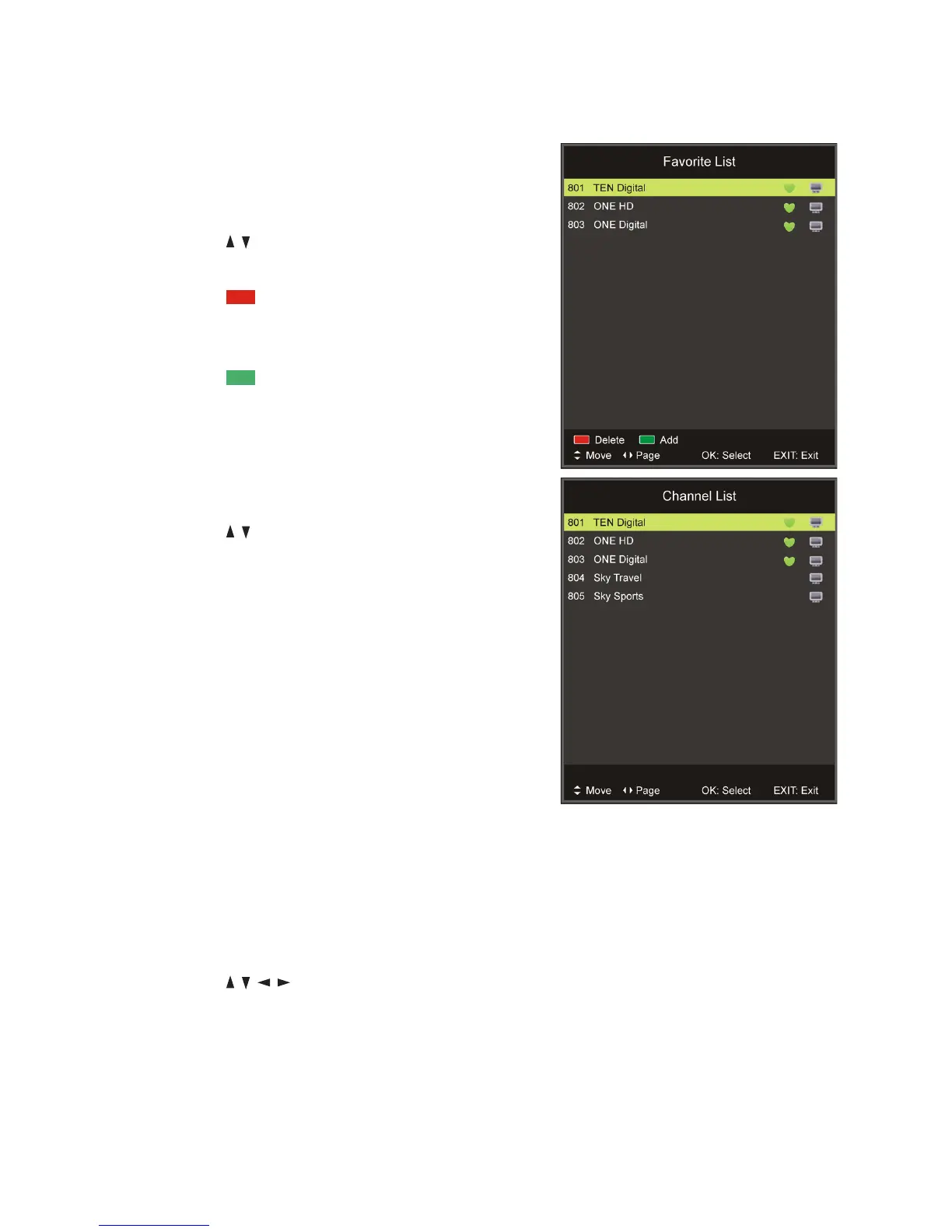
Favourites list
sPress the FAV button on the remote control
to enter the Favourites List.
sPress the / button to select the channel
and press OK to watch it.
sPress the RED button on the remote
control to remove the current channel from
the Favourites List.
sPress the GREEN button to add the
selected channel to the Favourites List.
Quick select
sPress the OK button to enter the Channels
List directly.
sPress the / buttons to select the channel
and press OK to watch it.
Teletext
sPress the TEXT button on the remote control
to view the available teletext information.
Press OK to hide the information.
NOTE: See the note on page iii for important
information about teletext services in Australia.
TV/Radio (for DTV mode only)
sPress the TV/RADIO button on the remote
control to switch the unit between TV and
radio mode.
Subtitle
sPress the SUBTITLE button on the remote
control to enter the subtitle menu, if available.
sPress the / / / buttons to select the
desired option, then press OK to confirm.
Freeze
sDuring normal playback, press the FREEZE
button to hold the picture, press it again to
resume normal playback.
Basic Operations (Cont.)















 To Next Page