20
Recording (Cont.)
Time-shift recording and playback (in DTV mode only)
The time-shift function allows you to pause the live TV signal, then resume
playback at your convenience.
sFirst, insert your USB memory device into USB 1 port.
When watching a program in DTV mode:
sPress the button on the remote control to initiate time-shift mode and
pause the program.
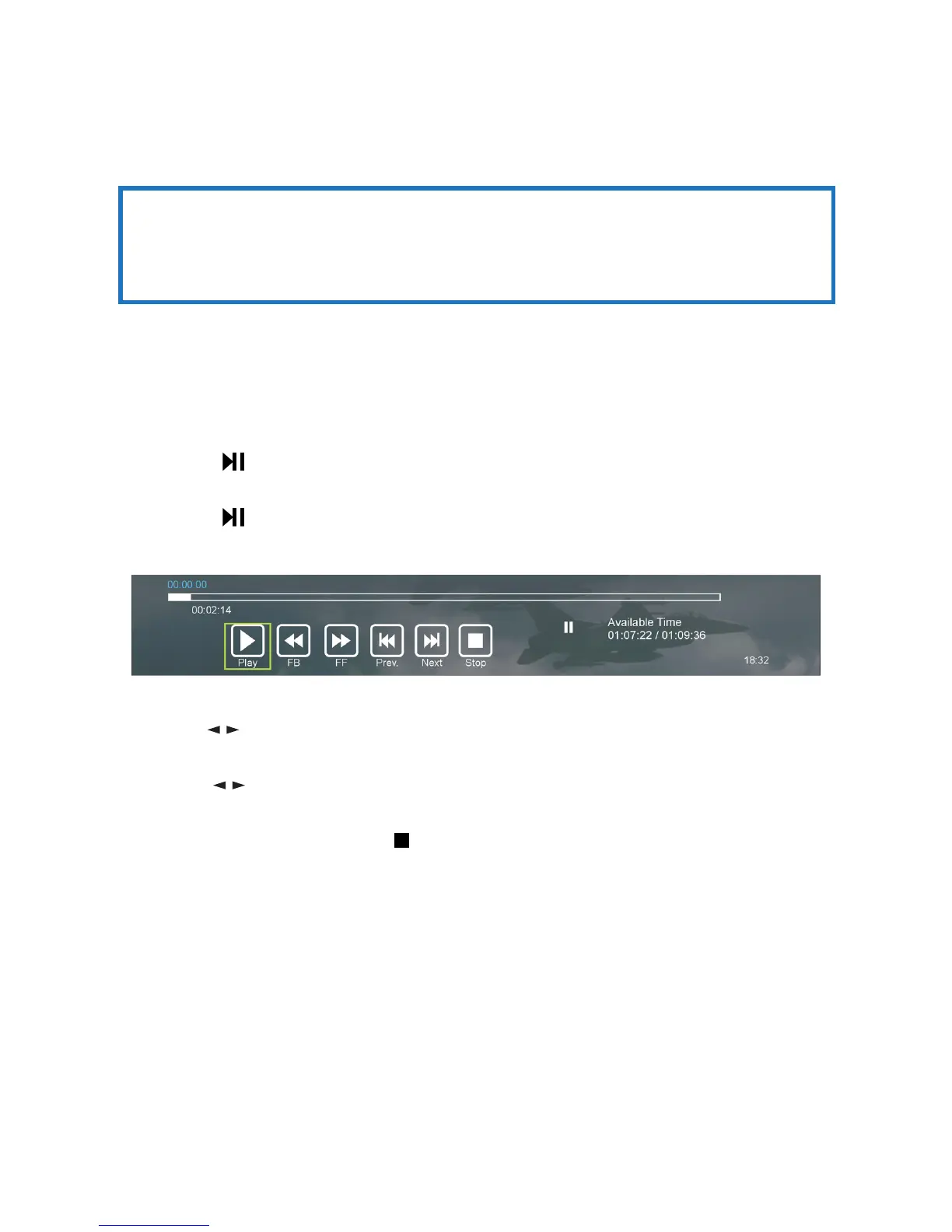
sPress the button again to resume playback; the tool bar pictured below
will appear on the screen.
sUse the / buttons to select Play, then and press OK to play the program in
time-shift mode.
sUse the / keys, then press OK to select a function such as Fast Forward
from the on-screen toolbar.
s To sto p tim e-s hi ft, p re ss the STOP button on the remote control to display
a dialogue box, then select Yes to exit time-shift mode and return to live TV
signal, or select No to dismiss the dialogue box.
IMPORTANT!
Before you can record with this TV set (including time-shift recording), you
must have inserted a FAT32 formatted USB storage device into USB 1 port.















 To Next Page