22
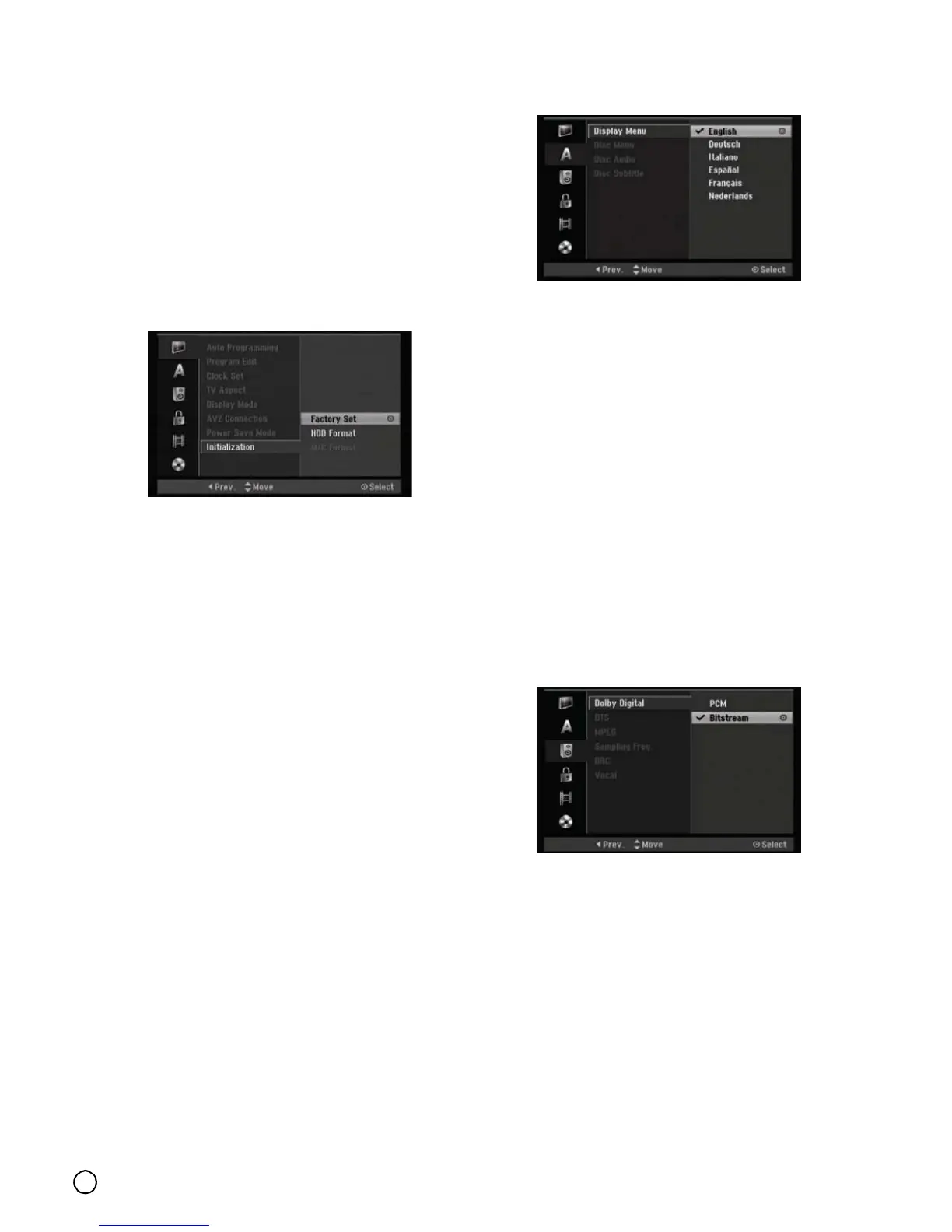
Initialization (HDD Format)
You can reset the recorder to its original factory
settings and initialize the HDD or Memory Card.
• [Factory Set] If you need to, you can reset the
recorder to all its factory settings. Some options
cannot be reset. (Rating, Password, and Area Code)
• [HDD format] Initializes the HDD (Hard Disk Drive):
everything recorded on the HDD will be erased.
• [M/C format] Initializes the M/C (Memory Card):
everything recorded on the Memory Card will be
erased.
1. Select [Initialize] option then press X.
2. Press S / T to select the desired option then press
ENTER.
The confirm message will appear.
3. Use W / X to select [Yes] or [No] then press
ENTER.
Language Settings
Display Menu
Select a language for the Setup menu and on-screen
display.
Disc Menu/Audio/Subtitle
• [Original] Refers to the original language in which the
disc was recorded.
• [Other] To select another language, press number
buttons then ENTER to enter the corresponding
4-digit number according to the language code list in
the reference chapter (see page 61). If you enter the
wrong language code, press CLEAR.
• [Off] (for Disc Subtitle): Turn off Subtitle.
Audio Settings
Each DVD disc has a variety of audio output options.
Set the recorder’s Audio Output according to the type of
audio system you use.



 To Next Page