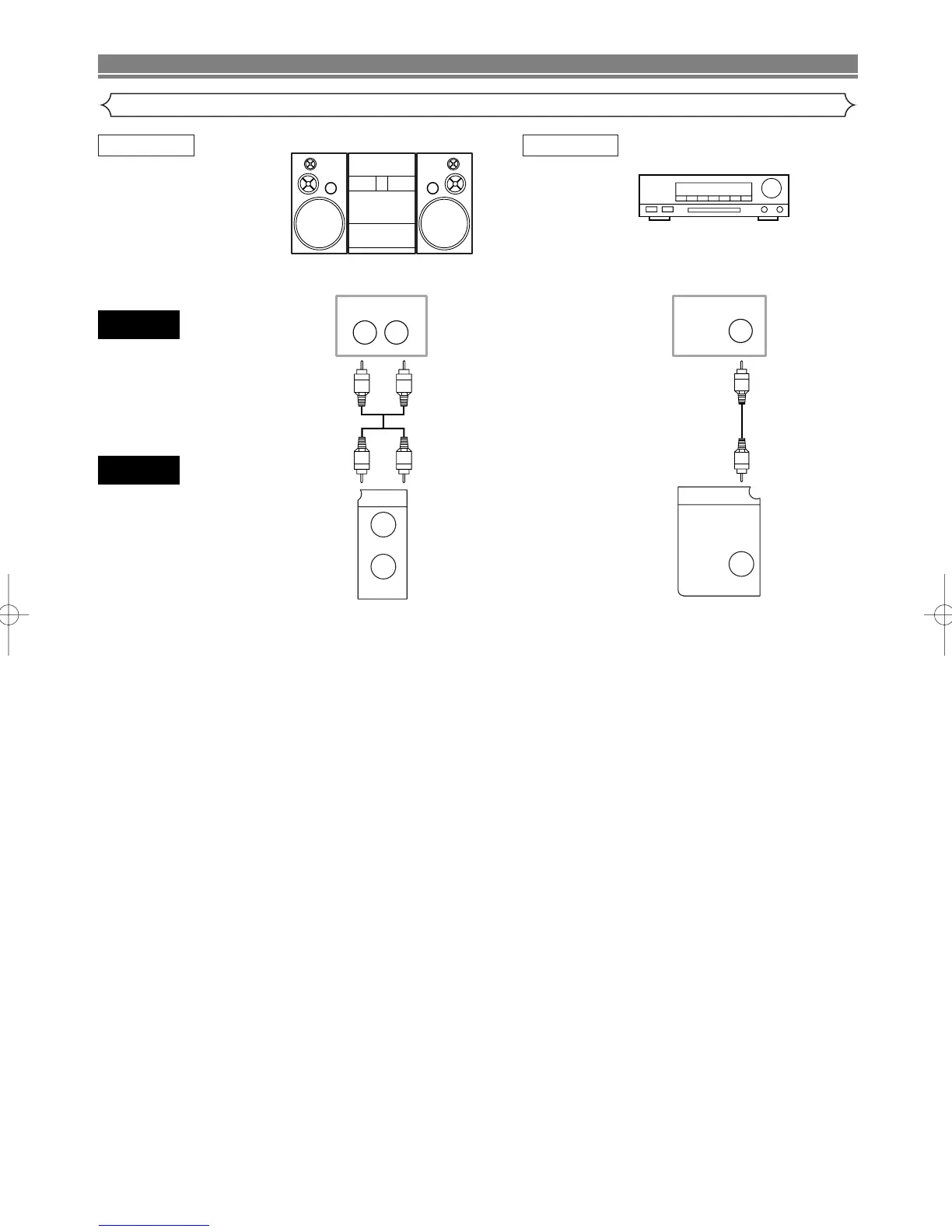
Stereo system
NOTES
• If you use the Euro audio/video cable, it is not necessary to connect the analog audio cable.
• If output Dolby Digital audio, connect to a Dolby Digital decoder, and set “DOLBY DIGITAL” to “BITSTREAM” for audio out-
put in the setup mode. (See page 28)
• If output MPEG audio, connect to a MPEG decoder, and set “MPEG” to “BITSTREAM” for audio output in the setup mode.
(See page 28)
• Unless connected to a Dolby Digital decoder or an MPEG decoder, set “DOLBY DIGITAL” and “MPEG” to “PCM” for audio
output in the setup mode. Playing a DVD using incorrect settings may generate noise distortion, and may also damage the
speakers. (See page 28)
• The audio source on a disc in a Dolby Digital 5.1 channel surround format cannot be recorded as digital sound by an MD or
DAT deck.



 To Next Page