EasyManua.ls Logo

Hitachi DVPF2E - User Manual

Hitachi DVPF2E
57 pages
Print Icon
To Next Page IconTo Next Page
Loading...
1
EN
2C15
English
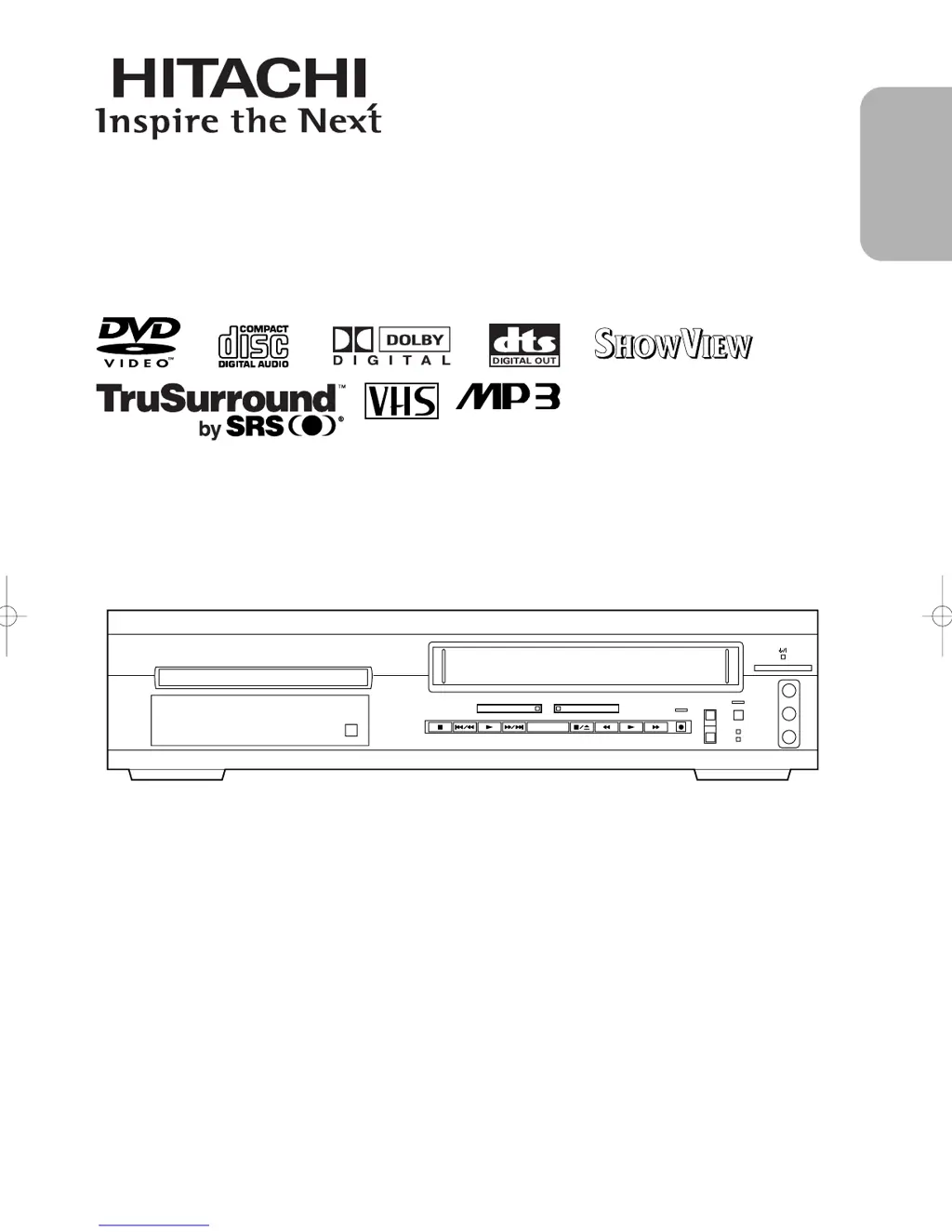
DVD/VCR Combo (DVD PLAYER with VIDEO CASSETTE RECORDER)
INSTRUCTION MANUAL
Instruction manual
To obtain the best performance and ensure years of trouble-
free use, please read this instruction manual completely.
MODEL
DVPF2E
OPEN/
CLOSE
DVD VCR
TIMER SET
STANDBY
CST.IN
OUTPUT
CHANNEL
VIDEO IN
L
(mono)
R
AUDIO IN
VIDEOPlus+ and PlusCode are
registered trademarks of Gemstar
Development Corporation. The
VIDEOPlus+ system is manufactured
under license from Gemstar
Development Corporation.
PAL

Table of Contents

Other manuals for Hitachi DVPF2E

Questions and Answers

  • C
    Craig CarlsonAug 16, 2025
    How to fix no power on Hitachi DVPF2E?
    • J
      Jacob WalkerAug 17, 2025
      To address the issue of no power in your Hitachi DVD VCR Combo, first, ensure that the power plug is securely connected to an AC outlet. Secondly, verify that the power switch is turned on.
  • C
    Cynthia HortonAug 19, 2025
    How to fix no sound on Hitachi DVPF2E?
    • R
      Ronald PopeAug 19, 2025
      If there is no sound coming from your Hitachi DVD VCR Combo, check that the audio cables are firmly connected. Ensure that the connected audio component is powered on and that both the audio output settings on the DVD VCR Combo and the input settings on the connected audio component are correctly configured. Note that some discs may not play back immediately after a search, which is normal.
  • R
    Ralph CrawfordAug 22, 2025
    Why is my Hitachi DVD VCR Combo remote not working?
    • J
      James WilliamsAug 22, 2025
      If your Hitachi DVD VCR Combo remote control is not responding, please check the following: Ensure the power plug is connected to an AC outlet. Check and, if necessary, replace the batteries in the remote control. Make sure you are aiming the remote control directly at the remote sensor within a 23-foot range, and remove any obstacles between the remote and the sensor. Finally, verify that the correct mode (DVD or VCR) is selected on the remote; if not, press the DVD or VCR button to switch the mode.
  • D
    Doris WhiteAug 25, 2025
    What to do if my Hitachi DVPF2E says disc cannot be played?
    • J
      Jacob NicholsAug 25, 2025
      To resolve a 'Disc cannot be played' error on your Hitachi DVD VCR Combo, try the following: First, ensure a disc is inserted. If a disc is already inserted, check if it's dirty and clean it. Make sure the disc is placed correctly with the label side up. Lastly, if the parental lock is active, cancel it or adjust the control level.
  • A
    amybanksAug 27, 2025
    Why is the picture distorted on my Hitachi DVPF2E?
    • J
      Jack GreenAug 27, 2025
      If you're experiencing a distorted picture on your Hitachi DVD VCR Combo, it might be due to copy protection being active. Try connecting the player directly to the TV. Also, slight distortions can occur immediately after using fast forward or reverse, or when a two-layered disc switches layers; these are not malfunctions.
  • R
    Randall HallAug 30, 2025
    How to get local channels on Hitachi DVPF2E DVD VCR Combo?
    • S
      Shane SpearsAug 30, 2025
      If you cannot see on-the-air TV programs on your Hitachi DVD VCR Combo, re-check the connections for both the AERIAL and RF OUT. Also, ensure your TV is correctly set to the TV channel.
  • T
    Thomas ToddSep 2, 2025
    Why is there no picture on my Hitachi DVPF2E?
    • E
      ethorntonSep 2, 2025
      If you're getting no picture on your Hitachi DVD VCR Combo, ensure the video cables are firmly connected. Also, make sure you're using a video disc that is compatible with the player.
  • M
    Mary LynchSep 4, 2025
    What to do if Hitachi DVPF2E DVD VCR Combo won't record?
    • M
      Michael Cochran Jr.Sep 5, 2025
      If you're unable to engage the recording mode on your Hitachi DVD VCR Combo, make sure the erase-prevention tab on the tape is intact. If the tab has been removed, cover the hole with adhesive tape.
  • F
    Frederick WilliamsSep 7, 2025
    Why does my Hitachi DVPF2E DVD VCR Combo video fade when copying?
    • H
      huynhkevinSep 7, 2025
      If you're experiencing video or color fading in and out when copying a video tape with your Hitachi DVD VCR Combo, it may be due to copy protection. You cannot copy a copyrighted video tape, as you are likely encountering copy guard protection.
  • F
    fglennSep 10, 2025
    How to adjust tracking on Hitachi DVD VCR Combo?
    • T
      Tiffany AllisonSep 12, 2025
      To improve a partially noisy playback picture on your Hitachi DVD VCR Combo, adjust the tracking control using the CH Buttons (o/p) for a better picture.

Summary

Safety Precautions

Laser Safety Information

Information regarding the safe use of the laser system within the device.

Power Connection Instructions

Instructions for connecting the appliance to the electrical power supply.

Operational Precautions

Power Supply and Environmental Warnings

Guidelines for safe power supply and warnings against moisture and heat.

Product Features Overview

DVD Mode Features

Highlights key playback and functional features available in DVD mode.

VCR Mode and General Precautions

VCR Mode Specifications

Details hardware and automatic functions for VCR operation.

Installation and Safety Guidelines

Guidelines for safe placement and handling to avoid electrical hazards and moisture.

Unit Interface Overview

Front Panel Description

Identifies and explains the buttons and indicators on the device's front panel.

Remote Control Layout

Details the functions and layout of the remote control buttons.

Remote Control Functionality

Button Operation Across Modes

Table detailing how remote buttons function differently across DVD, CD, and VCR modes.

VCR;DVD Mode Selection

Switching Output Modes

Procedure to switch between DVD and VCR output modes for proper operation.

Connection Hookups

Rear Panel Connector Identification

Identifies and describes all input/output jacks on the rear of the unit.

Connecting to External Devices

DVD;VCR to TV Connection

Steps for connecting the unit to a television set.

Audio System Connections

Connecting to Stereo or Decoder Systems

Guides for connecting the unit to stereo systems or Dolby/DTS decoders.

TV Connection Methods

Basic Audio and Video Connections

Methods for connecting the unit to a TV for basic audio and best picture quality.

Clock and Tuning Setup

VCR Recording Operations

Recording Programmes and Functions

Details on recording the same or different programmes, and assemble function.

Automatic VCR Functions

Timer Recording Setup

Programming the unit to record specific TV programmes.

Video Plus+ and PDC Recording

DVD Playback Essentials

Playing DVD Video and Audio CDs

Initial steps for inserting and playing discs.

DVD Settings for Subtitles and Camera

Audio Settings Configuration

DTS, MPEG, DRC, and Dolby Digital Settings

Configuring digital audio output, MPEG sound, dynamic range control, and Dolby Digital.

Parental Lock and Password Management

Setting Parental Lock Levels

Establishing content restrictions based on age ratings.

Troubleshooting Guide

DVD;VCR Common Problems and Solutions

Solutions for common issues like no power or remote control unresponsiveness.

VCR Specific Problems and Solutions

Troubleshooting tips for VCR recording, playback, and picture issues.

DVD Mode Troubleshooting

Disc and Sound Issue Resolution

Remedies for problems like discs not playing or no sound output.

Picture and Language Issue Resolution

Solutions for distorted pictures, language mismatches, and prohibited icons.

Equipment Safety and Usage Guidelines

General Safe Use of Equipment Advice

General advice and warnings for the safe operation of electrical equipment.

Hitachi DVPF2E Specifications

General IconGeneral
Device TypeDVD VCR Combo
BrandHitachi
ModelDVPF2E
Video OutputComposite, S-Video, Component
Progressive ScanYes
Remote ControlYes
VCR TypeVCR
Playable Media FormatDVD, VHS, CD
Recordable Media FormatDVD-R, DVD-RW, VHS
Audio OutputAnalog Stereo

Related product manuals