–
28
–
EN
2C15
TO STOP A TIMER PROGRAMME WHICH HAS
ALREADY STARTED
1 Press the C (STOP) Button on the
DVD/VCR.
Note
The C
/
A Button on the remote control will not func-
tion in the Automatic Timer Recording mode.
TO CORRECT TIMER PROGRAMMES
If you want to correct an automatic timer after you fin-
ished setting programme,
1 Repeat steps 1 to 3 in the “TIMER
RECORDING” section.
2 Select the setting you want to change
using the
g or h Button.
3 Enter the correct numbers using the B or
C Button.
4 Press the MENU Button to exit.
5 Press the TIMER SET Button to return to
timer stand-by mode.
TO CANCEL OR CHECK THE START/END TIME
1 Repeat steps 1 to 2 in the “TIMER
RECORDING”.
2 Select a programme number you want to
check using the
B or C Button. The details
of selected programme appears on the TV
screen. You may cancel the entire pro-
gramme by pressing the
h Button.
3 Press the MENU Button to exit.
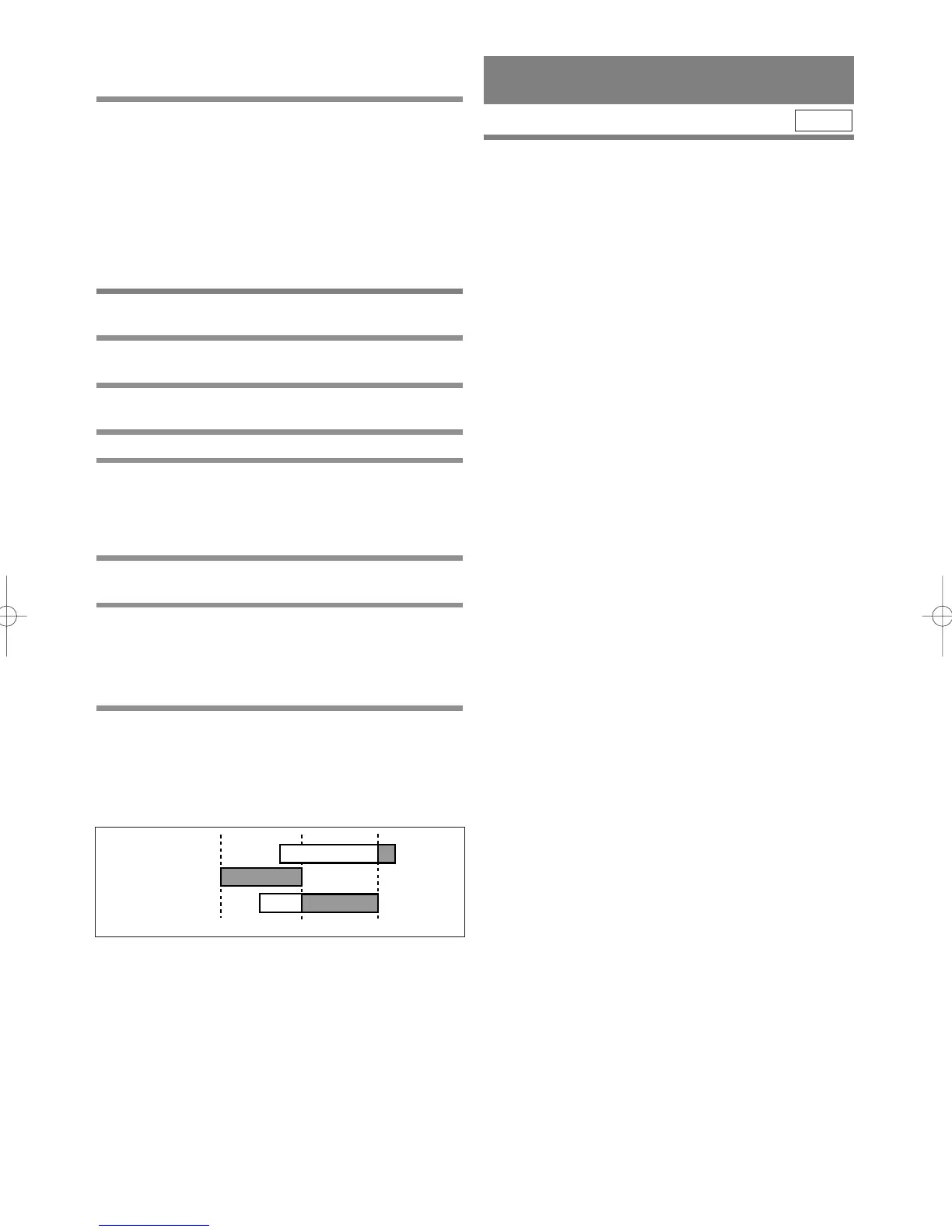
AVOID OVERLAP OF TIMER PROGRAMMES
A timer programme does not work while another pro-
gramme is under execution.
HINTS FOR TIMER
RECORDING
¡If there is a power failure or the DVD/VCR is
unplugged for more than 1 minute, the clock setting
and all timer settings will be lost.
¡If a tape ends during TIMER RECORDING, the
DVD/VCR will stop, eject the tape, and switch to
the DVD mode automatically as the TIMER SET
light blinks. (If the DVD power is off, the
DVD/VCR will become STANDBY status).
¡
If a tape is not in the DVD/VCR or does not have a safe-
ty tab, the TIMER SET light flashes and timer record-
ing will not operate. Please insert a recordable tape.
¡
When timer recordings are set, the TIMER SET light
will come on. To use the DVD/VCR as usual until the
time for the recording, press the TIMER SET Button
so that the TIMER SET light disappears. Press the
DVD/VCR Button to choose VCR or DVD modes,
then continue with the other features as described in
this manual.
VCR



 To Next Page