–
39
–
EN
2C15
English
CHANGING THE ON-SCREEN
DISPLAY DURING MP3 DISC PLAY
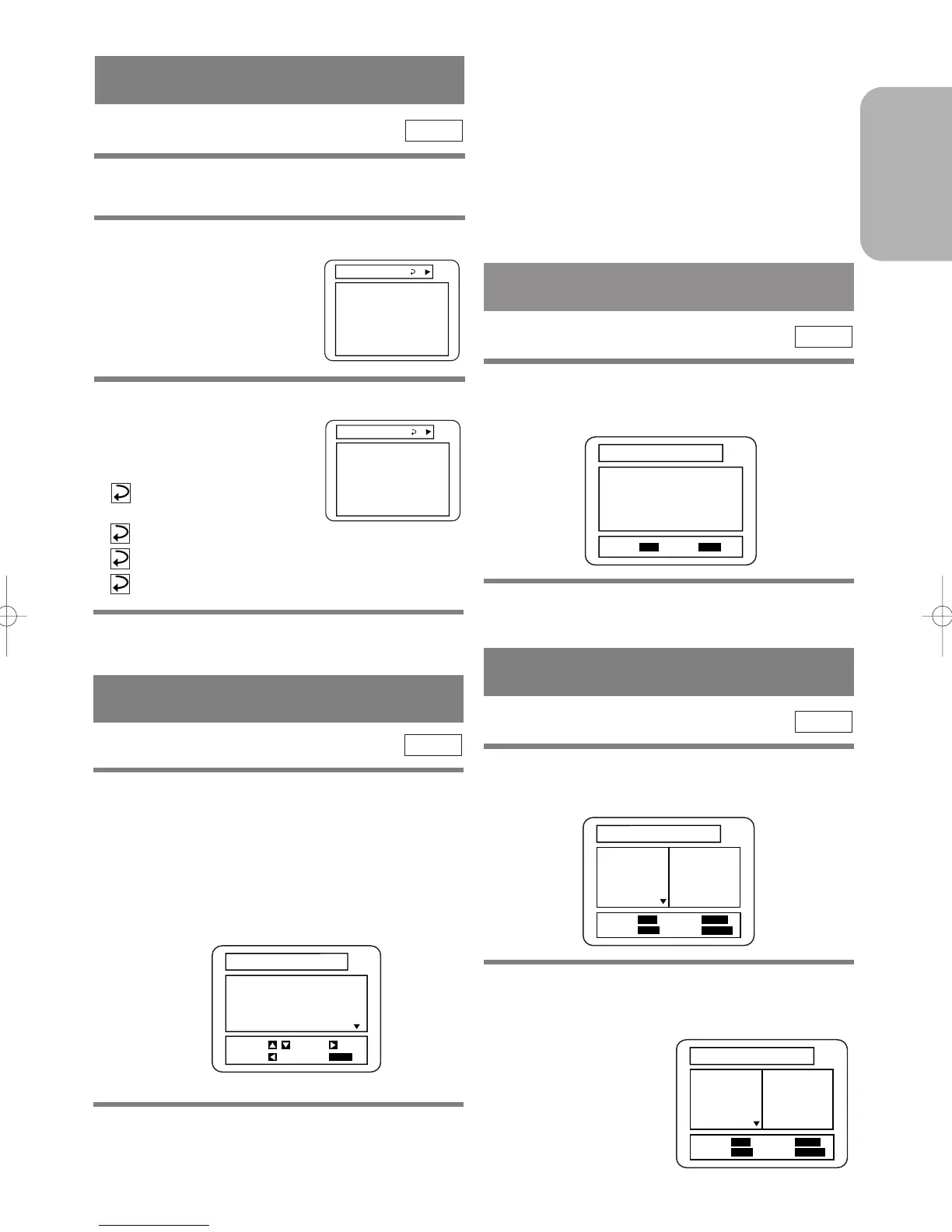
The information on an MP3 disc in play can be
checked.
1
Press the DISPLAY Button during playback.
¡The TRACK currently in play
will be highlighted.
2 Press the DISPLAY Button again.
¡The album name being dis-
played will be replaced by the
elapsed time of the track.
¡
will be displayed when the
repeat play has been selected.
T : Track repeat
A : Album (folder) repeat
D : Disc repeat
MP3
ALBUM NAME A
TRACK11
TRACK12
TRACK13
TRACK14
TRACK15
3 Press the DISPLAY Button again, and the
display screen disappears.
PLAYING AN MP3 DISC AT
RANDOM
1
Press the MODE Button twice in STOP mode.
¡The programme setting menu screen will appear.
2 Press the B Button.
¡Random play starts.
MP3
RANDOM
EXIT
: MODE
START
: PLAY
Notes
¡During play, a desired track can be directly searched.
Just type in the TRACK number with the Number
Buttons.
¡If the typed TRACK number is not available, the
“disable” symbol appears and the direct search mode
is cancelled.
¡Playback cannot be started from a desired time
count.
1 Press the SEARCH MODE Button during
playback.
¡The SEARCH menu shows up.
¡The TRACK currently in play or under RESUME
ON will be highlighted. In the case of RESUME
OFF, the first track of the disc will be highlighted.
¡Press the RETURN Button, and the SEARCH menu
disappears.
2 Using the Arrow Buttons (K/L), select a
track to be played. Then press the
B Button
to start playing.
MP3
PLAYING AN MP3 DISC FROM A
DESIRED TRACK
1
Press the MODE Button in STOP mode.
¡The programme screen shows up.
MP3
PLAYING AN MP3 DISC IN A
PROGRAMMED WAY
2 Use the Arrow Buttons (K/L) to select a
track. Then press the ENTER Button to save
it in a program.
¡When an ALBUM name
is highlighted, press the
L Button, and the next
hierarchy shows up.



 To Next Page