English
–
23
–
EN
2C15
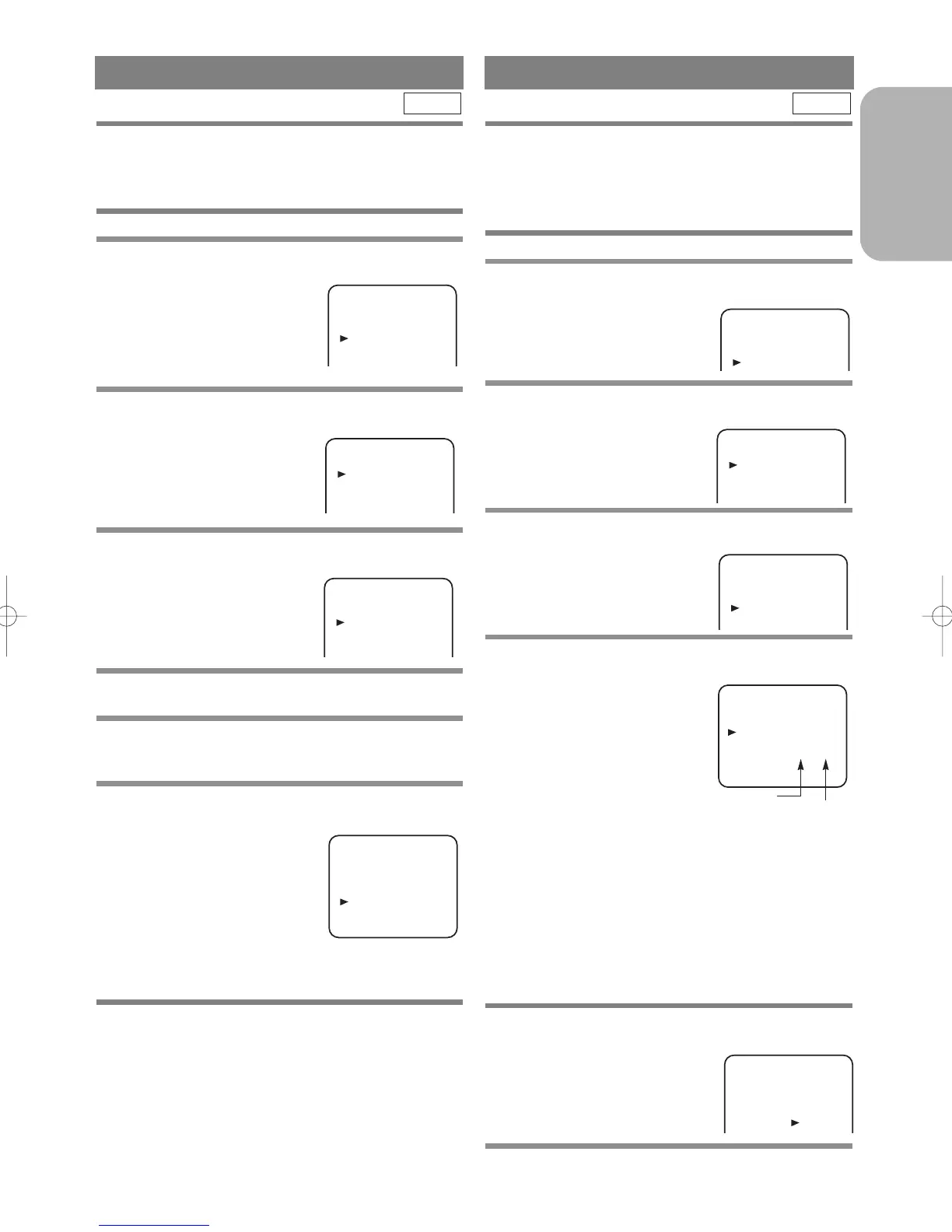
The channels you can no longer receive or seldom
watch can be set to be skipped when you access chan-
nels the CH Buttons (o/p).
• Use the remote control for this procedure.
1 Press the MENU Button.
2 Press the B or C Button to select “INI-
TIAL”, then press the
g Button.
3 Press the B or C Button to select “CH TUN-
ING”, then press the
g Button.
4 Press the B or C Button to select “MANU-
AL”, then press the
g Button.
5 Press the B or C Button to select “POSI-
TION”, then press the
g Button.
6 Press the Number, B, or C Button to select
relevant position number, then press the
g Button.
7 Press the B or C Button to select “SKIP”,
then press the
g Button to select [ON].
• To memorise the channel again, press the gButton
“ON” will change to “OFF”.
8 Press the MENU Button to exit.
Note
To confirm that a channel has been deleted, press the
CH Buttons (o/p).
VCR
Your TV stations will not necessarily be stored in the
usual order: BBC1, BBC2, ITV, CH4 and CH5.
You can arrange the channels in any order you want as
follows.
• Use the remote control for this procedure.
1 Press the MENU Button.
2 Press the B or C Button to select “INI-
TIAL”, then press the
g Button.
3 Press the B or C Button to select “CH TUN-
ING”, then press the
g Button.
4 Press the B or C Button repeatedly to
select “MOVE”, then press the
g Button.
5 Press the B or C Button repeatedly to
select the position number you want to
change the channel,
then press the
g
Button.
• You cannot select a position number where “- -”
appears next to the number. This is because SKIP is
set to [ON] for this position number.
• When a weak signal is received in Channel Order
mode, you can change the background to static blue
by pressing the C. RESET Button. If you press the
button again, the background will return to the static
screen.
6 Press the B or C Button repeatedly until
the channel move to another position num-
ber, then press the
g
Button.
7 Press the MENU Button to exit.
VCR



 To Next Page