English
–
21
–
EN
2C15
This DVD/VCR incorporates a 24-hour clock. The
clock must be set for the Automatic Timer Recording
function to operate correctly.
If your DVD/VCR is fitted out with PDC and the PDC
signal is available in your area, your DVD/VCR can
get the current time from your local PDC broadcast. It
keeps track of the time constantly referring to the time
broadcasted by your PDC broadcast. If you want to
use this feature, refer to “AUTO CLOCK SETTING”
in the next section.
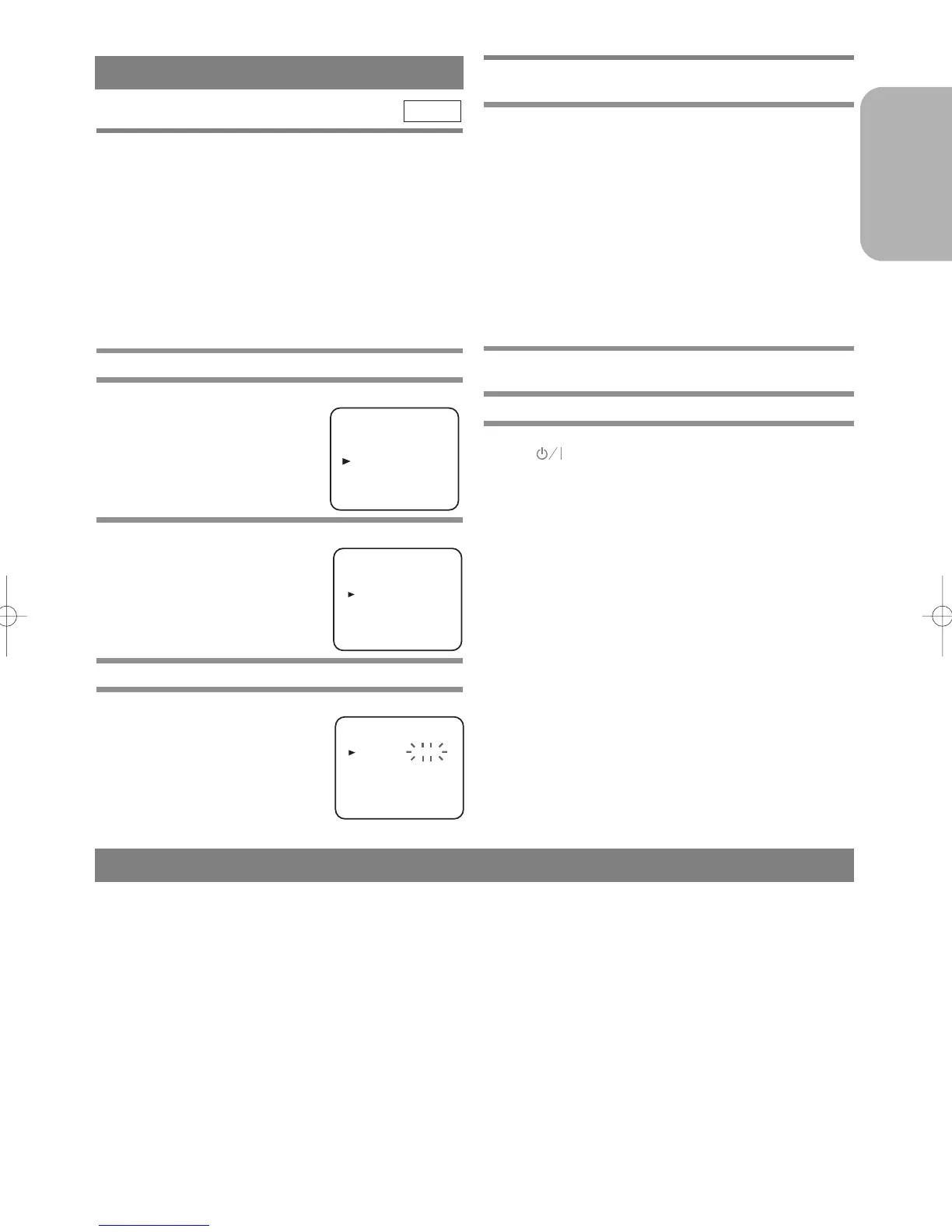
MANUAL CLOCK SETTING
1 Press the MENU Button.
2
Press the B or C Button to select “INITIAL”,
then press the
gButton.
3
Press the B or C Button to select “CLOCK”,
then press the
g Button.
4
Press the B or C Button to select “MANUAL”.
5
Press the B or C Button until the relevant year
appears, then press the
g
Button.
VCR
SETTING THE CLOCK
6 Likewise, set the relevant month, day, hour,
and minute.
7 Press the MENU Button to start the clock.
Notes
• In the steps 5 and 6, you can go back to the item you
want to correct by pressing the
h Button.
• Although seconds are not displayed, they begin
counting from 00 when you exit by pressing MENU
Button. Use this feature to synchronise the clock
with the correct time.
• When unplugging the power-cord or if there is a
power failure for more than one minute, you may
have to reset the clock.
AUTO CLOCK SETTING
1 Follow the steps through 1 to 3 in “MANUAL
CLOCK SETTING”.
2 Press the B or C Button to select “AUTO”.
3 Turn off the DVD/VCR once by pressing the
(Standby/Power ON) Button.
• The clock will appear on the TV screen when you
turn on the DVD/VCR again.
Notes
• Channel Presetting must be set before the Auto
Clock is set.
• The DVD/VCR refers to the channel which was
memorised into position 01.
The PDC channel must therefore be set to position
01.
• The clock cannot be set automatically if you are not
receiving a channel that carries a time signal in your
area. In this case, set the clock manually.
• Once the auto clock setting is performed, the
DVD/VCR will correct the current time by receiv-
ing PDC broadcasts whenever you turn off the
DVD/VCR.
• The DVD/VCR will correct the current time auto-
matically at 8:00.
• Between 23:00~1:00, the AUTO CLOCK function
does not work even if the DVD/VCR’s power is
turned off.
TUNING
Tuning of broadcast channels not already preset in the
DVD/VCR can be performed in two ways.
AUTOMATIC TUNING
• By “AUTOMATICALLY” tuning channels and
placing them in sequential order in the DVD/VCR’s
memory i.e. the first channel found will be memo-
rised into the DVD/VCR’s channel position 1, the
second channel found will be memorised into the
DVD/VCR’s channel position 2 and so on.
• Execution of the “Automatic” tuning cancels all the
preset channels. DO NOT use this feature if you
intend to use some of the pre-tuned channels. Use
the “Manual” tuning function to tune in the addi-
tional channels you require.
MANUAL TUNING
• Each channel is tuned manually and individually.
Follow the steps laid out in the “MANUAL TUN-
ING” section.
Before you preset Channel ...
• It is necessary to set the video channel if your
DVD/VCR is connected to the TV via the coaxial
cable, and TV channel 35 is employed for broadcast-
ing, or interference lines appear on the picture. Please
refer to “Video Channel Setting”.



 To Next Page