–
43
–
EN
2C15
English
1
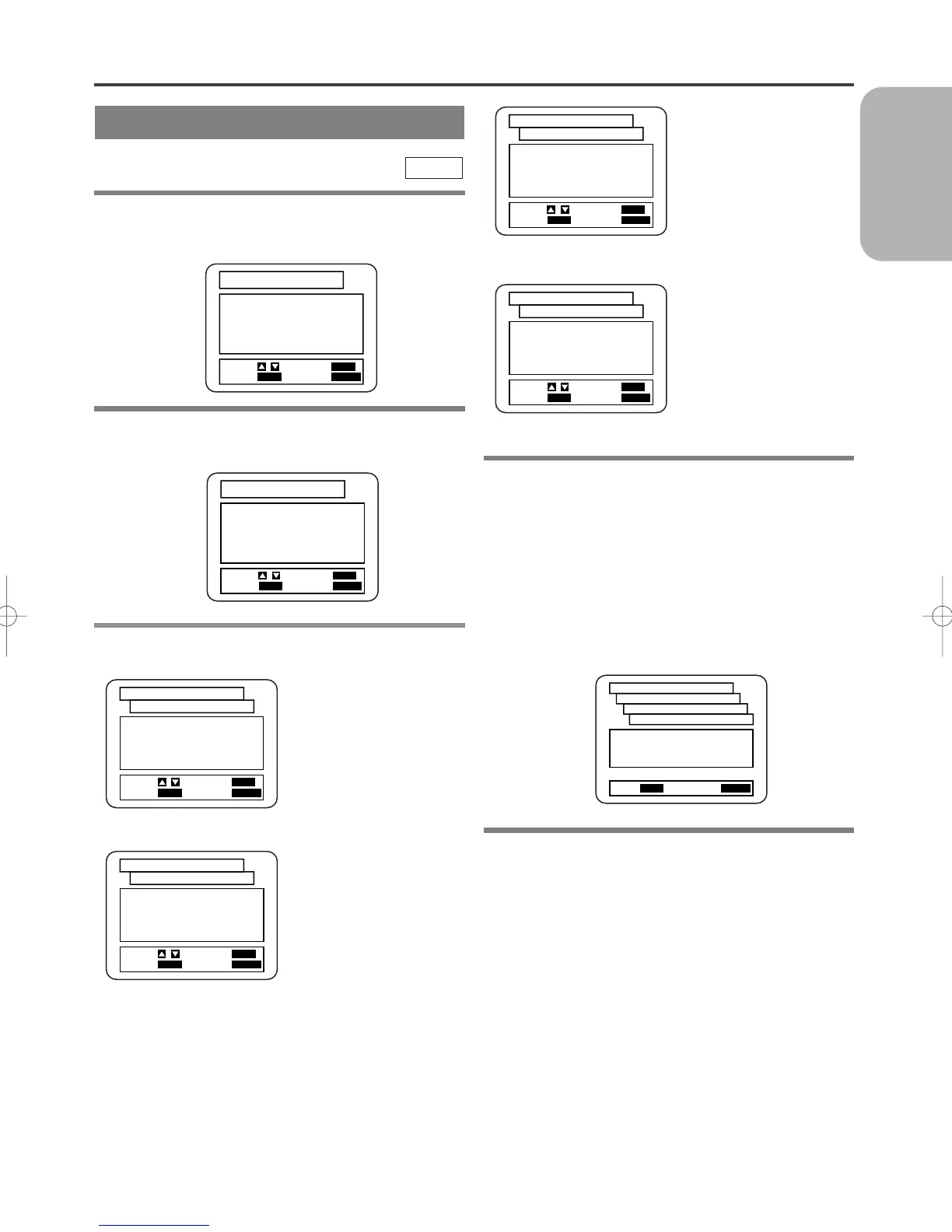
Press the SETUP Button
in STOP mode
.
¡The setup screen will appear.
2 Press the Arrow Buttons (K/L) to select
Language, and then press the ENTER
Button.
3 Press the Arrow Buttons (K/L) to select an
item, and then press the ENTER Button.
AUDIO:
(Voice is played back in
selected language.)
SUBTITLE:
(Subtitles are shown in
selected language.)
DVD
DISC MENU:
(The disc menu appears
in selected language.)
PLAYER MENU:
(The on-screen display
appears in selected lan-
guage.)
4
Press the Arrow Buttons (
K/L
) to select a
desired item, and then press the ENTER
Button.
¡If “OTHER” is selected on the “AUDIO LAN-
GUAGE” “SUBTITLE LANGUAGE” or “DISC
MENU LANGUAGE ” setting screen, the Language
Code setting screen will appear. Press the Number
Buttons to enter the desired language code while
referring to the list on page 47.
5 Press the SETUP Button.
¡The setup mode will be cancelled and the ordinary
screen will appear.
Notes
¡Language Setting for Audio and Subtitle is not avail-
able with some discs. Then use the Audio and
Subtitle Button. Details are on pages 40 and 41.
¡You can also select the item by pressing the numbers
which are displayed with the item.
¡When you change the setup items, press the C
Button if you are in playback mode.
¡While the setup menu is shown you can not open or
close the tray.
CHANGING THE SETUP ITEMS
LANGUAGE SETTINGS



 To Next Page