EasyManua.ls Logo

Hitachi DVPF3E - User Manual

Hitachi DVPF3E
44 pages
Print Icon
To Next Page IconTo Next Page
Loading...
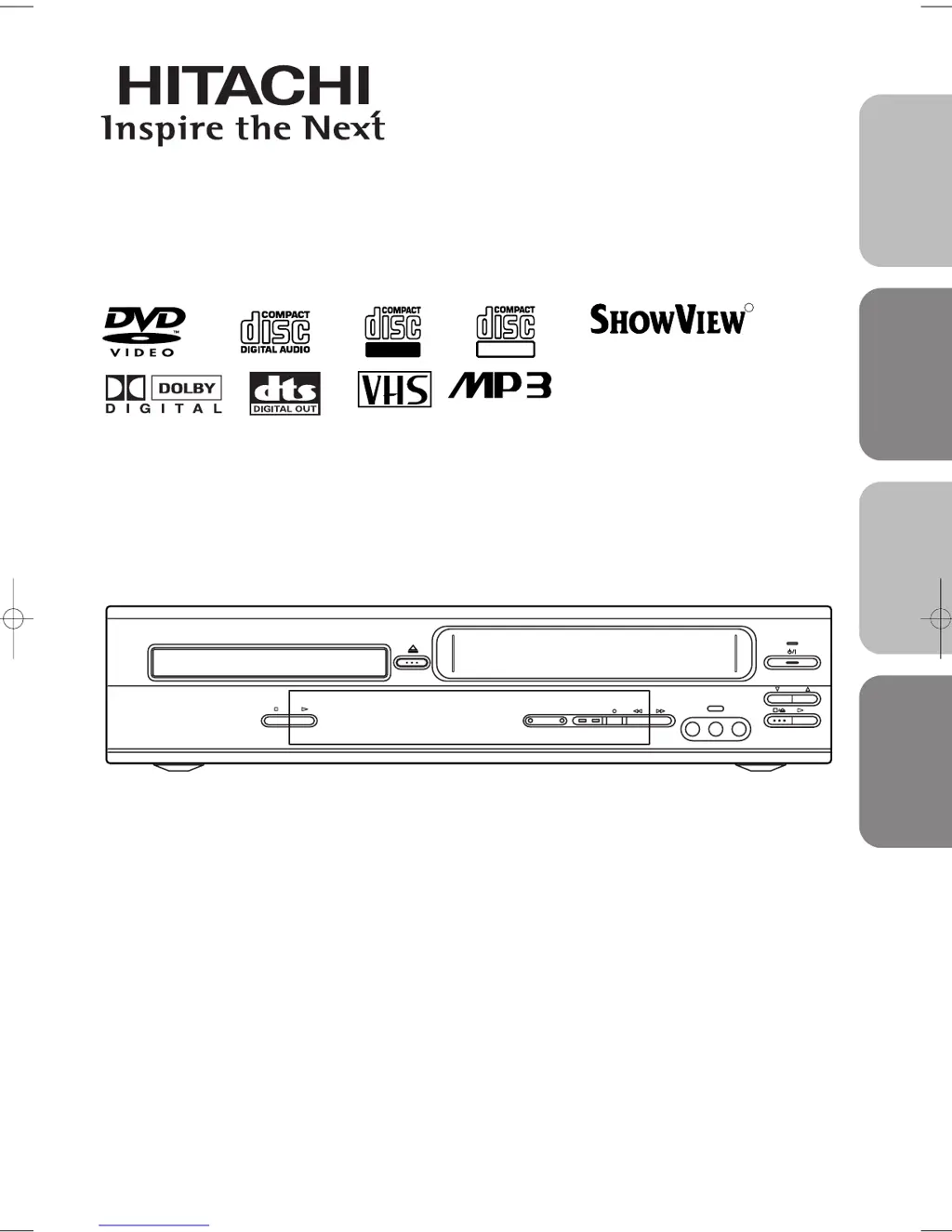
DVD/VCR Combo (DVD PLAYER with VIDEO CASSETTE RECORDER)
INSTRUCTION MANUAL
Instruction manual
To obtain the best performance and ensure years of trouble-
free use, please read this instruction manual completely.
MODEL
DVPF3E
PROGRAM
VIDEO IN
TIMER REC
DVD OUTPUT VCR
L
(mono)
AUDIO IN R
AV 3
PAL
R
Recordable
ReWritable
SHOWVIEW is a
registered trademark of
Gemstar Development
Corporation.
The S
HOWVIEW system is
manufactured under
licence from Gemstar
Development Corporation.
English
Français
Español
Italiano
H9550ED.qxd 03.5.20 3:07 PM Page 1

Table of Contents

Questions and Answers

  • M
    Michael BrownSep 10, 2025
    Why Hitachi DVPF3E DVD VCR Combo picture is distorted?
    • N
      Nathan MillerSep 10, 2025
      If the picture on your Hitachi DVD VCR Combo is distorted, connect the DVD/VCR directly to the TV. Note that slight distortions can occur and are not always a sign of a malfunction. Also, occasional brief pauses in the picture are normal and not a malfunction.
  • J
    Jim PerezAug 22, 2025
    Why Hitachi DVD VCR Combo remote control not working?
    • J
      Jackie BarrAug 22, 2025
      If your Hitachi DVD VCR Combo isn't responding to the remote, try these steps: * Ensure the power plug is correctly connected to the AC outlet. * Replace the batteries in the remote control. * Aim the remote directly at the sensor, removing any obstacles. * Ensure you're within 7 meters of the unit. * Select the correct mode (DVD or VCR) on the remote. * Check if there's a cassette tape in the VCR.
  • N
    Norma ThompsonAug 25, 2025
    What to do if Hitachi DVD VCR Combo has no power?
    • P
      Peter EvansAug 25, 2025
      If your Hitachi DVD VCR Combo has no power, ensure the power plug is connected to an AC outlet and the power is turned on.
  • R
    Ronald BauerAug 26, 2025
    What to do if Hitachi DVD VCR Combo has no picture?
    • H
      Hunter ThomasAug 27, 2025
      If there is no picture on your Hitachi DVD VCR Combo, make sure that the video cables are firmly connected. Also, be sure to insert a correct video disc that plays on this DVD/VCR. Then, press the DVD button on the remote control and check if the DVD OUTPUT Light is lit, then try another DVD feature. Lastly, check if the progressive switch is set correctly according to your TV.
  • R
    richardtannerAug 27, 2025
    Why Hitachi DVPF3E DVD VCR Combo TV programs cannot be seen normally?
    • C
      ckellyAug 28, 2025
      If TV programs cannot be seen normally on your Hitachi DVD VCR Combo, press VCR. Alternatively, press VCR on the remote control to put the device in VCR mode and check if the green VCR OUTPUT light is lit. Then, set it to the TV position by pressing VCR/TV.
  • J
    Joshua MeyerAug 29, 2025
    What to do if Hitachi DVPF3E disc cannot be played?
    • C
      Christopher MooneyAug 29, 2025
      If your Hitachi DVD VCR Combo disc cannot be played, first, insert the disc. If it is already inserted, clean the disc and place it correctly with the label side up. Finally, cancel the parental lock or change the rating level if needed.
  • A
    Alan PriceSep 18, 2025
    Why Hitachi DVD VCR Combo has no DTS audio at analogue output?
    • L
      leepatrickSep 18, 2025
      To output DTS audio on your Hitachi DVD VCR Combo, use a DIGITAL AUDIO OUTPUT jack.
  • R
    Raymond HallSep 12, 2025
    Why Hitachi DVPF3E audio or subtitle language does not match the set up?
    • J
      Jennifer BlackSep 12, 2025
      If the audio or subtitle language does not match the setup on your Hitachi DVD VCR Combo, the selected language is not available for audio or subtitles on the DVD disc. This is not a malfunction.
  • B
    Brenda MunozSep 8, 2025
    Why does Hitachi DVPF3E video or color fades when copying?
    • A
      Austin DavisSep 8, 2025
      If the video or color fades in and out when making a copy of a video tape with your Hitachi DVD VCR Combo, you are likely trying to copy a copyrighted video tape, which triggers copy guard protection.
  • J
    Joseph GarciaSep 5, 2025
    Why Hitachi DVPF3E playback picture is partially noisy?
    • A
      Amanda WrightSep 5, 2025
      If the playback picture on your Hitachi DVD VCR Combo is partially noisy, and the audio is okay, try adjusting the tracking control for a better picture by pressing PROG (o/p) on the DVD/VCR. Note that head cleaning may be necessary, refer to “AUTO HEAD CLEANING”. Also, make sure the DVD/VCR is not in the Menu mode.

Summary

Laser Safety Precautions

General Safety Warnings

Covers essential warnings and cautions related to electrical shock and product safety.

Laser Radiation Hazards

Details precautions and warnings specific to laser safety to prevent eye injury.

Precautions

Power Supply and Electrical Hazards

Guidance on power supply connection and avoiding electrical shock or fire.

General Cautions for Operation

Lists important operational precautions to ensure safe and reliable use.

Product Features

DVD Mode Features

Highlights the capabilities and functions available when operating in DVD mode.

VCR Mode Features

Details the functions and hardware specifications for VCR operation.

Disc Information

Operating Controls and Functions

Remote Control Functionality

Display and Operation

VCR;DVD Mode Switching

Guide on how to select between VCR and DVD operating modes.

Connections

Connecting the DVD;VCR

Audio and Video Connections

Initial Setup and Configuration

Clock and Tuning Settings

Playback Functions

Normal Playback Operation

Basic steps and controls for playing back video tapes.

Search Functions

Picture Search

Skipping or repeating scenes during VCR playback.

Quick-Find and Index Search

Locating recorded programs using index marks or quick search.

Time Search Function

Navigating to a specific point on the tape by time.

VCR Recording Functions

One Touch Recording (OTR)

Quickly start recording by pressing a single button.

Normal Recording Procedure

Steps for standard VCR recording.

Timer Recording Setup

Scheduling recordings in advance.

Timer Recording and ShowView Setup

Timer Recording Tips and Management

Advice on timer recording, cancellation, and program management.

ShowView Guide Channel Configuration

Configuration for using ShowView numbers to set up recordings.

ShowView Timer Recording Operation

Advanced Recording Features

Auto Return and Program Viewing

Covers auto tape rewind after recording and watching recorded programs.

VPS;PDC System Explained

Details on program delivery control for accurate recording.

Video Tape Copying

Disc Playback Basics

Basic Playback Steps

Step-by-step guide for inserting and playing discs.

Disc Navigation Features

Guide to navigating disc menus and chapters.

Disc Playback Features

Advanced Disc Navigation

Disc Navigation and Repeat Functions

DVD Playback Settings

DVD Setup Menu

Audio Settings Configuration

Configuring audio output settings like Dolby Digital, DTS, and DRC.

Language Setting Options

Troubleshooting Guide

Maintenance and Care

Safety and Usage Information

Hitachi DVPF3E Specifications

General IconGeneral
BrandHitachi
ModelDVPF3E
CategoryDVD VCR Combo
LanguageEnglish

Related product manuals