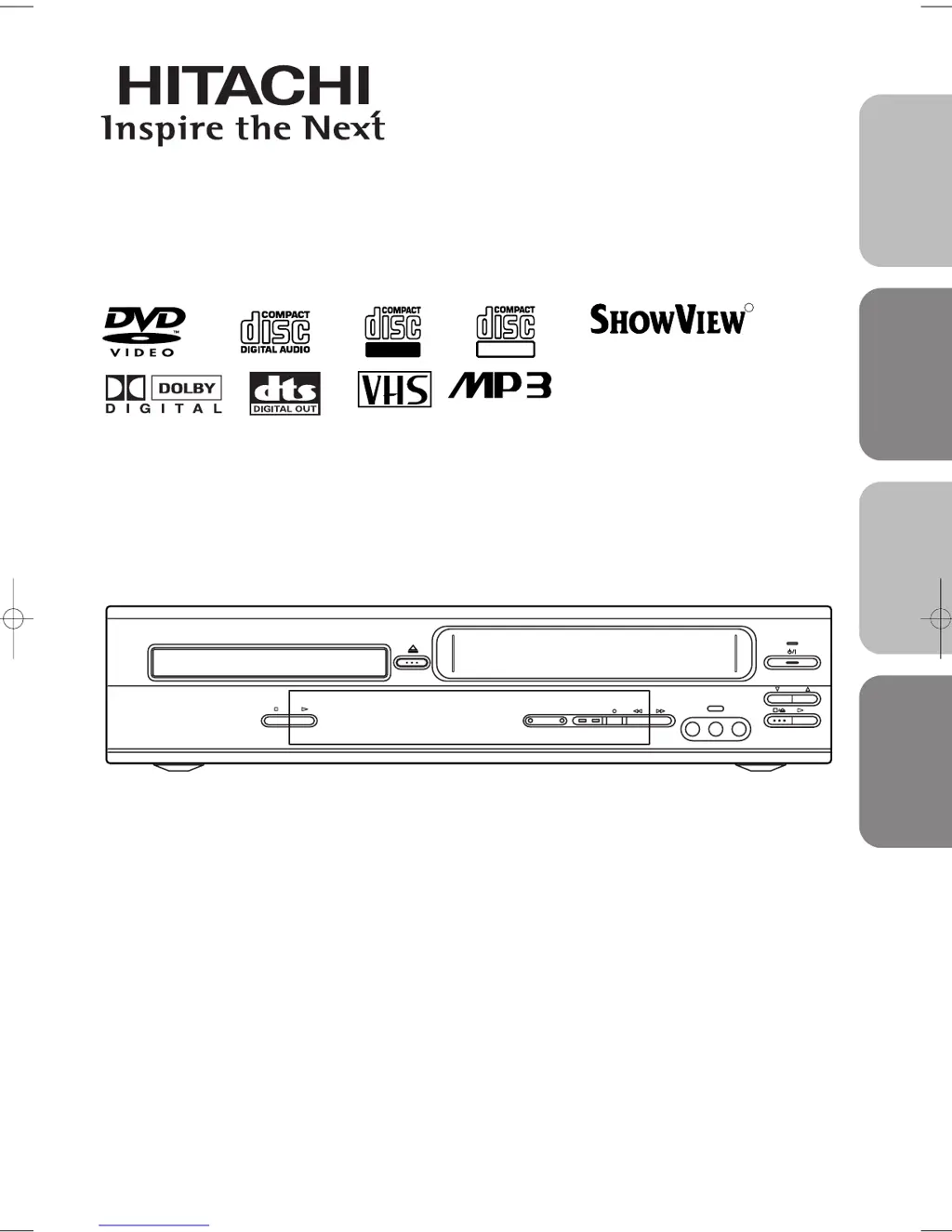
What to do if Hitachi DVD VCR Combo timer recording is impossible?
- MMelissa MillsSep 3, 2025
If timer recording is impossible on your Hitachi DVD VCR Combo, make sure the timer recording is set correctly and the DVD/VCR clock is set correctly.
What to do if Hitachi DVD VCR Combo timer recording is impossible?
If timer recording is impossible on your Hitachi DVD VCR Combo, make sure the timer recording is set correctly and the DVD/VCR clock is set correctly.
What to do if Hitachi DVD VCR Combo cannot go into Record mode?
If your Hitachi DVD VCR Combo cannot go into Record mode, ensure the tape has a safety tab; if not, cover the hole with cellophane tape. Also, put the DVD/VCR in VCR mode by pressing VCR on the remote control until the green VCR OUTPUT light is lit.
What to do if Hitachi DVD VCR Combo cannot remove the tape?
If you cannot remove the tape from your Hitachi DVD VCR Combo, check if the DVD/VCR is in VCR mode. If not, press VCR on the remote control to switch the mode.
What to do if Hitachi DVPF3E disc cannot be played?
If your Hitachi DVD VCR Combo disc cannot be played, first, insert the disc. If it is already inserted, clean the disc and place it correctly with the label side up. Finally, cancel the parental lock or change the rating level if needed.
Why Hitachi DVPF3E DVD VCR Combo TV programs cannot be seen normally?
If TV programs cannot be seen normally on your Hitachi DVD VCR Combo, press VCR. Alternatively, press VCR on the remote control to put the device in VCR mode and check if the green VCR OUTPUT light is lit. Then, set it to the TV position by pressing VCR/TV.
What to do if Hitachi DVD VCR Combo has no picture?
If there is no picture on your Hitachi DVD VCR Combo, make sure that the video cables are firmly connected. Also, be sure to insert a correct video disc that plays on this DVD/VCR. Then, press the DVD button on the remote control and check if the DVD OUTPUT Light is lit, then try another DVD feature. Lastly, check if the progressive switch is set correctly according to your TV.
What to do if Hitachi DVD VCR Combo has no power?
If your Hitachi DVD VCR Combo has no power, ensure the power plug is connected to an AC outlet and the power is turned on.
Why Hitachi DVD VCR Combo remote control not working?
If your Hitachi DVD VCR Combo isn't responding to the remote, try these steps: * Ensure the power plug is correctly connected to the AC outlet. * Replace the batteries in the remote control. * Aim the remote directly at the sensor, removing any obstacles. * Ensure you're within 7 meters of the unit. * Select the correct mode (DVD or VCR) on the remote. * Check if there's a cassette tape in the VCR.
Covers essential warnings and cautions related to electrical shock and product safety.
Details precautions and warnings specific to laser safety to prevent eye injury.
Guidance on power supply connection and avoiding electrical shock or fire.
Lists important operational precautions to ensure safe and reliable use.
Highlights the capabilities and functions available when operating in DVD mode.
Details the functions and hardware specifications for VCR operation.
Guide on how to select between VCR and DVD operating modes.
Basic steps and controls for playing back video tapes.
Skipping or repeating scenes during VCR playback.
Locating recorded programs using index marks or quick search.
Navigating to a specific point on the tape by time.
Quickly start recording by pressing a single button.
Steps for standard VCR recording.
Scheduling recordings in advance.
Advice on timer recording, cancellation, and program management.
Configuration for using ShowView numbers to set up recordings.
Covers auto tape rewind after recording and watching recorded programs.
Details on program delivery control for accurate recording.
Step-by-step guide for inserting and playing discs.
Guide to navigating disc menus and chapters.
Configuring audio output settings like Dolby Digital, DTS, and DRC.
| Brand | Hitachi |
|---|---|
| Model | DVPF3E |
| Category | DVD VCR Combo |
| Language | English |
Loading...