–
10
–
EN
2C15
+10 Button:
When searching a TITLE, a CHAPTER, or a
TRACK, use this button to enter numbers 10 and
above. For example when entering ‘15’, press this
button first ,then ‘5’.
● VCR mode [page 19]
Press to select TV channels on the VCR.
To select channels, enter channel numbers as a two-
digit number for the quickest results. For example, to
select channel 6, press 0 then 6.
DAILY/WEEKLY/Button [page 26]:
Press to select once, daily, everyday, or weekly
when you programme the automatic timer record-
ing using the S
HOWVIEW system.
53. OPEN/CLOSE Button (DVD) [page 29]
Press to open or close the disc loading tray.
57. EJECT Button (VCR)
Press to eject the video cassette from the VCR.
54. SEARCH MODE/QUICK-FIND Button
● DVD mode [page 31]
Press to access or remove the Search display,
which allows you to go directly to a specific
Title/Chapter/Track/Time.
● VCR mode [page 22]
Press to use Quick-Find mode.
Caution: Do not touch the inner pins of the jacks on the
rear panel. Electrostatic discharge may cause permanent
damage to the DVD/VCR.
Notes
¡To use the remote control to operate the DVD and its features, press DVD on the remote control before pressing other
DVD. Verify that the green DVD OUTPUT Light is on.
¡To use the remote control to operate the VCR and its features, press VCR on the remote control before pressing other
VCR. Verify that the green VCR OUTPUT Light is on.
POWER/STANDBY Button
A-B REPEAT Button
REPEAT Button
MODE Button
SUBTITLE/TIMER Button
DVD VCRCD
• Turns the DVD/VCR on and
off.
• Turns the player on and off. • Turns the DVD/VCR on and
off.
• Marks a segment
to repeat between A and B.
• Marks a segment
to repeat between A and B.
• Allows you to repeat play
a Chapter or Title.
• Allows you to repeat play
a Track or Disc.
ZOOM Button
• To set surround on/off.
• Allows you to program
a specific order or
random playback.
• To set surround on/off.
• To magnify part
of picture (x2/x4)
ANGLE Button
• Accesses various
camera angles on a disc.
• Accesses various
subtitles on a disc.
AUDIO Button
DISPLAY Button
• Accesses various
audio functions on a disc.
• To select STEREO,
L-CH or R-CH.
• Displays the current disc mode.
SURROUND Button
• Displays the current disc mode.
• Displays the current time,
tape counter, channel.
• To activate the virtual surround.
• To search chapter or time.
• To rapidly return to
a location of disc.
• Search the markers.
OPEN/CLOSE/EJECT Button
• To search track or time.
• To rapidly return to
a location of disc.
SEARCH MODE
/QUICK-FIND Button
NUMBER Buttons
• To open or close the disc tray. • To open or close the disc tray.
• To select chapter directly.
• To select track directly,
use display function.
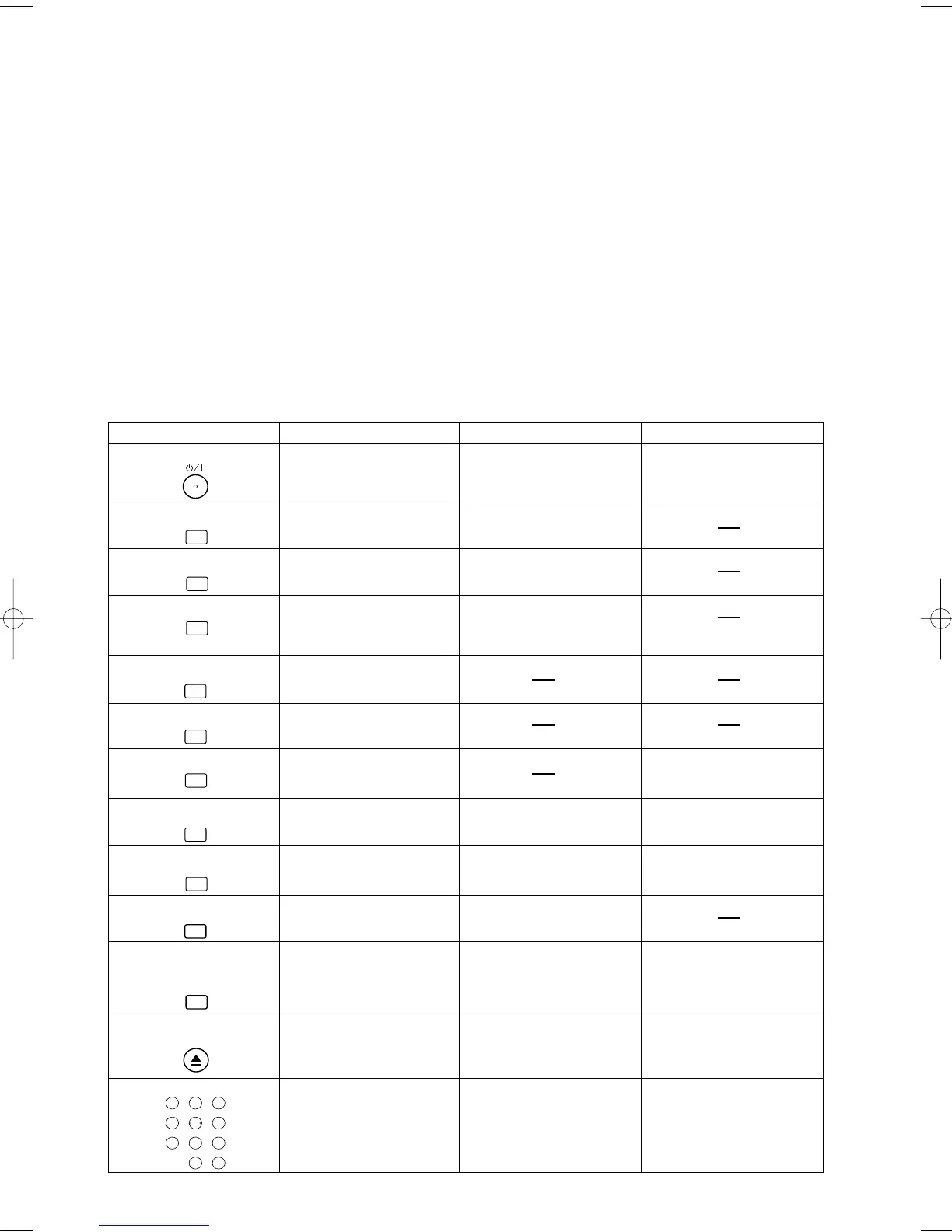
Tour of the Remote Control
Buttons on remote control work in different ways for DVD, CD and VCR :
Refer to the following table for correct use.
• Search the markers.
• To select channel.
DAILY / WEEKLY button
• Use when you record using
SHOW VIEW system.
• Press to put the VCR into
standby mode for a timer
recording.
• Press to eject the video cassette
from the VCR.
• To search and confirm the
contents of the recorded
programme(s).
+10
32
98
0
56
1
7
4
DAILY/WEEKLY
• To select STEREO,
L-CH R-CH, or normal.
• To activate the virtual surround.
SEARCH MODE
QUICK-FIND
ZOOM
DISPLAY
AUDIO
A-B REPEAT
REPEAT
SUBTITLE
MODE
ANGLE
SURROUND
EJECT
OPEN/CLOSE
TIMER
H9550ED.qxd 03.5.20 3:07 PM Page 10



 To Next Page