–
18
–
EN
2C15
This DVD/VCR incorporates a 24-hour clock. The
clock must be set for the Automatic Timer Recording
function to operate correctly.
Your DVD/VCR is fitted with PDC (See page27). If
the PDC signal is available in your area, your
DVD/VCR can get the current time from your local
PDC broadcast. It keeps track of the time constantly
referring to the time broadcasted by your PDC broad-
cast. If you want to use this feature, refer to “AUTO
CLOCK SETTING” in the next section.
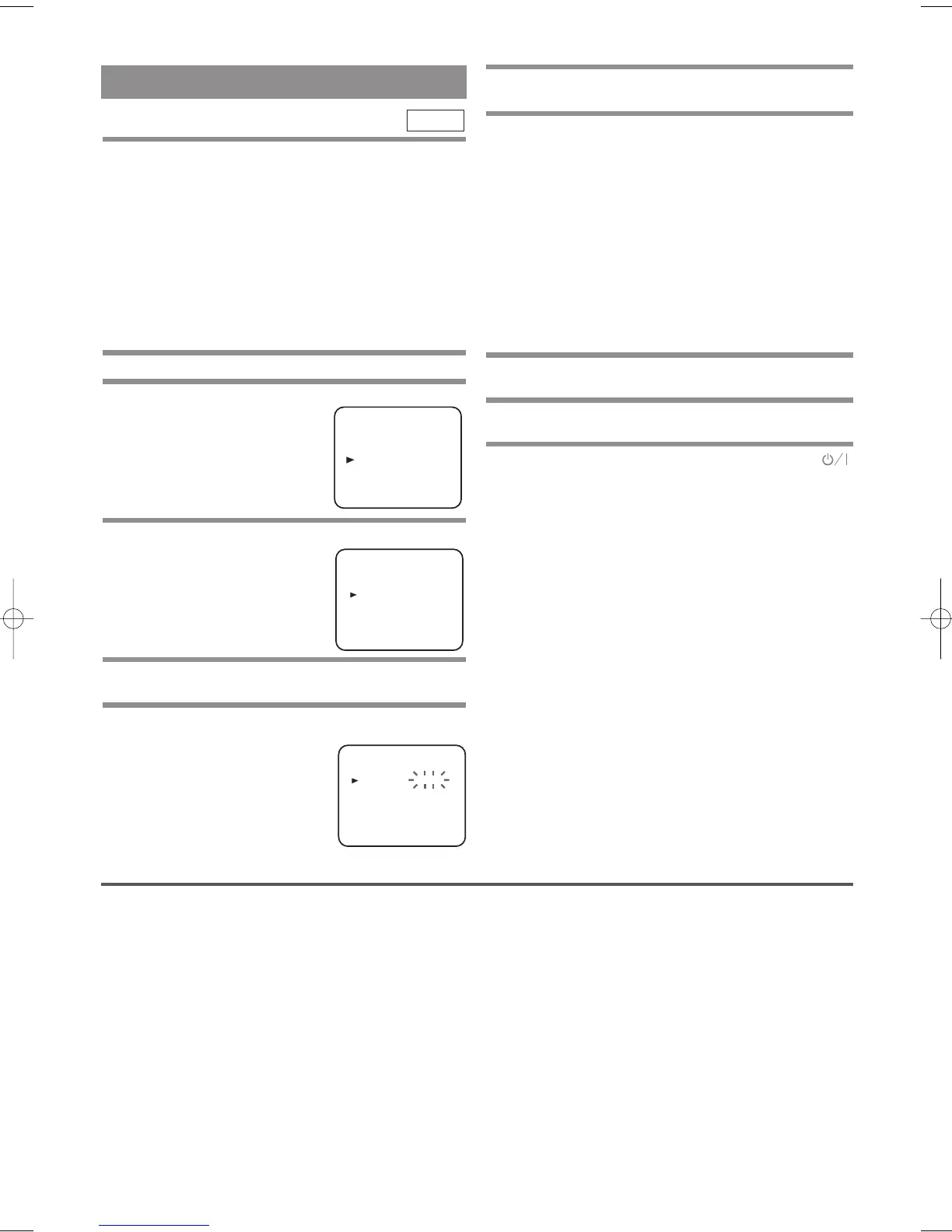
MANUAL CLOCK SETTING
1 Press MENU.
2
Press
Arrow (o/p)
to select “INITIAL”,then
press
Arrow (B)
.
3
Press
Arrow (o/p)
to select “CLOCK”, then
press
Arrow (B)
.
4
Press
Arrow (o/p)
to select “MANUAL”,then
press Arrow
( B)
.
5
Press
Arrow (o/p)
until the relevant year
appears, then press
Arrow ( B)
.
VCR
SETTING THE CLOCK
6 Likewise, set the relevant month, day, hour,
and minute.
7 Press MENU to start the clock.
Notes
• In the steps 5 and 6, you can go back to the item you
want to correct by pressing Arrow (s ).
• Although seconds are not displayed, they begin
counting from 00 when you exit by pressing
MENU. Use this feature to synchronise the clock
with the correct time.
• When unplugging the power-cord or if there is a
power failure for more than thirty minutes, you may
have to reset the clock.
AUTO CLOCK SETTING
1 Follow the steps through 1 to 3 in “MANUAL
CLOCK SETTING”.
2 Press Arrow (o/p) to select “AUTO”. Then,
press Arrow (
B) to select [ON].
3 Turn off the DVD/VCR once by pressing
(Standby/Power ON).
• The clock will appear on the TV screen when you
turn on the DVD/VCR again.
Notes
• Channel Presetting must be set before the Auto
Clock is set.
• The DVD/VCR refers to the channel which was
memorised into position 01.
The PDC channel must therefore be set to position
01.
• The clock cannot be set automatically if you are not
receiving a channel that carries a time signal in your
area. In this case, set the clock manually.
• Once the auto clock setting is performed, the
DVD/VCR will correct the current time by receiv-
ing PDC broadcasts whenever you turn off the
DVD/VCR.
• The DVD/VCR will correct the current time auto-
matically at 8:00.
• Between 23:00~1:00, the AUTO CLOCK function
does not work even if the DVD/VCR’s power is
turned off.
INITIAL
CH TUNING
CLOCK
RF OUT
LANGUAGE
GUIDE CHANNEL
CLOCK
YEAR 2 0 0 3
MONTH 0 1
DAY 0 1 WE
HOUR
_ _
MINUTE
_ _
Tuning of broadcast channels not already preset in the
DVD/VCR can be performed in two ways.
AUTOMATIC TUNING
• By “AUTOMATICALLY” tuning channels and plac-
ing them in sequential order in the DVD/VCR’s
memory i.e. the first channel found will be memo-
rised into the DVD/VCR’s channel position 1, the
second channel found will be memorised into the
DVD/VCR’s channel position 2 and so on.
• Execution of the “Automatic” tuning cancels all the
preset channels. DO NOT use this feature if you
intend to use some of the pre-tuned channels. Use
the “Manual” tuning function to tune in the addi-
tional channels you require.
MANUAL TUNING
• Each channel is tuned manually and individually.
Follow the steps laid out in the “MANUAL TUN-
ING” section.
Before you preset Channel ...
• It is necessary to set the video channel if your
DVD/VCR is connected to the TV via the aerial
cable, and TV channel 36 is employed for broadcast-
ing, or interference lines appear on the picture. Please
refer to “Video Channel Setting”.
TUNING
H9550ED.qxd 03.5.20 3:07 PM Page 18



 To Next Page