–
16
–
EN
2C15
Notes
¡If you use the Euro audio/video cable, it is not necessary to connect the analog audio cable.
¡Connect the DVD/VCR player directly to a TV. If the A/V cables are connected to a DVD/VCR, pictures may
be distorted due to the copy protection system.
HOW TO CONNECT TO A TV WITHOUT AUDIO/VIDEO INPUT JACKS
If your TV does not have a Scart jack, it is still possible to connect this DVD/VCR player to your TV’s 75-
ohm coaxial antenna terminal using a commercially available Stereo Audio/Video RF Modulator, not includ-
ed. Connect the audio and video outputs of the DVD/VCR player to the audio and video inputs on the RF
Modulator, and then connect the coaxial output of the RF Modulator (usually marked “TO TV”) to the 75 ohm
coaxial antenna terminal on your TV. Follow the instruction supplied with the RF Modulator for more details.
If your TV’s 75 ohm coaxial antenna terminal is already occupied by an antenna or cable box connection,
remove that cable from your TV’s antenna terminal and reconnect it to the coaxial antenna input terminal of
the RF Modulator (usually marked “ANT IN”), then connect the RF modulator to your TV’s antenna
terminal as described above.
Note
¡The picture quality from DVD discs will not be as good if the DVD/VCR player is connected to the TV’s
antenna terminal through an RF Modulator.
•
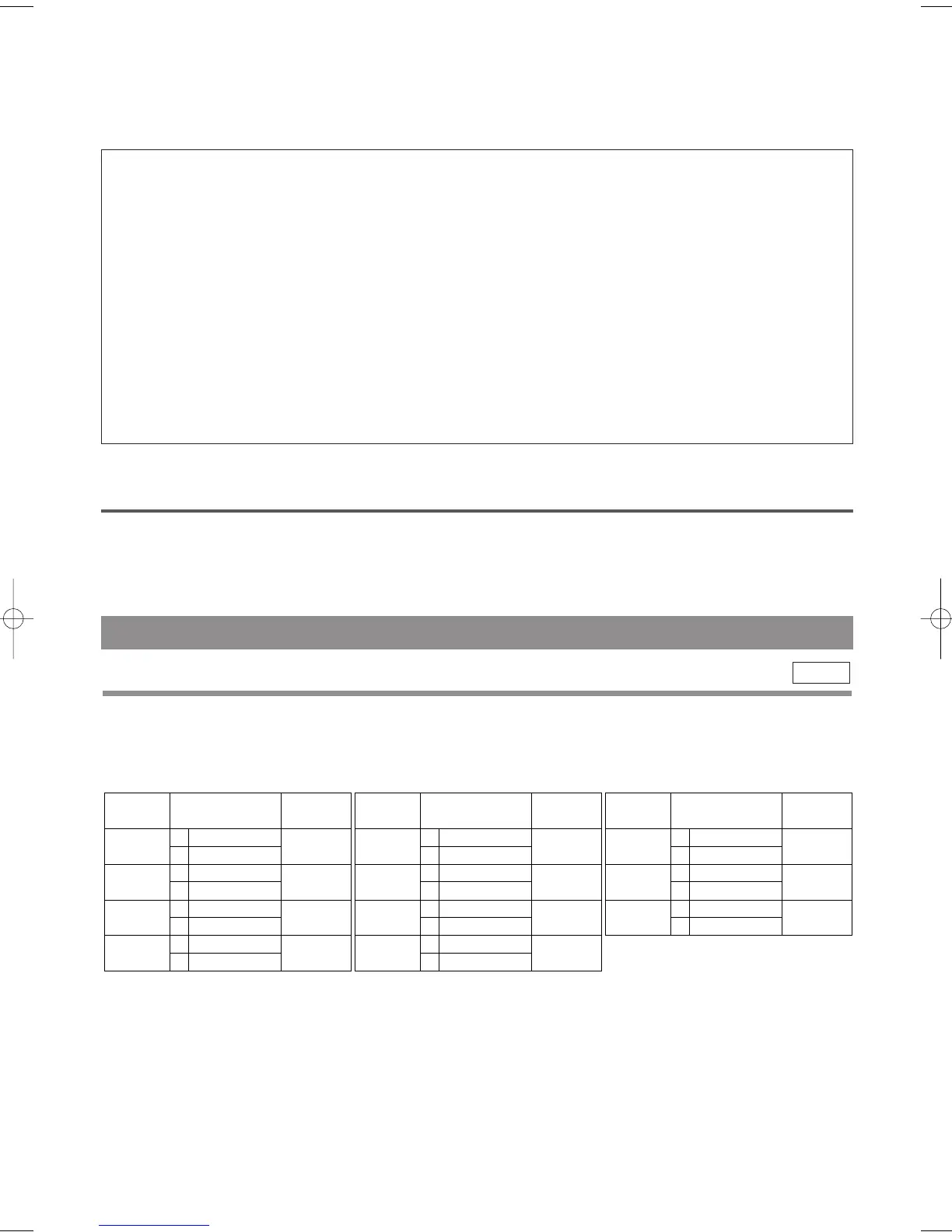
During reception of bilingual broadcasts:
Display on
the TV screen
Mode
MAIN
SUB
MAIN
SUB
MAIN
SUB
MAIN
SUB
Main Audio
Main Audio
Sub Audio
Sub Audio
Main Audio
Sub Audio
L
R
L
R
L
R
AUDIO OUTPUT
•
Reception of stereo broadcasts:
STEREO
LEFT
RIGHT
- None -
Display on
the TV screen
Mode
Stereo
L
R
Monaural
L Audio
R Audio
L Audio
L Audio
R Audio
R Audio
L+R Audio
L+R Audio
L
R
L
R
L
R
L
R
AUDIO OUTPUT
•
During playback of the recorded tape in
Hi-Fi mode:
Mode
Stereo
L
R
Normal
STEREO
LEFT
RIGHT
- None -
Display on
the TV screen
Hi Fi L Audio
Hi Fi R Audio
Hi Fi L Audio
Hi Fi L Audio
Hi Fi R Audio
Hi Fi R Audio
Normal Audio
Normal Audio
L
R
L
R
L
R
L
R
AUDIO OUTPUT
Notes
¡If you play non-Hi-Fi tapes, the DVD/VCR will play automatically in monaural even if you select any mode.
¡If the stereo signal becomes weak, the broadcast is automatically recorded in monaural.
This DVD/VCR will record and playback Hi-Fi stereo sound. In addition it has a A2 or NICAM stereo sound
decoder.
This equipment will receive stereo and bilingual broadcasts and there are several ways of recording and playing
back the sound.
You can select each mode by pressing AUDIO on the remote control. Each mode is indicated on the TV screen
as following.
VCR
HI-FI STEREO SOUND SYSTEM
SELECTING THE SOUND MODE
H9550ED.qxd 03.5.20 3:07 PM Page 16



 To Next Page