–
28
–
EN
DVD SETUP
You can change certain aspects of the DVD display screens,
on-screen messages and the display panel on the front of
the DVD/VCR.
Press
SETUP in STOP mode.
Press
s or B to select “CUSTOM”, then press ENTER.
• CUSTOM menu will appear.
Press s or B to select “DISPLAY”, then press ENTER to
confirm.
Press
K or L to select from an item, then press
ENTER.
TV ASPECT :
• Press K or L for an item selec-
tion, then press ENTER.
• 4:3 LETTER BOX displays a
theater-like image. Black bars
appear at the top and bottom of
the screen.
• 4:3 PAN-SCAN is the traditional TV mode with a full
height picture with both sides trimmed.
• Select 16:9 WIDE if a wide-screen TV is connected to
the DVD/VCR.
• The default setting is 4:3 LETTER BOX.
STILL MODE :
• Press K or L for an item selection (AUTO, FIELD or
FRAME), then press ENTER.
• Select AUTO usually.
• If you select FIELD, pictures in the still mode will be
stabilized although they will be coarse due to little
amount of data.
• If you select FRAME, pictures in the still mode will be
highly defined although they will be blurred due to out-
put of two fields at the same time.
• The default setting is AUTO.
ANGLE MARK :
• Press ENTER repeatedly to turn Angle mark ON or
OFF.
• The default setting is ON.
LOGO:
• Press ENTER to switch ON (opening picture)/OFF (black).
• The default setting is ON.
Press
SETUP to exit.
NOTE:
• Be sure to press SETUP, or the setting will not work.
5
QUICK
4
3
2
1
DVD
Audio Setting
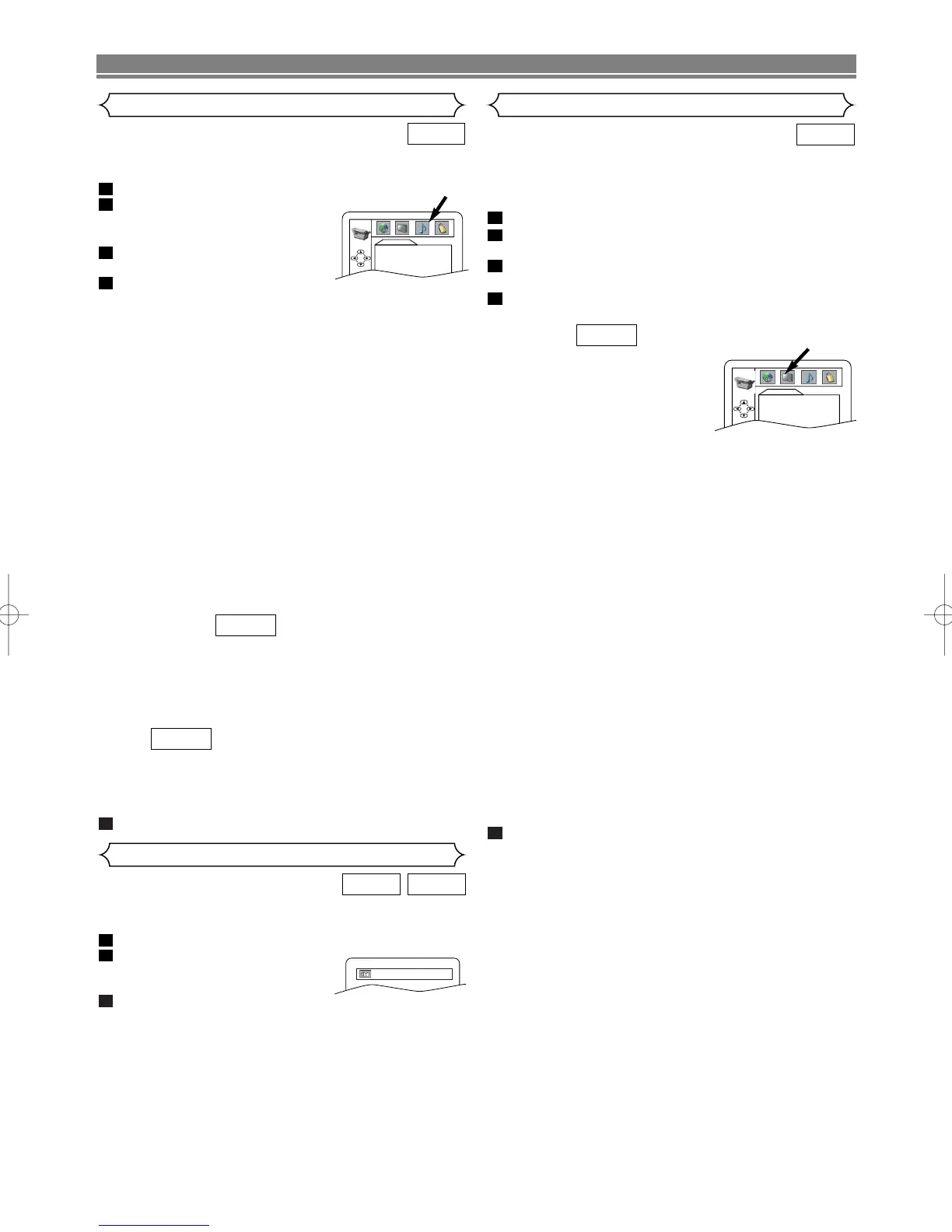
Set your surround modes for DVD/VCR through your receiver
or processor. DVD’s audio setup will not affect CD playback.
In STOP menu press
SETUP.
Press s or B to select “CUSTOM”,
then press ENTER.
• CUSTOM menu will appear.
Press
s or B to select “AUDIO”,
then ENTER to confirm.
Press K or L to select an item,
then press ENTER.
DRC (Dynamic Range Control) :
•To compress the range of sound volume.
• DRC function is available only on the discs that are
recorded in the Dolby Digital format.
• The default setting is ON.
DOWN SAMPLING :
• Set to ON when outputting in 48kHz.
• Set to OFF when outputting the original sound.
• When playing disc with copyright protection, the sound
will be down sampled at 48kHz even if you set it to
OFF.
•DOWN SAMPLING function is available only on digital
output of a disc recorded in 96kHz, and when the unit
is connected to another source using the digital out
jack.
•DOWN SAMPLING function is available only on the
discs that are recorded in the Dolby Digital format.
• The default setting is ON.
DOLBY DIGITAL :
Set to BITSTREAM when the DVD/VCR is connected to
Dolby Digital Decoder.
(BITSTREAM : Dolby Digital OUTPUT)
(PCM : Converts the Dolby Digital to PCM)
• The default setting is BITSTREAM.
MPEG :
BITSTREAM: Output MPEG sound
Set to BITSTREAM when the unit is connected to an
MPEG Decoder
• The default setting is PCM.
Press
SETUP to exit.
5
QUICK
QUICK
4
3
2
1
DVD



 To Next Page