EN-29
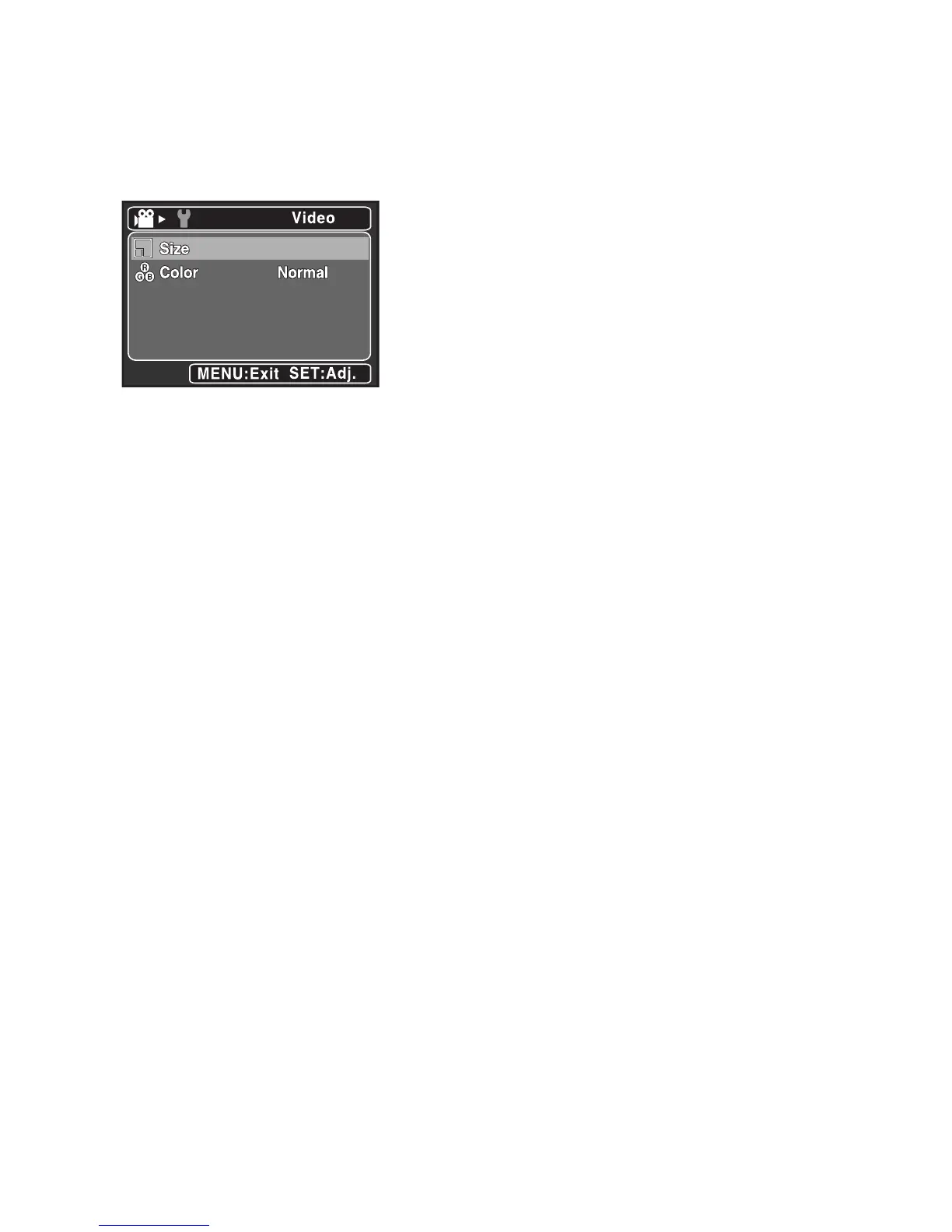
Video Menu
This menu is for the basic settings to be used when recording video clips.
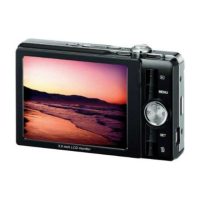
1. Set the camera mode to [ w ].
2. Press the MENU button.
3. Select the desired option item with the c / d buttons, and press the SET button to
enter its respective menu.
4. Select the desired setting with the c / d buttons, and press the SET button.
5. To exit from the menu, press the MENU button.
Size
This sets the size of the video clip that will be captured.
* [VGA] 640 x 480
* [QVGA] 320 x 240
Color
This sets the color of the video clip that will be captured.
* Normal / Vivid / Sepia / B&W



 To Next Page