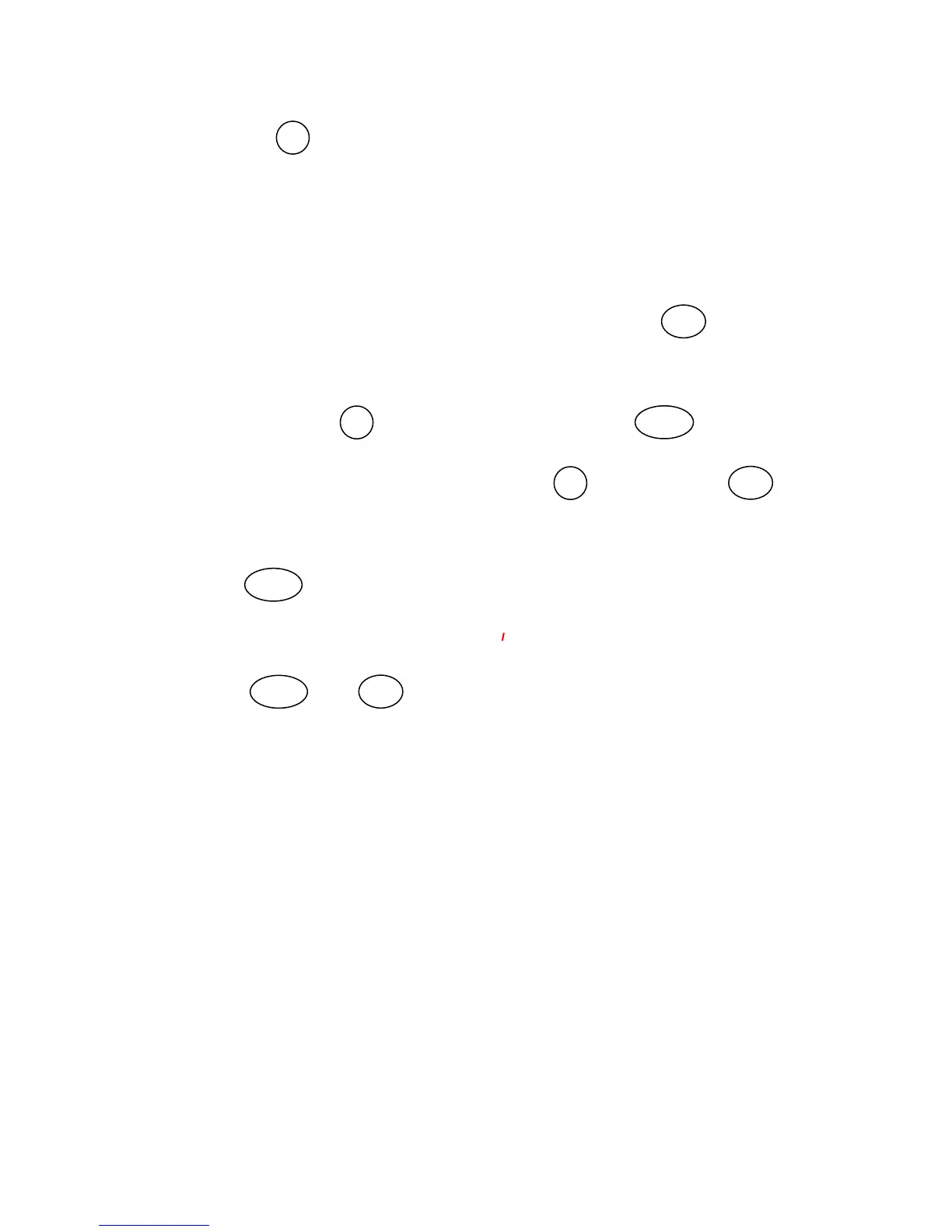
7. Using the DN arrow key, change the value to 1100. (Note the decimal
point after the number - this is critical!!) As you decrement the parameter
value, you will scroll past
1100 (WITHOUT a decimal point!!) Continue
going down toward zero, and the sequence will start again at 9999.
(WITH decimal point after!) and continue decrementing from there.
8. Continue down until the display reaches
1100. Press STR to save the
value. The display should show
C121 again.
9. Navigate with the DN arrow key to C091 and press FUNC again.
10. Change setting from 01 back to 00 with DN arrow key. Press STR
again to save. Display again should read
C091
11. Press FUNC TWICE until display reads
C---
12. Press UP arrow key until you reach
o 001
13. Press FUNC, then STR This step re-establishes the output frequency
display as the power-on default display.
The analog voltage input should now operate linearly with a 0 – 10 V input
corresponding to a 0 – 60 Hz output.
PGC - 2/2/05 Page 2 of 2




 To Previous Page