EasyManua.ls Logo

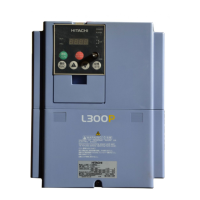
Hitachi L300P Series - User Manual

Hitachi L300P Series
272 pages
Print Icon
To Next Page IconTo Next Page
Loading...
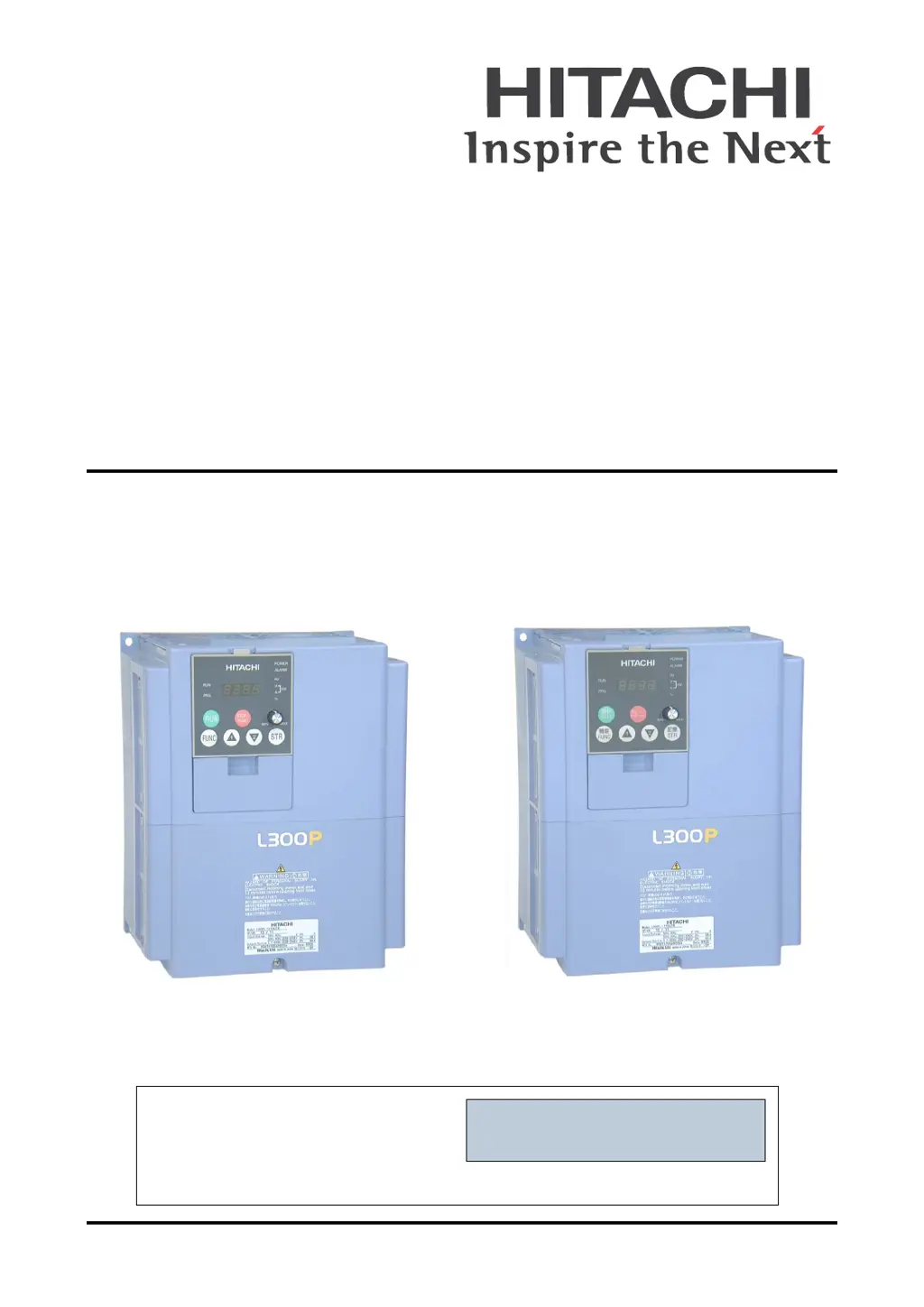
L300P Series Inverter
Instruction Manual
•Three-phase Input 200V Class
•Three-phase Input 400V Class
U.S. Version Models European Version Models
After reading this manual,
keep it handy for future reference.
Hitachi Industrial Equipment Systems Co., Ltd.
Manual Number: NB604XJ
September 2006
Cover

Table of Contents

Other manuals for Hitachi L300P Series

Questions and Answers

  • D
    Derek BeltranAug 20, 2025
    What to do if Hitachi Inverter shows over current detection at output stage?
    • M
      Malik ChristensenAug 20, 2025
      If the Hitachi Inverter experiences over current detection at the output stage, it could be due to a rapidly changing load or a short circuit/earth contact in the motor or motor cable. To resolve this, if fast deceleration is happening, preset the Decel time longer. Also, check the wires if any motor is locked. Reduce the value if high preset torque boost is enabled, and verify if the preset DC injection brake level is high. Finally, check for any CT malfunction or noise.
  • T
    Tiffany ButlerAug 22, 2025
    What to do if Hitachi L300P Inverter detects overload at output stage with motor?
    • C
      Cheryl RodriguezAug 22, 2025
      If your Hitachi Inverter detects an overload at the output stage with the motor, it's likely due to a load that is too heavy. To address this, perform the adjustment referring to d104 to reduce the electronic thermal level.
  • L
    Lisa FergusonAug 25, 2025
    What causes over voltage detection (DC bus voltage) in Hitachi L300P?
    • A
      Alexander EdwardsAug 25, 2025
      If the Hitachi Inverter shows an over voltage detection (DC bus voltage), this could be due to fast deceleration or earth contact (ground fault) in the motor or motor cable or back energy from the load. To solve this, perform the adjustment referring to d102, so that the DC bus voltage does not exceed the trip level. Also, check for any back energy from the load.
  • T
    Thomas WebsterAug 26, 2025
    What causes EEPROM contradiction error in Hitachi L300P?
    • S
      Steven BeckAug 26, 2025
      If the Hitachi Inverter displays an EEPROM contradiction error, it may be due to significant noise near the inverter or the ambient temperature being too high.
  • K
    Kelly MoraAug 27, 2025
    What causes under voltage (DC bus voltage) in Hitachi L300P?
    • B
      Brandon HullAug 27, 2025
      If the Hitachi Inverter detects an under voltage (DC bus voltage), it could be due to a drop in the incoming AC voltage or insufficient power capacity or any thyristor failure. To solve this, perform the adjustment referring to d102, so that the DC bus voltage does not exceed the trip level.
  • R
    Roger MccartyAug 29, 2025
    What causes ground fault at power on at output stage in Hitachi Inverter?
    • J
      Jackie MillsAug 29, 2025
      If the Hitachi Inverter is experiencing a ground fault at power on at the output stage, it could be due to earth contact (ground fault) in the motor or the motor cable, or an IGBT failure.
  • A
    Angela SmithAug 31, 2025
    What to do if Hitachi Inverter shows over voltage detection after BRD %ED was run out?
    • J
      Jesus WellsAug 31, 2025
      If the Hitachi Inverter shows an over voltage detection after BRD %ED was run out, it might be due to a fast deceleration during a busy running cycle. Perform the adjustment referring to d103, to reduce the BRD usage ratio.
  • O
    Olivia MarquezSep 2, 2025
    What causes incoming over voltage detection in Hitachi L300P Inverter?
    • C
      charleneperrySep 2, 2025
      If the Hitachi Inverter detects an incoming over voltage, it may be due to high incoming voltage, excluding deceleration implement input ACL.
  • R
    richard17Sep 4, 2025
    What causes instant power failure detection in Hitachi L300P Inverter?
    • J
      James StanleySep 4, 2025
      If the Hitachi Inverter detects an instant power failure, it could be due to a drop in the incoming AC voltage or contact failure in MCB, Mg.
  • B
    brogersSep 6, 2025
    What causes over heat detection in Hitachi Inverter?
    • B
      browndonaldSep 6, 2025
      If the Hitachi Inverter detects overheating, it could be caused by a cooling fan failure, a disturbance of the cooling such as dusty fin, vertical installation, or a high ambient temperature.

Summary

Safety Messages

Hazardous High Voltage

Details precautions for working with high voltage components and protecting against electric shock.

General Precautions - Read These First!

Warnings for Operations and Monitoring

Cautions for Operations and Monitoring

Warnings and Cautions for Troubleshooting and Maintenance

General Warnings and Cautions

UL Cautions, Warnings, and Instructions

Fuse and Circuit Breaker Sizes

Derating Curves

Inverter Mounting and Installation

Step-by-Step Basic Installation

Provides a step-by-step guide for installing the inverter, covering mounting, wiring, and testing.

Prepare for Wiring

Guides the user on preparing for wiring, including cutting grommets and reviewing warnings.

Determining Wire and Fuse Sizes

Provides tables and notes for determining appropriate wire and fuse sizes for inverter applications.

Perform the Powerup Test

Provides a procedure and checklist for performing the initial powerup test of the inverter.

Using the Front Panel Keypad

Selecting Functions and Editing Parameters

Guides on selecting functions and editing parameters for motor operation, including base frequency settings.

Running the Motor

Provides a checklist and steps to run the motor for the first time after parameter setup.

Configuring Drive Parameters

“D” Group: Monitoring Functions

Lists and describes functions for monitoring inverter parameters like output frequency, current, and voltage.

“F” Group: Main Profile Parameters

Covers main profile parameters including output frequency, acceleration, and deceleration time settings.

Analog Input Settings

Explains how to adjust analog input characteristics for controlling inverter output frequency.

DC Braking Settings

Details parameters for configuring DC braking for deceleration and starting, including force and time settings.

PID Control

Explains the built-in PID loop for controlling external processes and associated parameters.

“B” Group: Fine-Tuning Functions

Covers parameters for fine-tuning motor control and system configuration, including restart modes.

Overload Restriction

Describes the inverter's function to automatically adjust output frequency to limit overload.

Software Lock Mode

Explains the software lock function to prevent accidental parameter changes and how to exclude output frequency.

“C” Group: Intelligent Terminal Functions

Details the configuration of intelligent input and output terminals for inverter control and monitoring.

“H” Group: Motor Constants Functions

Lists parameters for configuring inverter motor characteristics, including capacity and pole settings.

Operations and Monitoring

PID Loop Operation

Details the built-in PID loop for controlling external processes and associated parameters.

Troubleshooting and Maintenance

Troubleshooting

Provides safety messages and general precautions before performing troubleshooting or maintenance.

Monitoring Trip Events, History, & Conditions

Explains how to access and interpret trip events, history, and conditions using the inverter's monitor functions.

Restoring Factory Default Settings

Provides instructions for restoring all inverter parameters to their original factory default settings.

General Inverter Electrical Measurements

IGBT Test Method

Warranty

Serial Communications

CE-EMC Installation Guidelines

Hitachi EMC Recommendations

Hitachi L300P Series Specifications

General IconGeneral
BrandHitachi
ModelL300P Series
CategoryInverter
LanguageEnglish

Related product manuals