EN 22
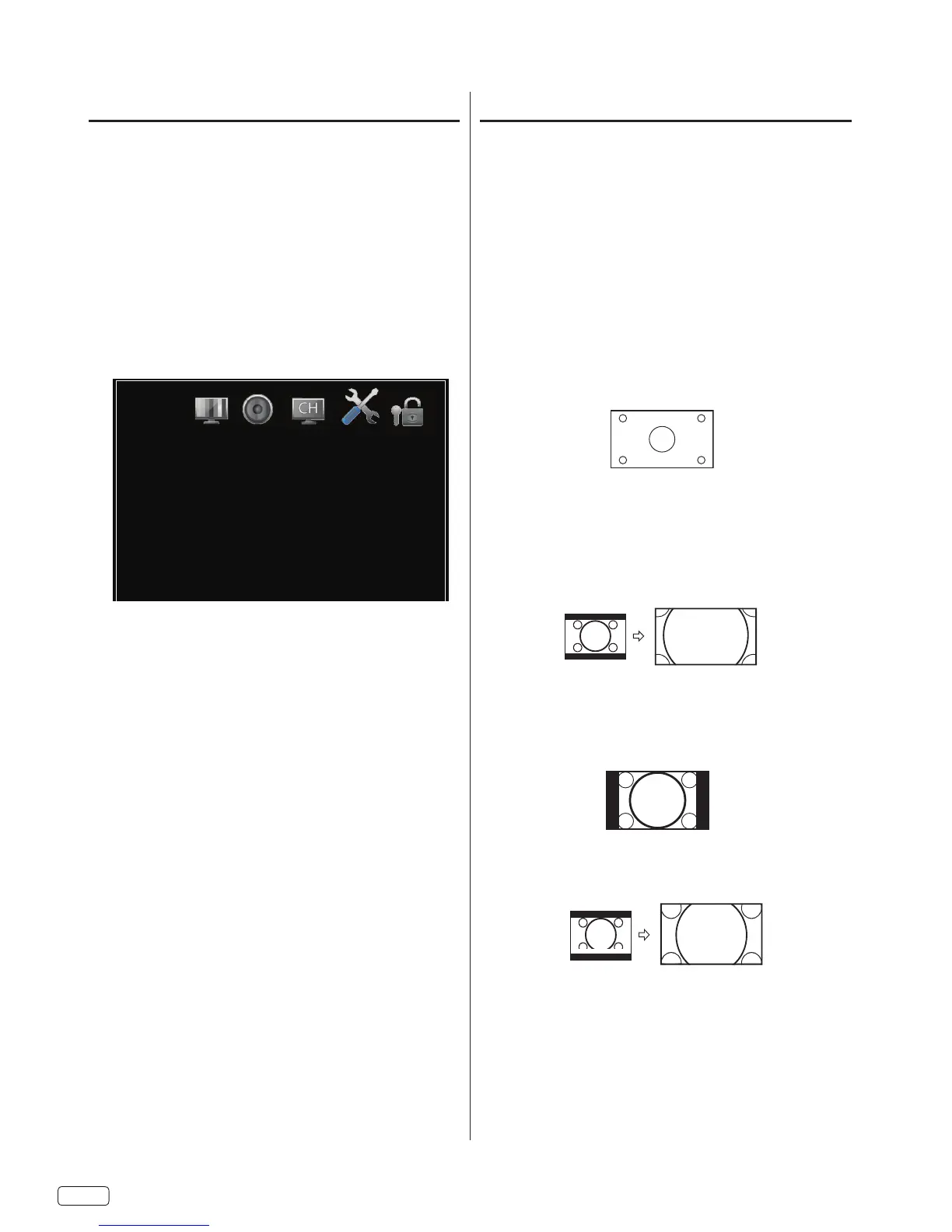
Aspect Switching
You can change the picture size being displayed — Wide,
Cinema, Standard, Zoom, Auto.
Selecting the picture size
2
NOTE:
ASPECT
Wide
Cinema (for letter box programs)
Standard
Zoom
Auto
CC options
When you have selected “Custom” as the display method,
you can adjust the various setting listed below.
SELECT
2
3
SELECT
4
SELECT
6
Setup
Mode
Size
Font
Text Color
Text Opacity
Background Color
Background Opacity
Default
Automatic
Default
Default
Default
Default
Default
Size:
Font:
Text Color:
Text Opacity:
Background Color:
Background Opacity:
NOTE:


 To Next Page