O
O
P
P
E
E
R
R
A
A
T
T
I
I
O
O
N
N
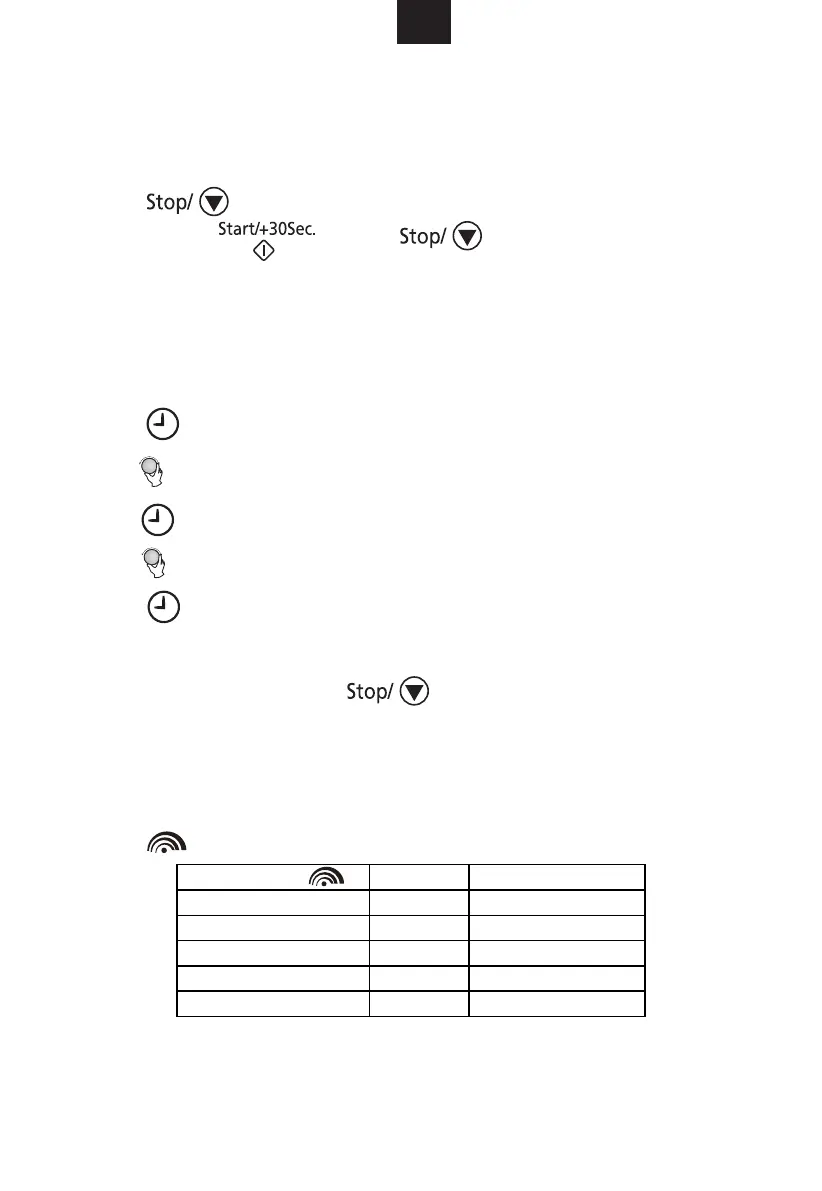
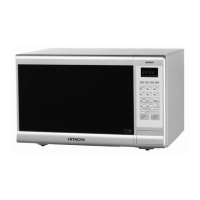
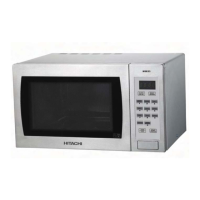
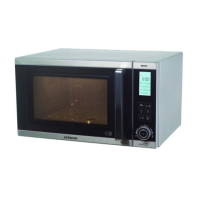
When the oven is plugged in, the display will show “0:00” and a beep will be heard.
General
1. Press once to temporarily stop cooking and you can start the cooking
again by pressing
, or press
twice to cancel the cooking
program.
2. After the cooking time has elapsed, the oven will beep five times and return to the
standby state.
Setting the Clock
1. Press to set the clock in 24-hour cycle.
The hour digits will flash.
2. Turn to adjust the hour digits, the input hour should be a 24-hour time value.
3. Press , the minute digits will flash.
4. Turn to adjust the minute digits.
5. Press to confirm the setting. “:” will flash on the display.
NOTE:
During clock setting, if you press , the oven will return to the previous
state.
Microwave Cooking
The longest cooking time is 95 minutes. You can select a power level by
pressing .
GB
Downloaded from www.vandenborre.be


 To Next Page