NEED MORE INFO ON THE DTV TRANSITION ?
See page 33 in this Operating Guide and
please visit www.dtvtransition.org
READ THE ENCLOSED INSTRUCTIONS CAREFULLY. KEEP THIS OPERATING GUIDE FOR FUTURE REFERENCE.
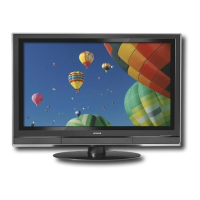
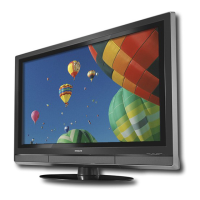
Record the model name and serial number of your Plasma Television for future reference.
MODEL NAME. SERIAL NO.
This information is located on the back and right side of the television.
IMPORTANT SAFETY INSTRUCTIONS ...................................................................... 2-4
FIRST TIME USE ...................................................................................................... 5-17
THE REMOTE CONTROL ......................................................................................... 18-27
ON-SCREEN DISPLAY .......................................................................................... 28-41
USEFUL INFORMATION ........................................................................................ 42-49
LIMITED WARRANTY .................................................................................................... 50
END USER LICENSE AGREEMENT FOR HITACHI DTV SOFTWARE ............. 51-57
APPENDIXES ................................................................................................................. 58
INDEX ............................................................................................................................. 59
PLASMA TELEVISION
Operating Guide for P50A402, P50A202
and P42A202


 To Next Page
 General