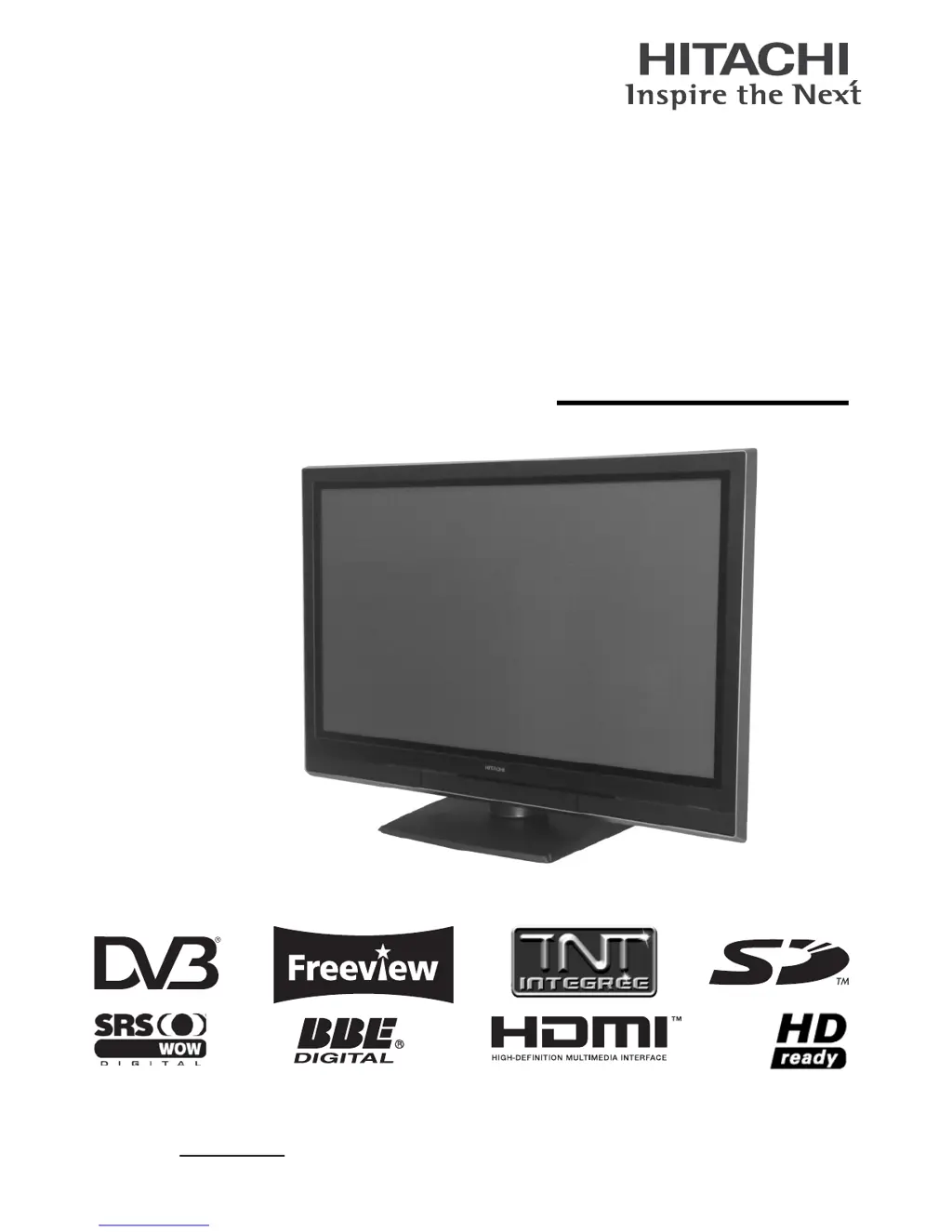
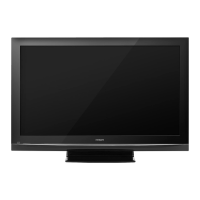
Why is time information incorrect on my Hitachi Plasma TV?
- PPaula AllenSep 10, 2025
If the time information on your Hitachi Plasma TV is incorrect, adjust the time using the “Time Offset” function in the Function Menu.
Why is time information incorrect on my Hitachi Plasma TV?
If the time information on your Hitachi Plasma TV is incorrect, adjust the time using the “Time Offset” function in the Function Menu.
Why is there no picture and no sound on my Hitachi Plasma TV?
If your Hitachi Plasma TV has no picture and no sound, try the following: * Check the indicating lamp status. * Verify the power cord and other cables are securely connected. * Ensure the main power of the TV and any external equipment is turned on. * Confirm that the TV mode is selected. * Make sure the TV is not in standby or power save mode. * Adjust the settings in the Picture and Audio menus.
How to fix no sync signal on Hitachi Plasma TV?
To fix a 'No sync signal' error on your Hitachi Plasma TV: * Ensure the cable is correctly and firmly connected. * Check that the power of any external equipment is turned ON. * Verify the input selection matches the connection terminal.
What to do if there is normal picture but no sound on my Hitachi Plasma TV?
If your Hitachi Plasma TV has a normal picture but no sound, try the following: * Check the volume level. * Check if the button has been pressed or not. * Make sure that the headphone is NOT connected. * Check the connection of the external equipments.
What to do if my Hitachi Plasma TV has no picture but normal sound?
If your Hitachi Plasma TV shows no picture but has normal sound: * Check the brightness and contrast levels in the Picture Menu and adjust them if necessary. * Check if Radio broadcasting channels are being received (DTT mode only).
Why is my Hitachi Plasma TV showing a snowy picture with poor sound?
If your Hitachi Plasma TV displays a snowy picture with poor sound: * Check the aerial connection and its direction. * The TV station may be experiencing broadcast difficulties; try switching to another channel.
How to fix block noise interferes during DTT mode on Hitachi Plasma TV?
If block noise interferes during DTT mode on your Hitachi Plasma TV due to bad reception, check the aerial system to improve signal quality.
How to fix image cannot be displayed from HDMI 1 or 2 on Hitachi Plasma TV?
If the image cannot be displayed from HDMI 1 or 2 on your Hitachi Plasma TV: * Check if the cables are connected correctly. * Check the output format of the equipment.
Why does the top of my Hitachi Plasma TV unit and surface of the panel heat up?
If the top of your Hitachi Plasma TV unit and the surface of the panel are heating up, turn off the main power of the unit for a while.
What to do if my Hitachi Plasma TV has • No picture and The Indicating lamp is Pulsing blue?
If your Hitachi Plasma TV has no picture and the indicating lamp is pulsing blue: * Check if all cables of the external equipment are connected correctly and firmly. * Verify that the power of the external equipment is on. * Ensure the correct TV/AV mode has been selected. * Refer to “Power Save mode” and “When following messages appears on the screen.”
Identifies and explains the functions of each button on the remote control for various operations.
Step-by-step guide on how to connect various external equipment like VCRs, DVD players, and set-top boxes.
Instructions on how to turn the TV on and off using the main power and standby buttons.
Guides the user through the initial setup for language, target, and country settings upon first use.
Explains different methods for selecting TV channels, including by number, list, and Electronic Programme Guide (EPG).
Methods for changing the input source of the television between DTT, TV, AV, and HDMI inputs.
Explains how to navigate and use the Main Menu and Function Menu systems on the TV.
Accesses initial settings like colour system, inputs/outputs, software maintenance, lock key, and language.
Manages TV channels, including position, search, descrambler, name, sound, and colour system settings.
Manages DTT channels, including name, skip, lock settings, and scan options.
Adjusts settings for panel protection (Screen Saver, Wipe), power saving, and useful functions like LED Mode.
Allows adjustments for picture quality, contrast, brightness, colour, sharpness, and colour temperature.
Customizes audio settings like mode, treble, bass, balance, SRS, BBE, and headphone options.
Accesses features like Favourite channels, EPG, Programme Search, Timers, and Lock & Rating.
Manages and views TV and DTT channel lists, including hiding, fine-tuning, and sorting.
Displays broadcast schedules and programme information for DTT services, with options to view details.
Sets timers to remind or record programmes, with options for channel, date, and audio preference.
Adjusts screen display size for SD and HD pictures based on input signal and desired format.
Allows watching multiple channels simultaneously using Split or PinP modes.
Provides a troubleshooting guide matching symptoms like no picture/sound to potential causes and solutions.
Lists detailed technical specifications for the TV, including panel, dimensions, power, and input/output signals.
Identifies and explains the functions of each button on the remote control for various operations.
Step-by-step guide on how to connect various external equipment like VCRs, DVD players, and set-top boxes.
Instructions on how to turn the TV on and off using the main power and standby buttons.
Guides the user through the initial setup for language, target, and country settings upon first use.
Explains different methods for selecting TV channels, including by number, list, and Electronic Programme Guide (EPG).
Methods for changing the input source of the television between DTT, TV, AV, and HDMI inputs.
Explains how to navigate and use the Main Menu and Function Menu systems on the TV.
Accesses initial settings like colour system, inputs/outputs, software maintenance, lock key, and language.
Manages TV channels, including position, search, descrambler, name, sound, and colour system settings.
Manages DTT channels, including name, skip, lock settings, and scan options.
Adjusts settings for panel protection (Screen Saver, Wipe), power saving, and useful functions like LED Mode.
Allows adjustments for picture quality, contrast, brightness, colour, sharpness, and colour temperature.
Customizes audio settings like mode, treble, bass, balance, SRS, BBE, and headphone options.
Accesses features like Favourite channels, EPG, Programme Search, Timers, and Lock & Rating.
Manages and views TV and DTT channel lists, including hiding, fine-tuning, and sorting.
Displays broadcast schedules and programme information for DTT services, with options to view details.
Sets timers to remind or record programmes, with options for channel, date, and audio preference.
Adjusts screen display size for SD and HD pictures based on input signal and desired format.
Allows watching multiple channels simultaneously using Split or PinP modes.
Provides a troubleshooting guide matching symptoms like no picture/sound to potential causes and solutions.
Lists detailed technical specifications for the TV, including panel, dimensions, power, and input/output signals.
| Screen Size | 50 inches |
|---|---|
| Resolution | 1366 x 768 |
| Display Type | Plasma |
| Component Inputs | 1 |
| Aspect Ratio | 16:9 |
| Contrast Ratio | 10000:1 |
| Brightness | 1500 cd/m² |
| Response Time | 0.001 ms |
| Viewing Angle | 160 degrees |
| Input Ports | Composite |


Loading...