39
ENGLISH
FUNCTION MENU OPERATION (continued)
Photo Input Mode
If you press
FUNCTION
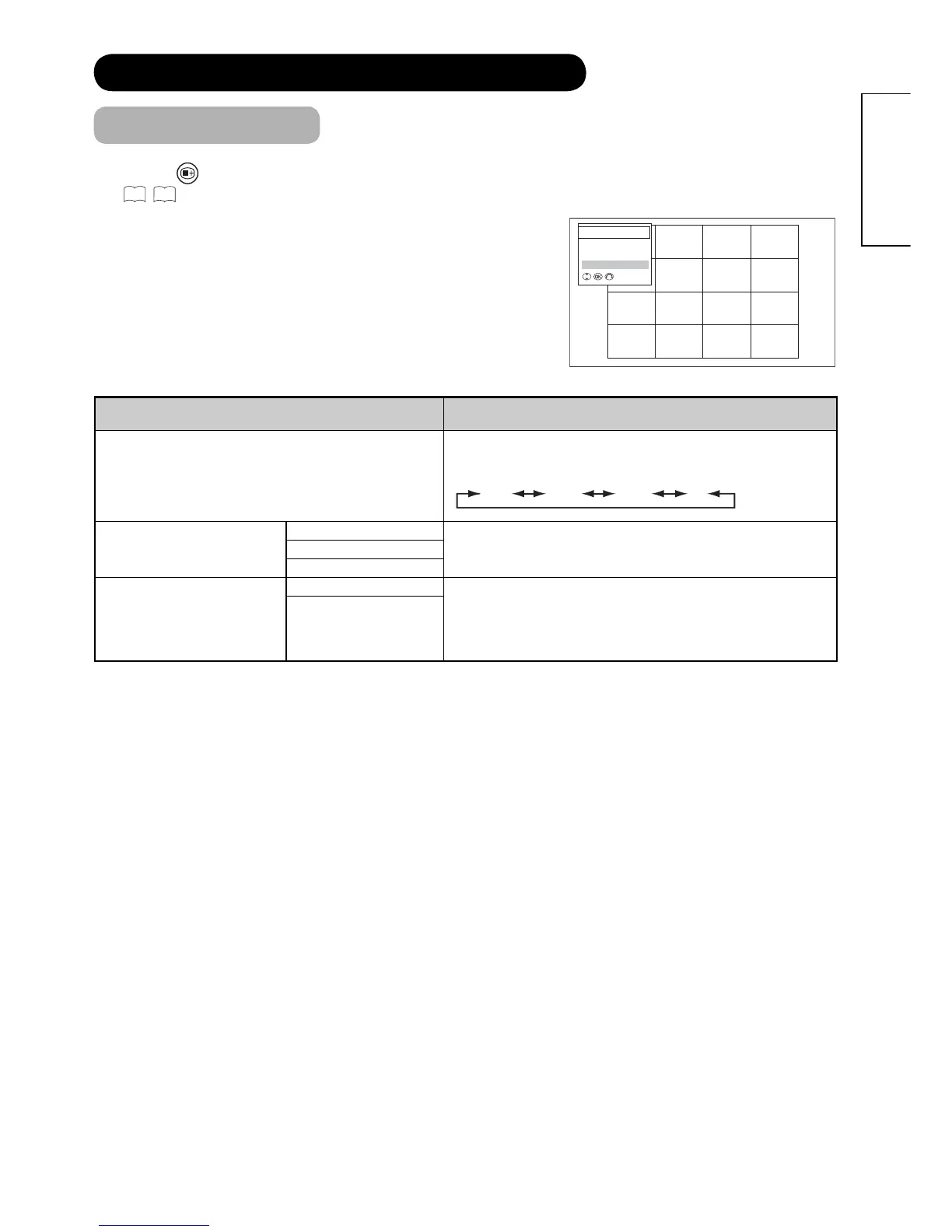
button on the remote control whilst using Photo Input function, the following menu appears.
See
55
,
56
for the details.
Selected Items Setup hint
Rotate
The selected picture is rotated in the sequence of the
following.
90° 180° 270° 0°
Slideshow
5Sec
Select a preferred interval time.10Sec
30Sec
Select Device
A: SD
Select one device which you want to use.
• C~I: USB...Available if more drive on USB.
• J: USB.......Might appear depending on the type of
connected digital still camera.
B: USB
(C~I: USB)
( J: USB)
Function Menu
Rotate
Slideshow
Select Device









 To Next Page