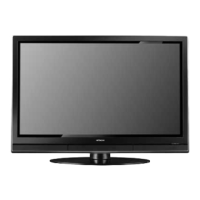
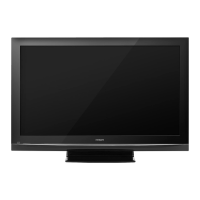
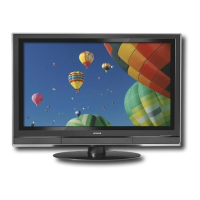
Checkto makesureyouhavethefollowingaccessoriesbeforedisposingofthepackingmaterial,
O Remote Control _ Two "AA" size, O Power Cord
1.SV batteries
©O Oo
0000
©@@
@@@
©@@
O@©
®®®®
®@
HITACHI
_) Table Top Stand
(50" included)
Table Top Stand
(42" included)
For U.S. models: Note: Please visit our
For optional accessories, please access our web site at: website for optional
www.hitachi.us/tv accessories.
Note : The accessories for models H4011 series are similar as the H401 series.
O Remote Control Unit CLU-4371UG2 (Part No HL02075 only H401 series)
Remote Control Unit CLU-4372UG2 (Part No HL02076 only H4011 series)
Two "AA" size, 1.5V batteries.
_) Table Top Stand (UX27661 42" model)
(UX27281 50" models).
O Power Cord (P# EV01841).
REMOTE CONTROL BATTERY INSTALLATION AND REPLACEMENT
1,
2,
3.
4.
Open the battery cover of the remote control by pushing down and sliding the back cover off.
Insert two new "AA" size batteries for the remote control. When replacing old batteries, push them towards the
springs and lift them out.
Match the batteries to the (+) and (-) marks in the battery
compartment.
Insert the bottom of the battery, the (-) side, into the battery L-[I_r-_ F¢
compartment first, push towards the springs and insert the c_
top of the battery, the (+) side, into place. Do not force the
battery into the battery compartment.
Replace the cover.
Bottom View (Remote Control)
Lilt up on tab to remove back cover.


 To Next Page
 Loading...