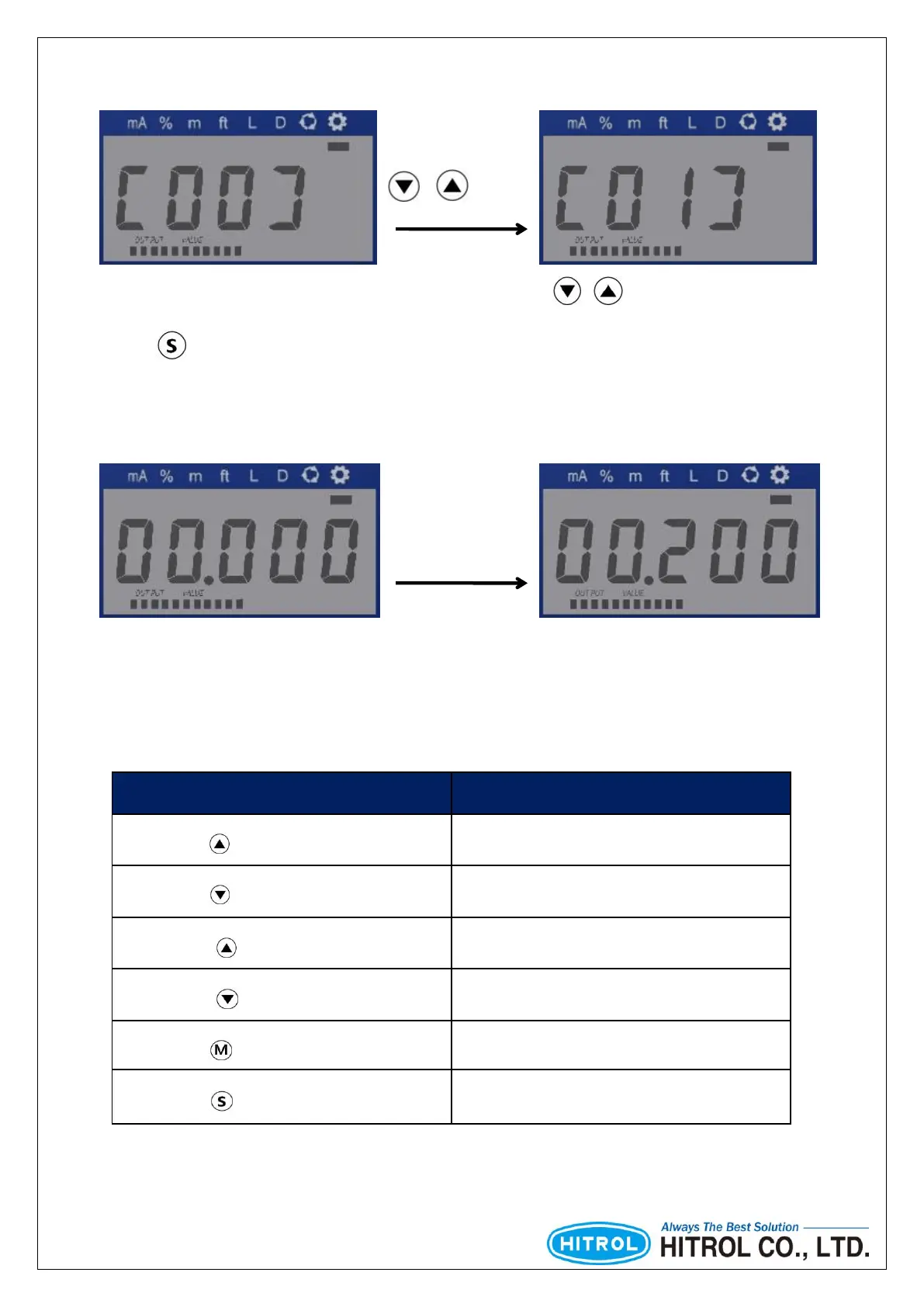
□ How to select the Setting Menu
□ How to change the setting value
Press ( ) for more than 1 sec
Press ( ) for more than 1 sec
Press ( ) for less than 1 sec
Press ( ) for less than 1 sec
Press ( ) for more than 1 sec
Press ( ) for more than 1 sec
[Table 3] Key Button Guidance
Shift Digit
or
Change Value
“Flickering only one Digit”: It is available to shift to the other digit.
“Flickering all of Digit”: It is available to change the setting value within flickering digit.
Each Setting Menu can be switched by usage of arrow ( / ) buttons.
Press S button for 1 second to set of each function referring of below table.



 To Next Page