10
MAINTENANCE
LAMP REPLACEMENT
When you notice your exposure times getting longer or if the lamp
fails to operate, check the Troubleshooting Chart on pages 14-15.
Follow the instructions below if you determine that you need to re-
place the lamp.
WARNING: Unplug unit from electrical outlet. If lamp has been
on, allow to cool for 10 minutes.
1. Remove all screws from unit’s front panel. Cut wire tie around
cord plug on fan and unplug fan. Carefully set panel aside. (See
fi gure above.)
2. Remove black false fl oor by lifting fl oor up and out. Carefully set
false fl oor aside.
3. Remove thumb nuts at each end of the lamp and then remove
the wires from the lamp.
4. Remove 4 screws holding the (2) lamp hold-down clamps and
remove the old lamp.
False Floor
Front Panel
Lamp
Thumb-nuts
Lamp
Lamp
Holder
7
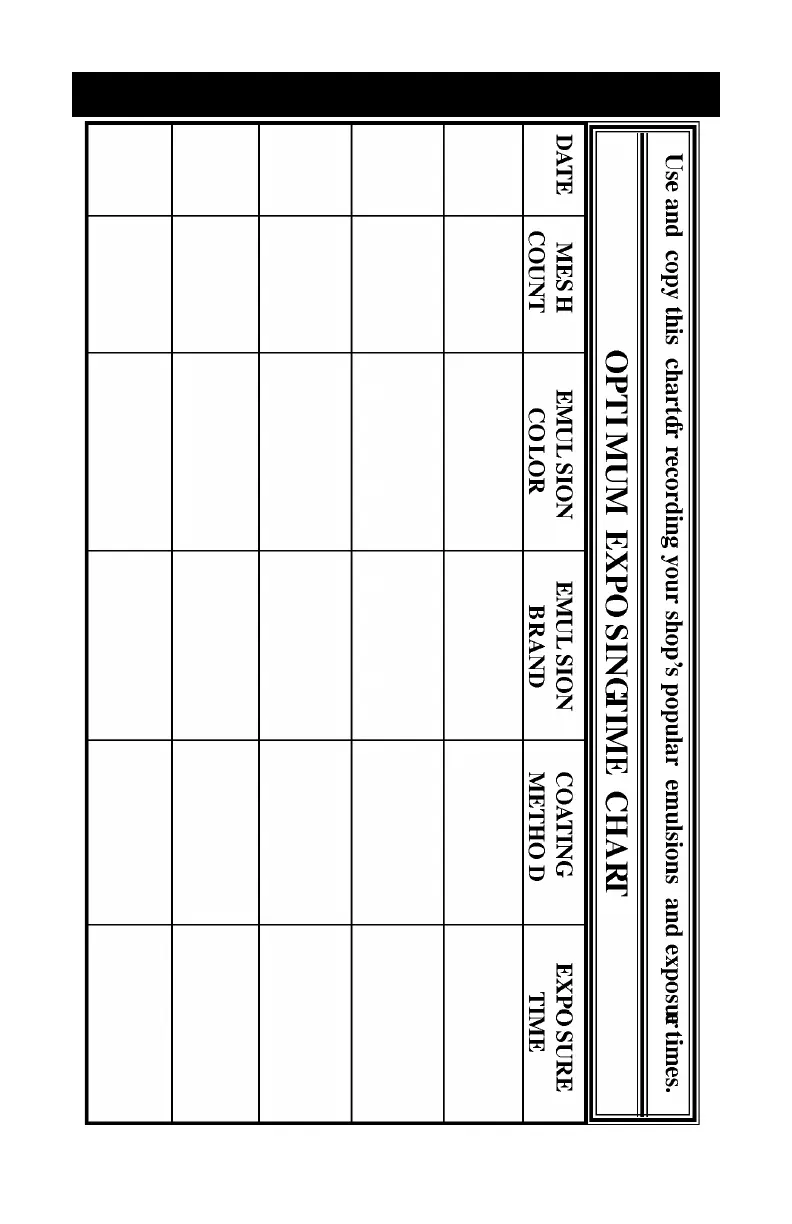
EXPOSURE TIME CHART


 To Next Page