21
OSD Menu PICTURE
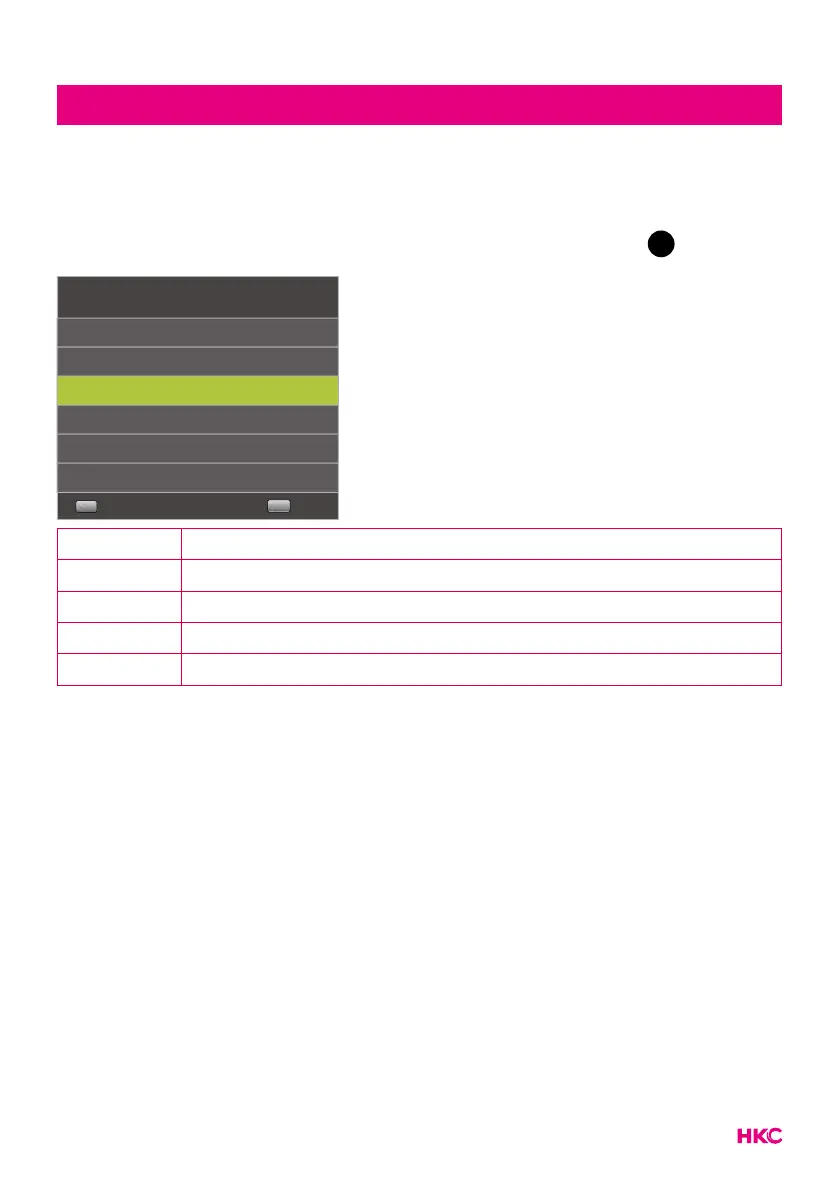
Noise Reduction
Filters and reduces image noise and improves image quality.
You select the desired quantity with the buttons. Then press
OK
toconrm.
Noise Reduction
Off
Select
OK
Low
Middle
High
Default
Back
MENU
Off Switch off noise reduction
Low Detect and reduce low image noise
Middle Detect and reduce moderate image noise
High Detect and reduce increased image noise
Default Set as Default



 To Next Page