Need help?
Do you have a question about the HME NEXEO HDX and is the answer not in the manual?
Warning about amplified sound and potential hearing damage from device misuse.
Guidance on preventing hearing loss due to prolonged high volume use.
Information on consulting local laws for proper battery disposal.
Reference to online guides for regulatory and compliance details.
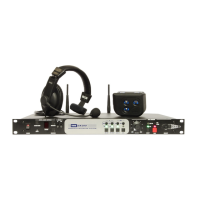
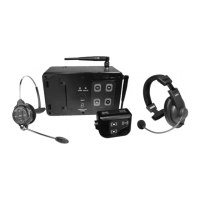
Details the components of the basic NEXEO | HDX™ wireless system.
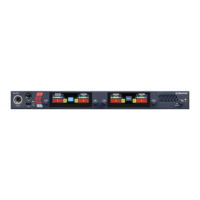
Describes the interactive HOME screen and its color-coded indicators.
Details the AC70 Smart Battery Charger and its charging ports.
Describes the All-In-One (AIO) HS7000 headset and its keypad.
Explains how to use audible commands to operate the headset.
Explains UI elements like tooltips, editable fields, and adjustment counters.
Details the process of pairing headsets with the Base Station.
Explains the requirement for a four-digit PIN to access menu options.
Explains how to set up crew profiles and manage permissions.
Covers general drive-thru settings like mute chat and outside order taker.
Allows adjustment of volume levels for customer voice, order taker, and arrival tones.
Details how to view, enable/disable, and create new messages.
Explains how to create and manage schedules for features.
Describes how to record or import custom audio messages.
Allows adjustment of volume levels for ceiling speakers.
Provides an overview of system settings and component configurations.
Offers solutions for common system and component issues.
Covers system updates and firmware management for components.
 General
| Brand | HME |
|---|---|
| Model | NEXEO HDX |
| Category | Intercom System |
| Language | English |


 To Next Page