III. Setup & Operating functions
Change batteries
• Open the battery lid on the backside of the device.
• Insert the batteries (3x AAA) into the battery compartment according to the
polarity indications marked inside the compartment
• Close the battery door.
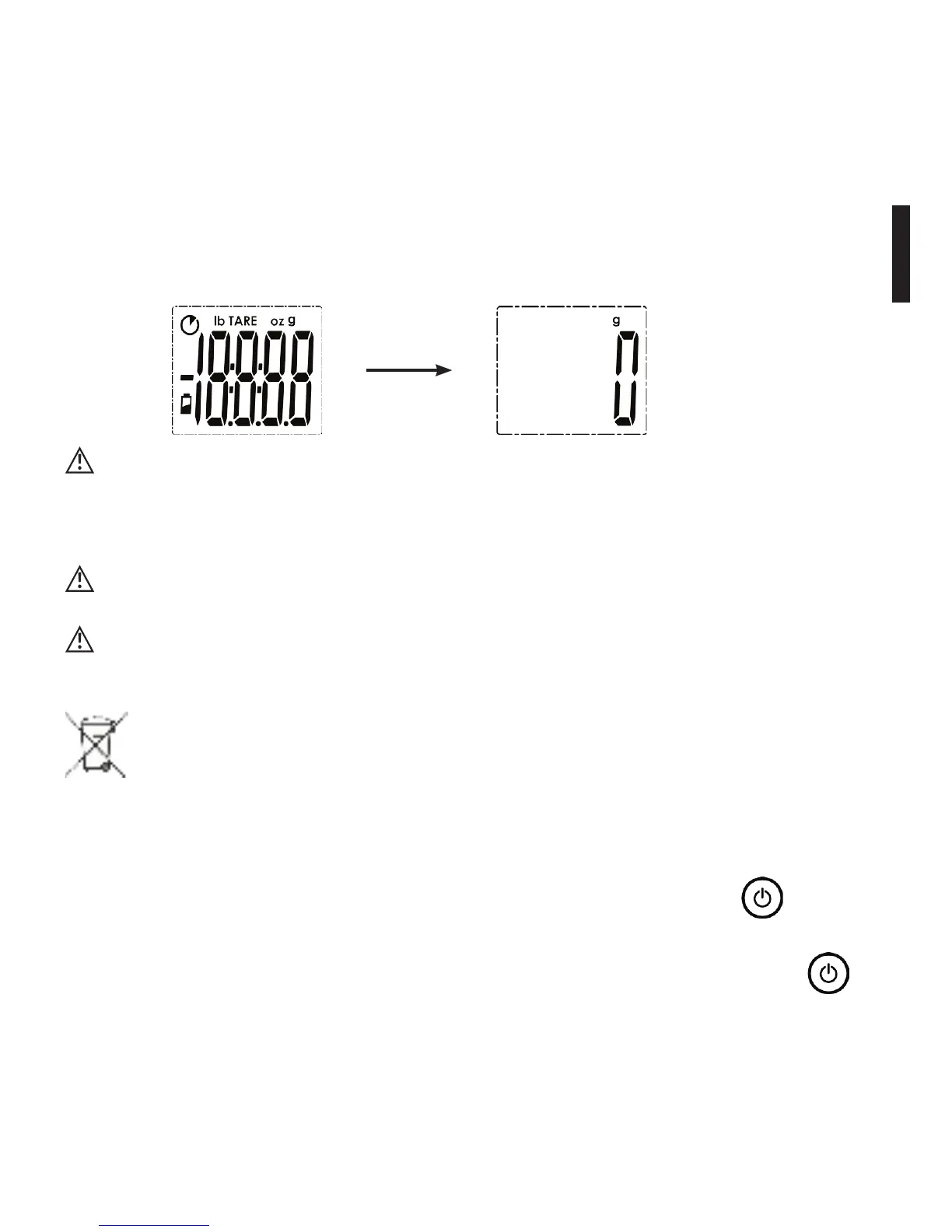
• The LCD Display will show as follows:
When the display shows the symbol „Lo“ replace the battery with a new one.
Please replace all three batteries at the same time. Donot mix the old bat
teries with the new one.
Rechargeable batteries are not suitable for this device.
Remove the battery if you don‘t use the device for one month or longer.
Kitchen scale and batteries need to be disposed of according to local
regulations.
Using your smartLAB
®
kitchen W
• Whenrstusingthekitchenscale,placethebatteries.Pushthe button to
turn on the scale.
• You can turn the smartLAB
®
kitchen W kitchen scale off by pushing the
button for a longer time. If no button is pushed, the scale will automatically
power off after 60 seconds. In order to save battery power, you should always
turn off the scale manually, when not using the scale any more.


 To Next Page