18
Changing units
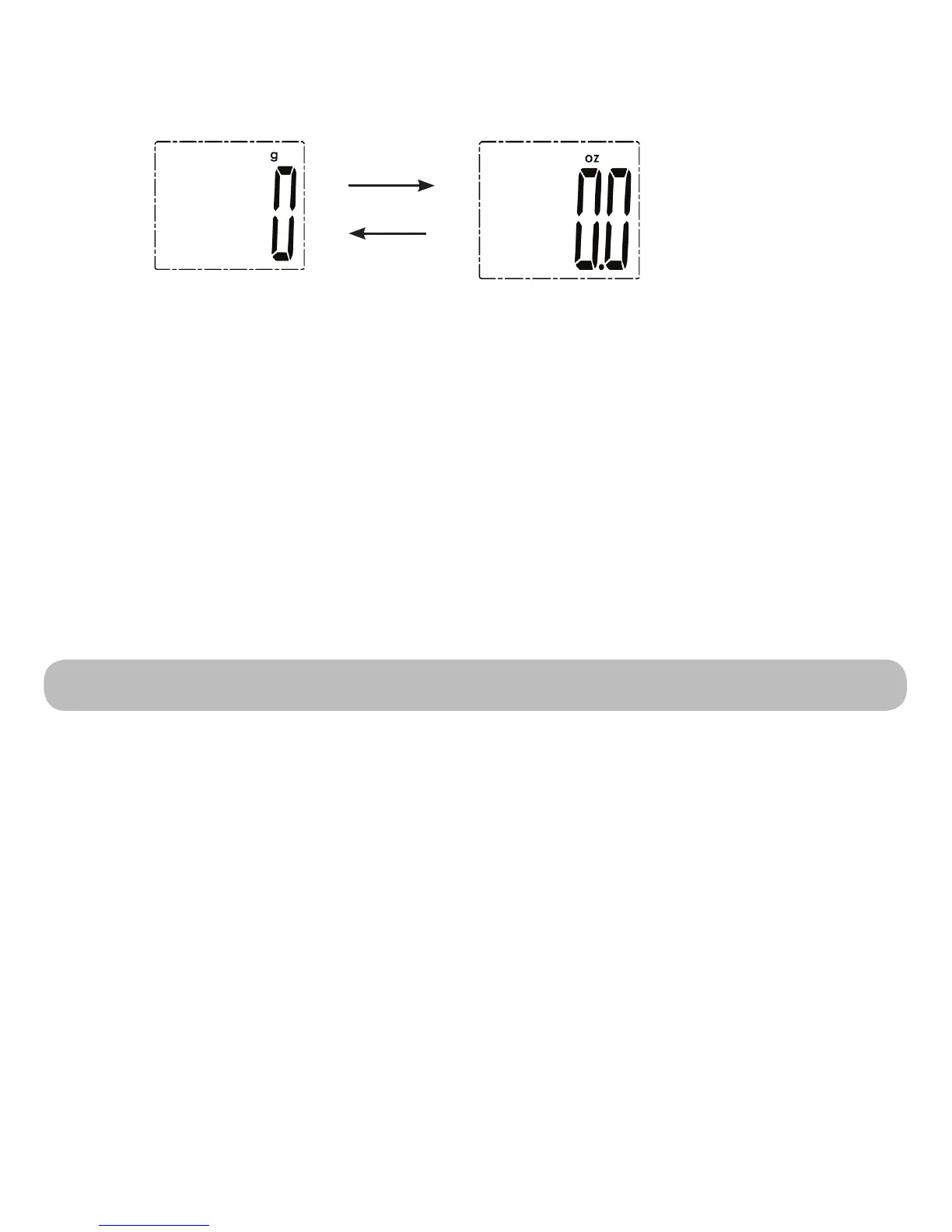
When in the weighing mode, press the Unit button to select your desired unit (g,
lb:oz,). The units will be displayed in the LCD display. (The default unit is g)
You can choose between the metric and the imperial system. When the weight is over
16oz, “lb” will be displayed with “oz”.
Whennishingtheunitselection,youmaystarttoweighaccordingto
the weighing procedure below.
Setting Up Sound
In the process of operation, press and hold the Unit button to silence the
conrmationbeeps,butifyoupressandholdtheUnitbuttonagain,itwillactivate
theconrmationbeeps.
Note: The cooking timer alarm can not be silenced.
Installing the App and Pair-Up
Bluetooth
®
Smart wireless technology, also known as Bluetooth Low Energy
or BLE, enables the Kitchen Scale to automatically send weight measurements to
your mobile device under iOS or Android for enhance functionality.
YoucandownlaodandinstallthetmetfoodAppfromtheAppstore/GooglePlay.
For more information please refer to www.hmm.info/en/content/apps-smartlab-pro-
ducts.
To pair-up the App with the smartLAB
®
kitchen W, please follow these steps:
• Turn on Bluetooth for your mobile device such as Smartphone or Tablet
• OpenthetmetfoodApp(oranothercompatibleApp)
• Turn on the Kitchen Scale.


 To Next Page