• Start weighting your food on the scale
• You will see the weight on the App
• Continue as desired in the App
Note: Open the app before turning on the kitchen scale for successful pairing. If you
have troubles pairing the scale with the app, turn off the scale, completely close the
app and start over at step 1.
Weighing foods
Pleaseprocesstheunitsettingbeforeyourrstmeasurement.
(Refer to Changing Units for more details)
1. Placethescaleonasolid,levelandatsurfacetoweigh.
2. Do not put anything on the scale before turning it on.
3. Turn on your smartLAB
®
kitchen W kitchen scale with the button.
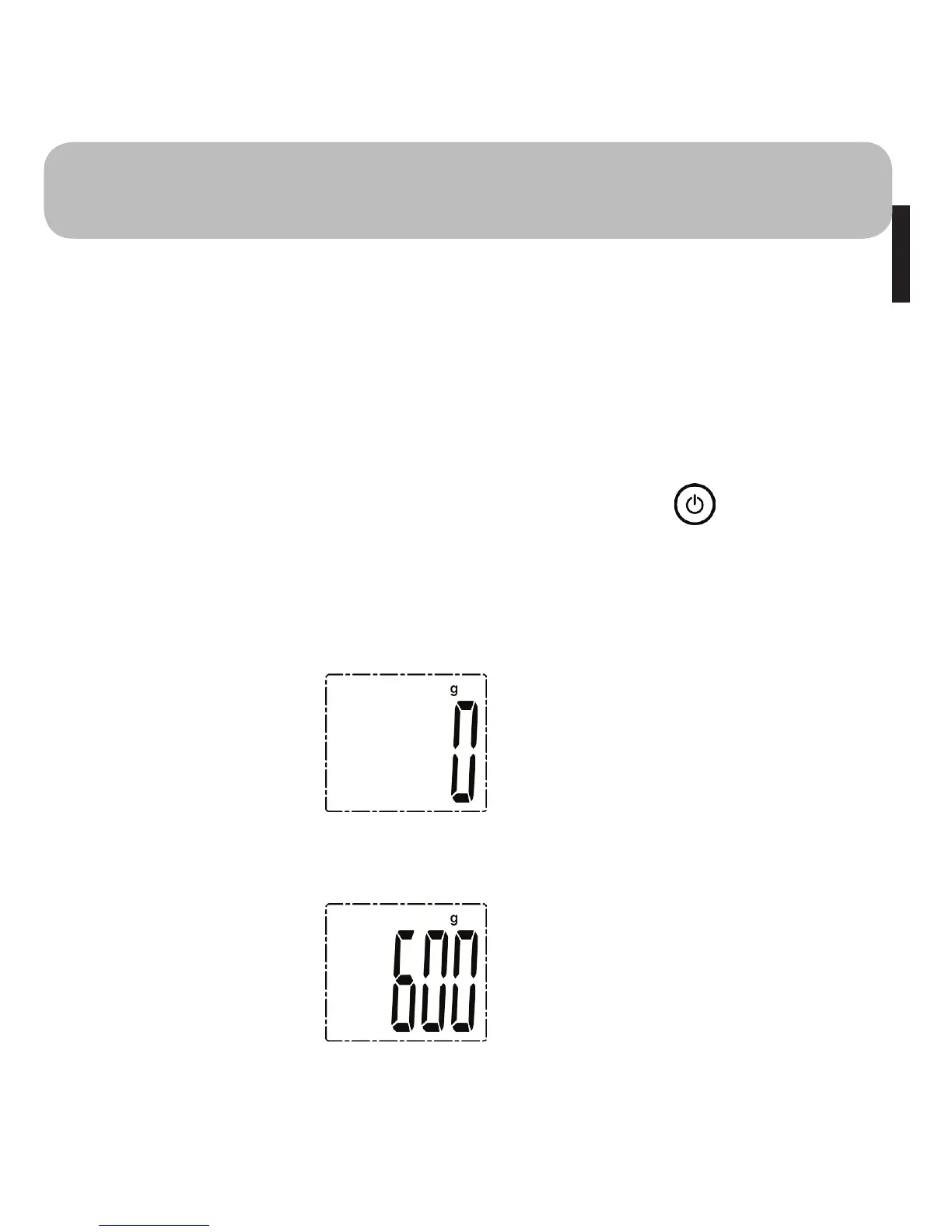
4. The device does an initial checkup. The display elements should all be visible
now. As soon as the „weight“ symbol appears in the upper right display corner,
your smartLAB
®
kitchen W is ready for use.
5. Slowly place the item you want to scale on your scale.
The displays will show the measured value.
6. When your scale is successfully paired with your App and the Bluetooth is ON,
the measurement data will be automatically transmitted to your App via Blue-
tooth


 To Next Page