Troubleshooting
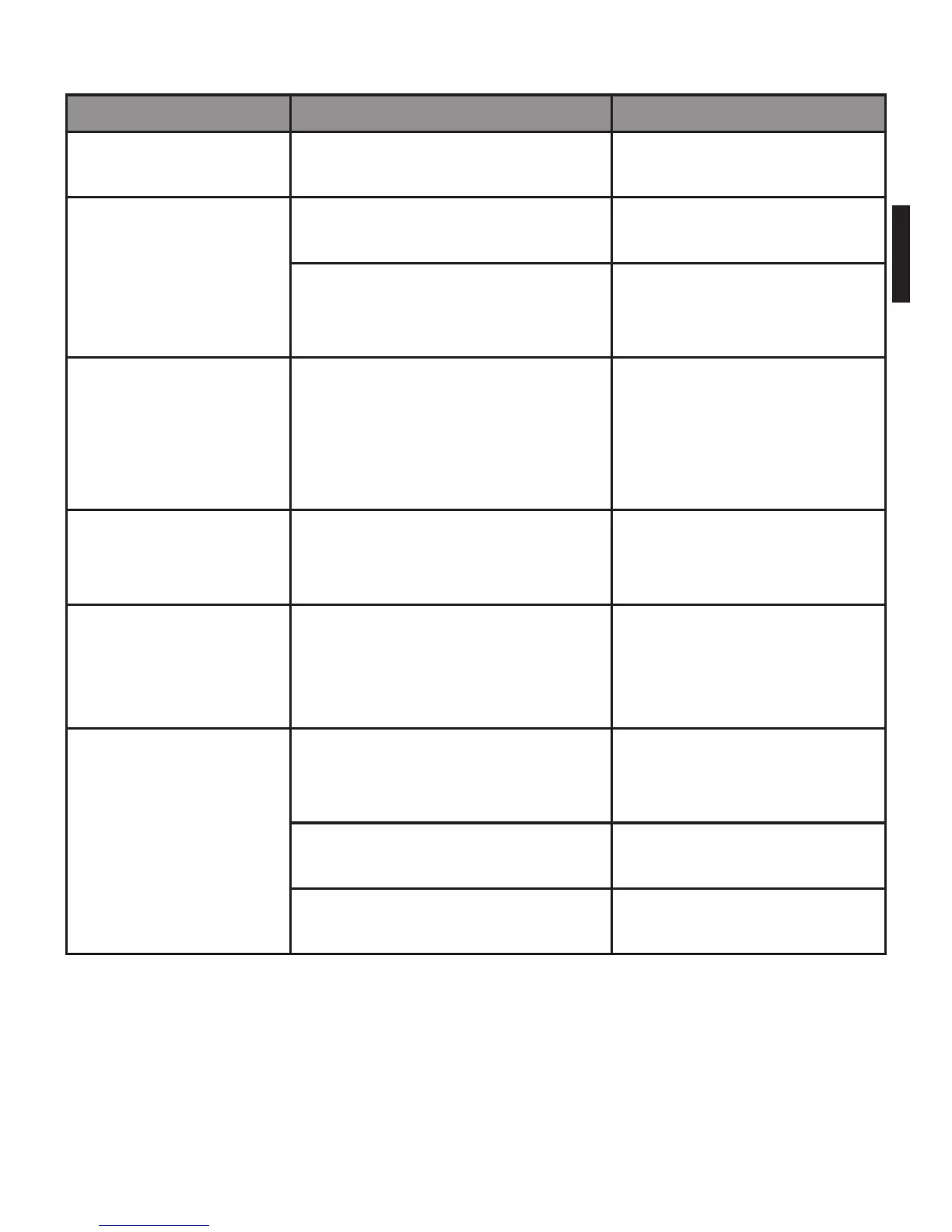
Problem Root Cause Solution
The LCD display
is dim or displays Lo
The power is not enough. Please replace with 3xAAA
new batteries.
The device doesn’t
turn on when you
press the start but-
ton.
The batteries are
exhausted.
Please replace with 3xAAA
new batteries.
The batteries are not
inserted correctly.
Please insert the batteries
according to the correct
indication.
The LCD displays
EEEE
Overload. Please remove the weight
on the scale to protect the
loadcells. Suggested is to
buy a scale with higher
weight range if neccessary
The LCD displays
unSt
The weight is unstable when
you turn on the scale.
Keep the weight stab-
le when you turn on the
scale.
The LCD displays
0ut2
The objects, which weigh over
600g, are placed on the scale
before it is switched on.
Remove the things from
the scale, wait until it
displays zero, then you
can start weighing.
Data transmission
failed.
Bluetooth is OFF. Turn ON Bluetooth via
settings on receiving de-
vice
The App is OFF. Press the icon to run your
App.
Out of range of Bluetooth
transmission.
Place your mobile device
closer to the scale.


 To Next Page