Unpacking
Unwrap all packages carefully and compare
contents with the packing list, making sure all
items arrived. If any part is missing, contact
your local Hoefer, Inc. sales office. Inspect all
components for damage that may have occurred
while the unit was in transit. If any part appears
damaged, contact the carrier immediately. Be
sure to keep all packing material for damage
claims or to use should it become necessary to
return the unit.
•
p3
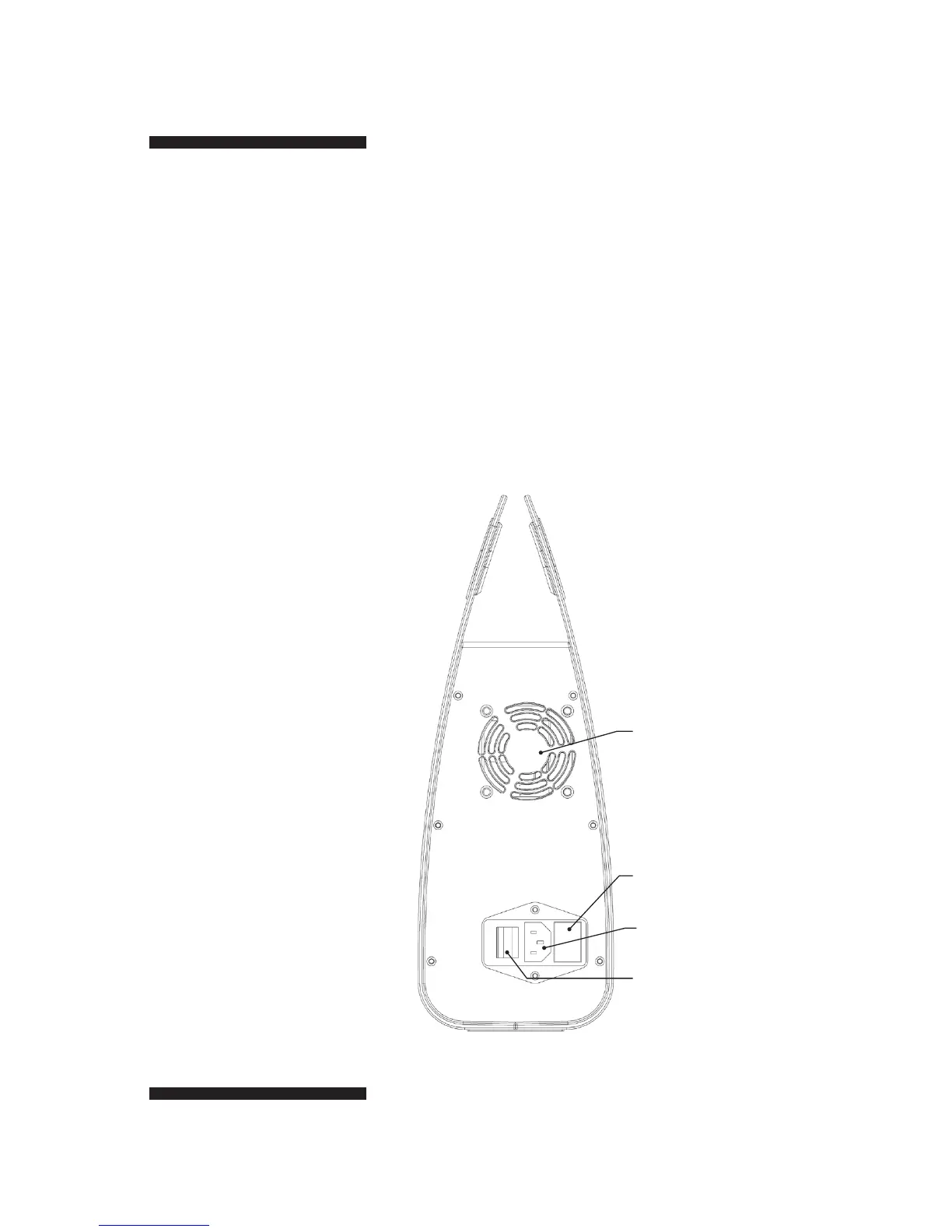
Fig 2. Rear view of
PS300B Power Supply.
Fan
Fuses
Power Cord In
ON/OFF Switch


 To Next Page